

Answered
Project and source monitor blacked out when opening premiere
When I open Premiere Pro, I see this:
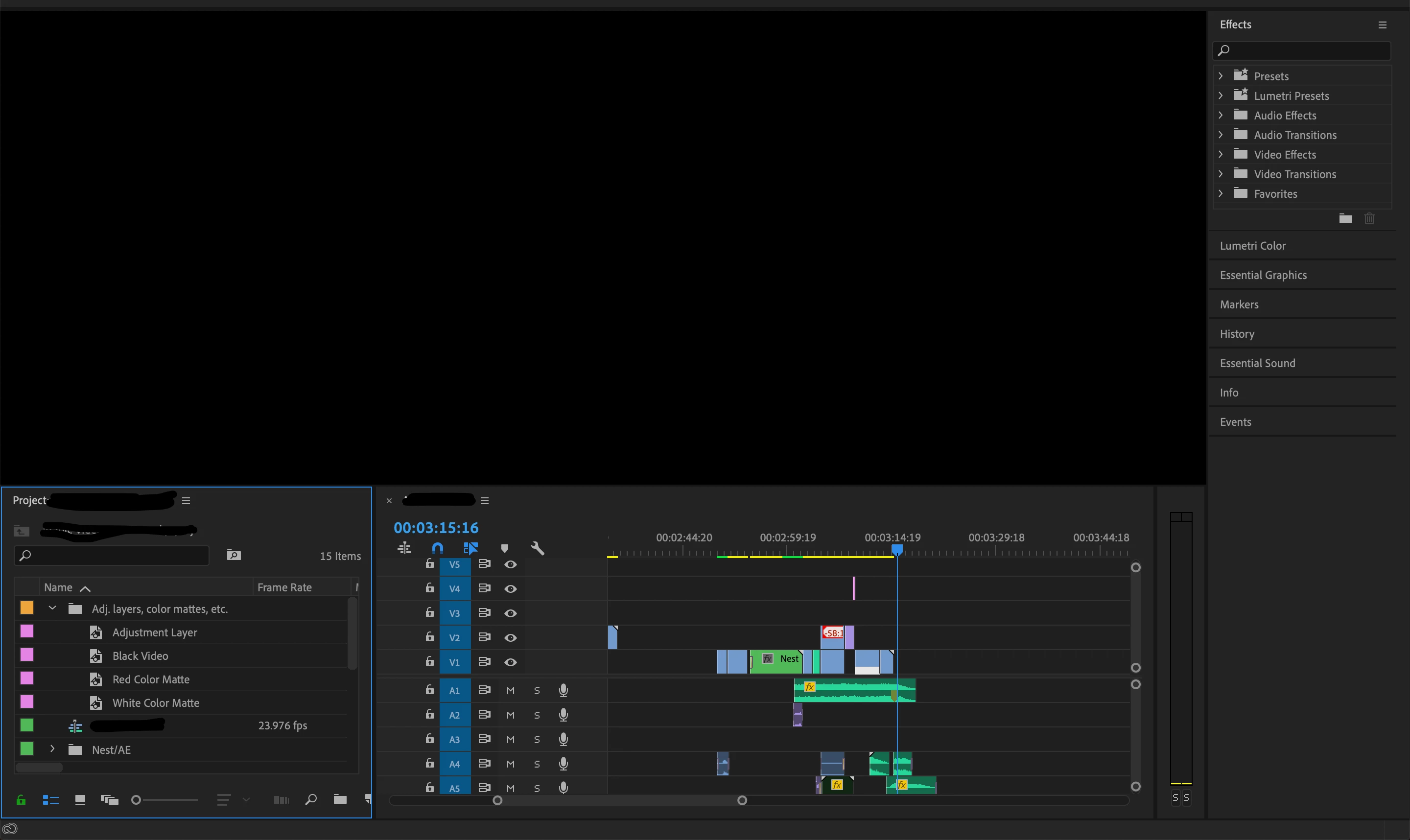
I don't even have to close premiere for this to happen; even if I just close the project and open a new one, I am greeted by this black screen.
I recently created and customized a new workspace in Premiere, and I hadn't had this problem before that, so I assume that is somehow responsible. The one solution I've found is to change the workspace then change back to the workspace I want, but this is inconvenient to do every time I open a project.
Any insight into solving this problem would be much appreciated!
 AdChoices