
lucyc63230130
Participant
October 29, 2020
Question

Project coming up empty

  • October 29, 2020
  • 2 replies
  • 4560 views

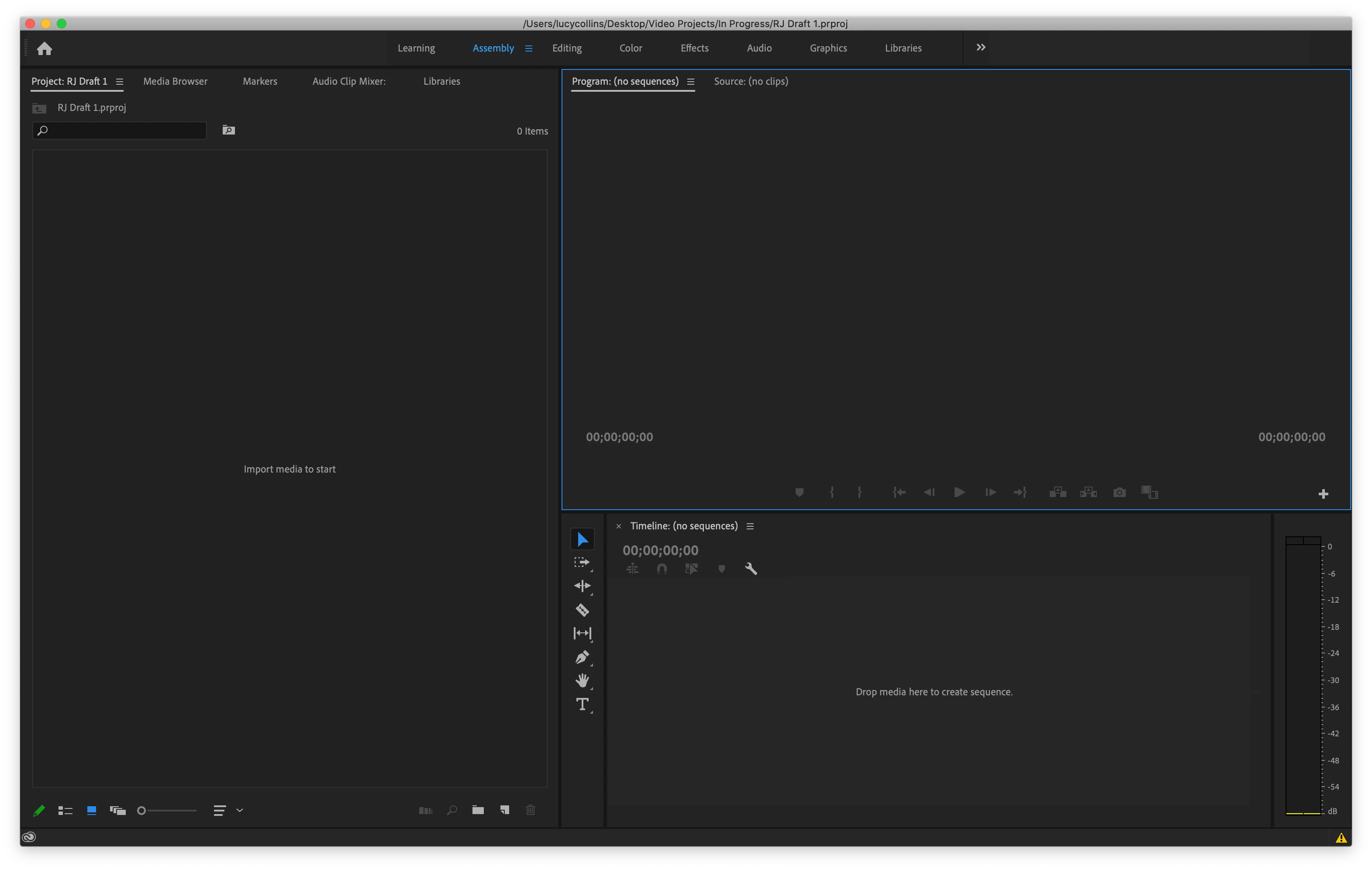
I opened up a project I'd worked on back in July in premiere pro and it's completely empty. Nothing. I checked the auto-saves and it's only partially what I  had. I am very upset because the project was near finished and now I have nothing. I've checked other forums and I've done the troubleshooting with workspaces, preferences, etc. but it all still remains... nothing. Please help.
This topic has been closed for replies.

2 replies

Legend
October 29, 2020

did you disable the autosave feature?  Seems to me if it was working you would have lost 15 minutes or so of work...

If you'd like to send me the project, I'll see if it loads on my system.  Just let me know via this thread and I'll send you my email via a direct message.

lucyc63230130
Participant
October 29, 2020
If I did disable auto save I must not have realized I did it oof! And yes that’s be great if I could send it to you if you could check out if it works! Thank you so much!
Legend
October 29, 2020

I've sent you my email, but in the meantime, try searching your computer for your project name.  Unless you set a specific location for your autosaves in your project settings, premiere will save it where it wants to.   The autosaves will have the name of your project with the date and time appended to the file name.  Here's an example

mts test-2020-10-02_15-30-15

MyerPj
Community Expert
Community Expert
October 29, 2020

Hey Lucy, it doesn't sound promising. You can try opening a new project and use the IMPORT file menu option and try to import from the 'empty' file and see if you get anything. On the most recent PP upgrade it seemed like I needed to play with things to get it working back up to snuff. Especially I had to delete the media cache so, that might be something to try which you didn't mention.


• Start PP from it's normal desktop icon (IE: don't open from a project file link).
Close the Open/Home screen (and you will be in PP without a project open).
• Go into Edit/Preferences/Media Cache (Mac users adjust menu name)
• Then Press: Remove Media Cache Files: and Delete...
• Select: Delete all media cache files from the system and OK
Close PP - It will create any needed cache files on the fly as you edit.


lucyc63230130
Participant
October 29, 2020

When I try and import it into a new project I get the error message. "The project could not be loaded, it may be damaged or contain outdated elements."