

LANstand
Participant
August 7, 2021
Question

Project showing green lines on blur effect after sequence rendering.

  • August 7, 2021
  • 2 replies
  • 498 views

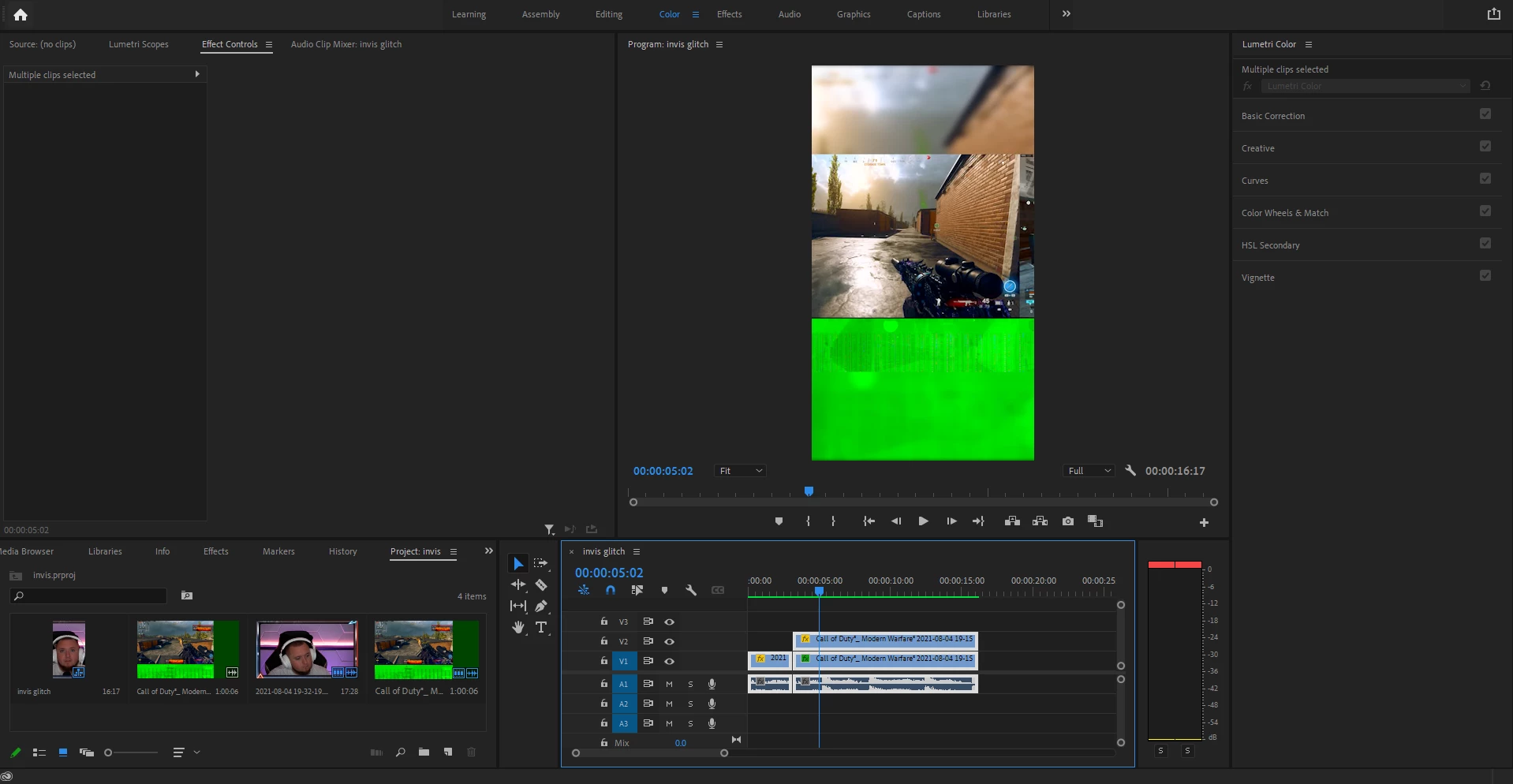
So I am using a 1080x1920 template I created. I'm using a 4k video clip and im adding a blur effect to my project however when I go to sequence render the project it comes up with these green lines and adjusts my clip for some odd reason. Does anyone have any insight on what might be causing this? Ive never experienced this before.


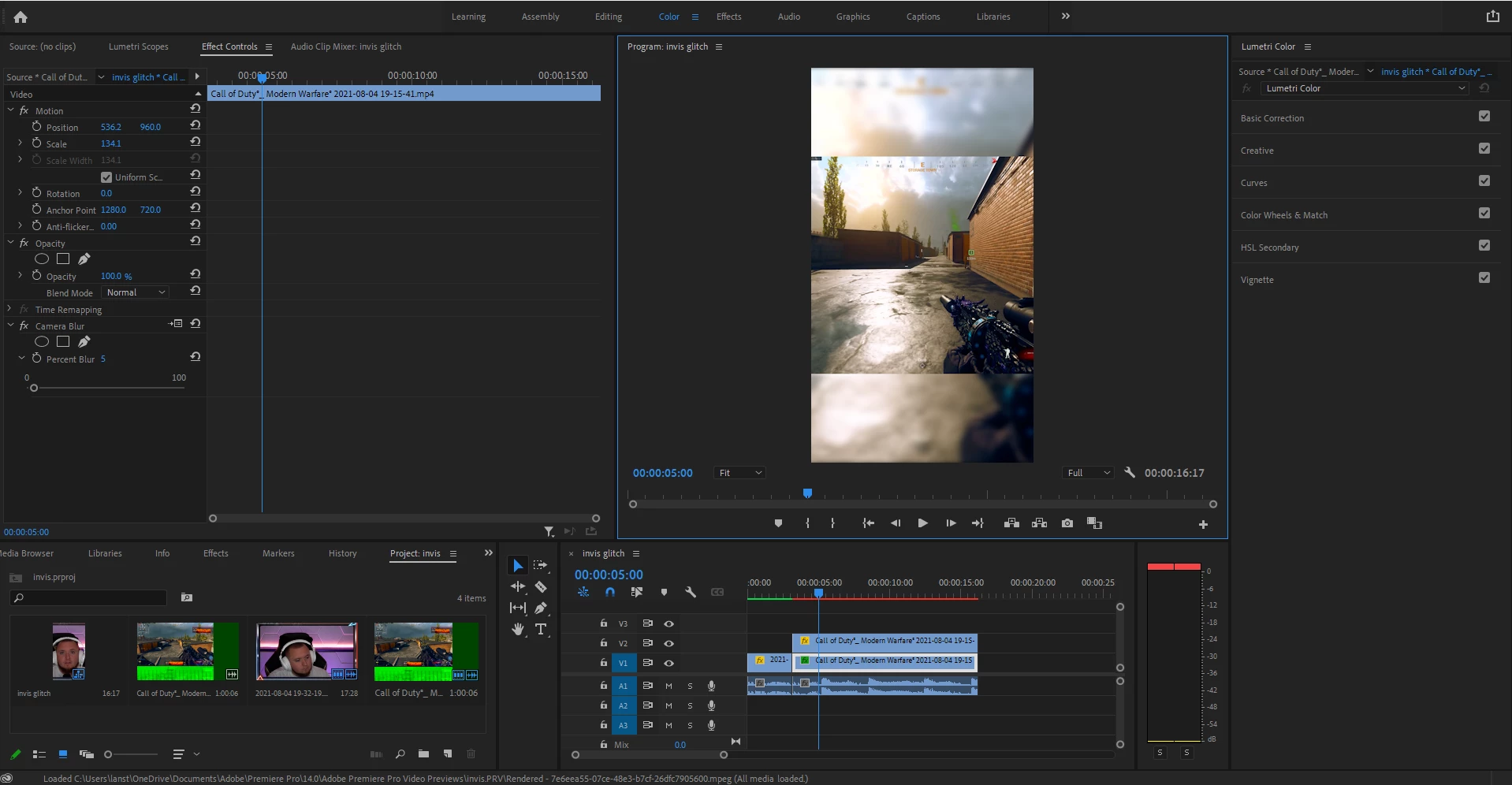
This is what my video should look like before Sequence Render In to Out


This is what it looks like after Sequence Rendering.
This topic has been closed for replies.

2 replies

Community Expert
August 8, 2021

Is this from Windows Game Bar?  It may be the VFR, or it may just be a metadata thing. I would try rewrapping the file in a program like Shutter Encoder. And if that doesn't work, you might want to transcode with Handbrake. I'm not sure what it is with Windows Game Bar recordings, but I see that issue pop up pretty often from those recordings. You might try switching your recording software for future recordings.

R Neil Haugen
Legend
August 7, 2021

Is this just a render to whatever preview you have set, or Render & Replace?


What's your CPU and GPU? What driver? Does it happen if the Project Settings Mecury Acceleration is set to Software Only?


Neil

Everyone's mileage always varies ...