Hi Katharineann,
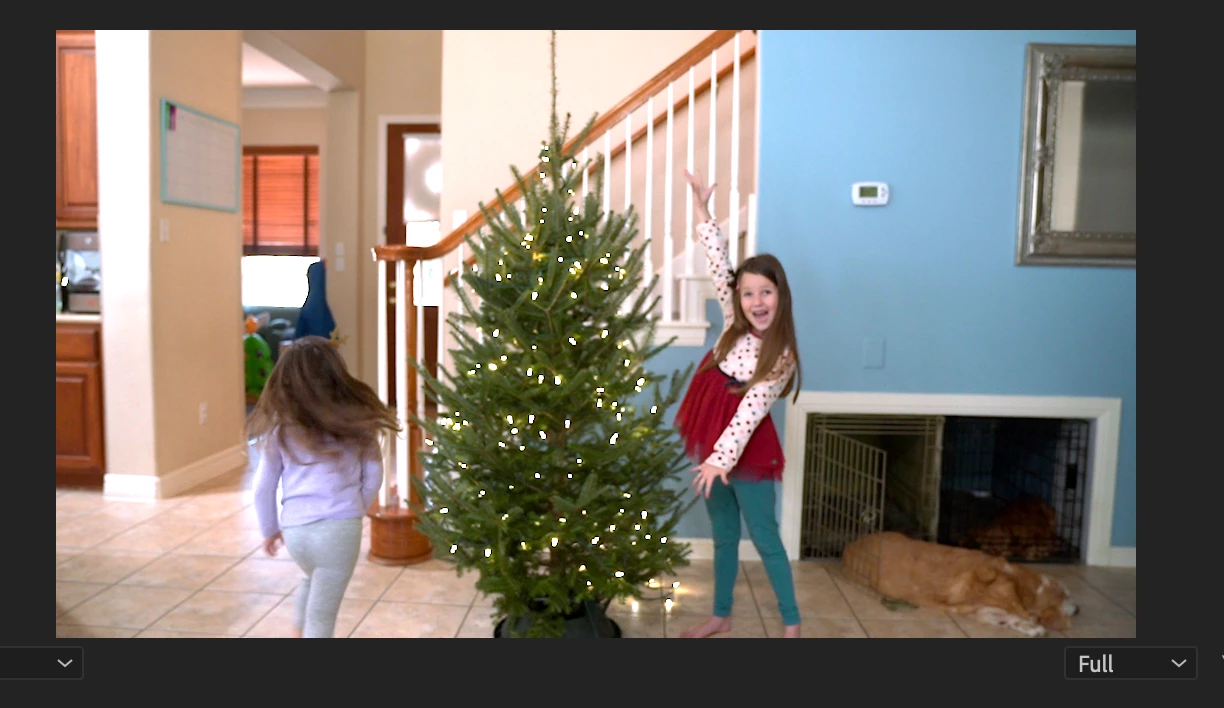
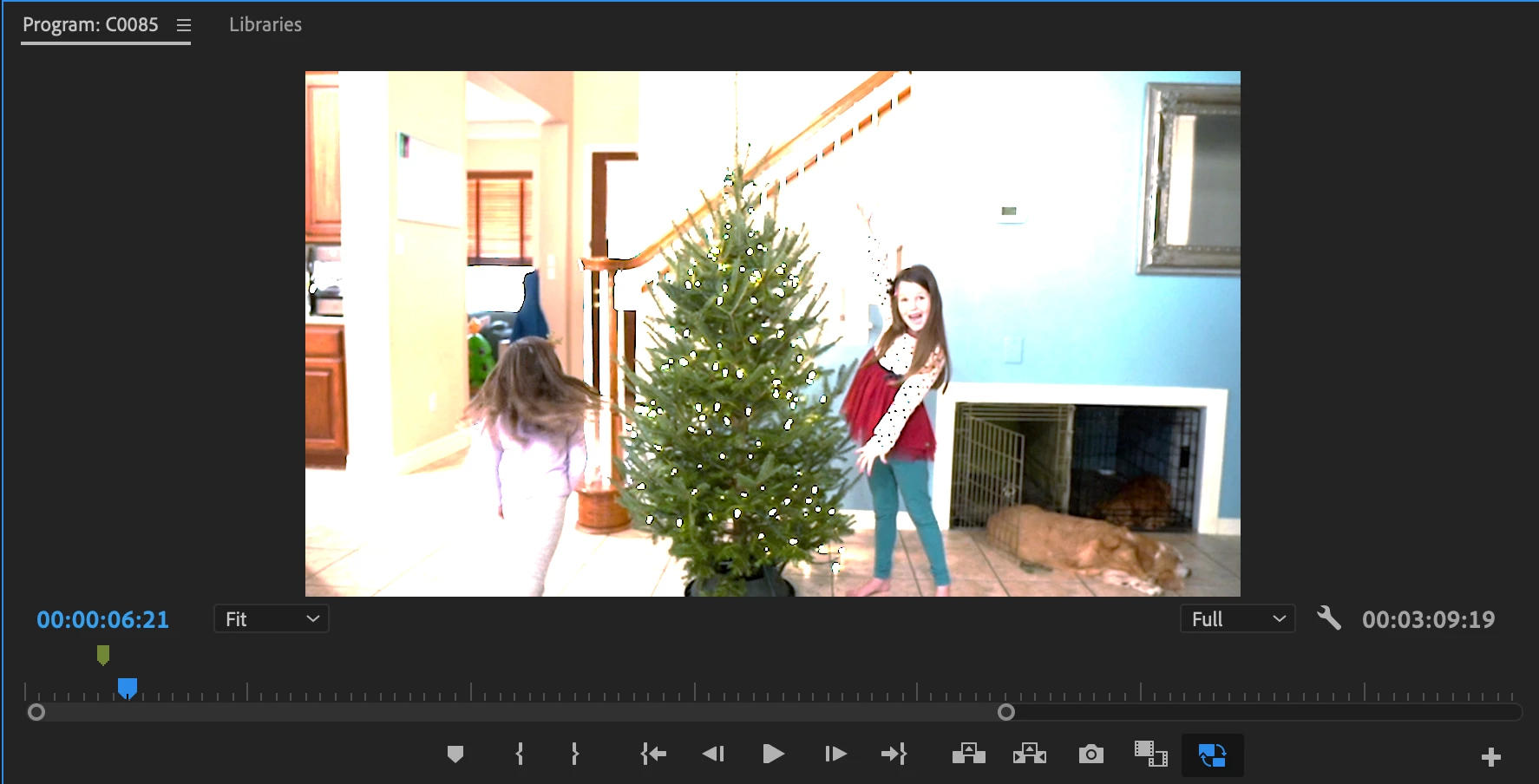
Sorry about that. It looks as though you may have shot the footage in HDR/HLG, and automatic interpretation of the footage kicked in - which is a new feature of v.22. This feature caught a lot of Sony and iPhone users unaware.
Are clips shot in HLG/HDR? If so, you may want to interpret them as Rec709 in the Modify > Interpret Footage dialog box. You may also need to create a new preset for proxies so that they match your color managed clips.
If this is all too much to deal with right now, you can always move back to the previous version of Premiere Pro and work with that until you have worked out all the details of a SDR vs. HDR workflow.
As a Sony user, you should take heed of this new feature - which you may wish to use or avoid (most casual users were fine with the previous workflow). Either way, you have to make a choice moving forward to embrace HDR or to move back to a Rec709 workflow.
Hope the advice helps but come back with any questions.
Thanks,
Kevin
 AdChoices