Answered
Quality of video is bad.
The Saved of import-video 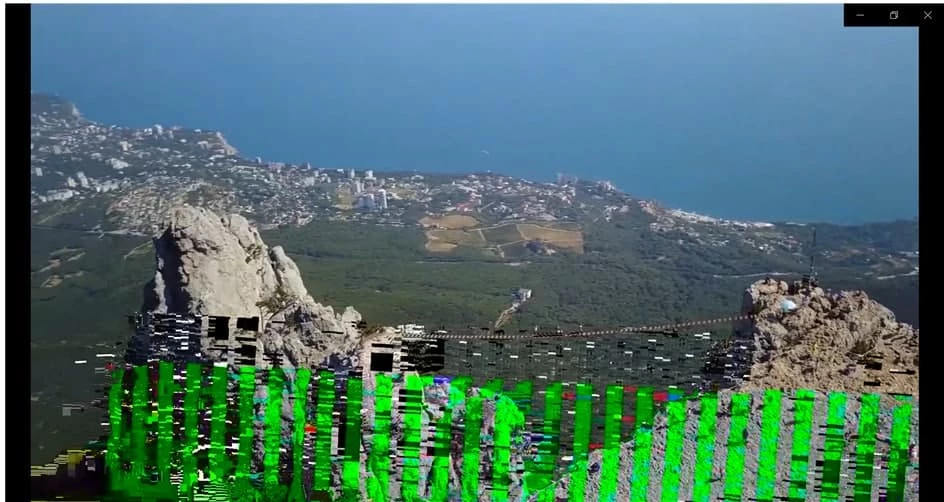
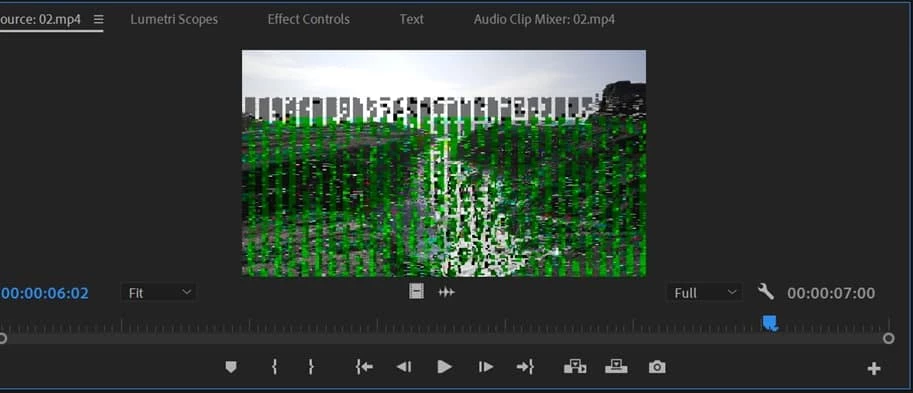
Gooddays, why my import video always shown a black/green/blue/pink colour?
The Pr Pro shown the same bad quality video
Even I saved, it also shown the colour. Pls help me,Thank you.

The Saved of import-video
Gooddays, why my import video always shown a black/green/blue/pink colour?
The Pr Pro shown the same bad quality video
Even I saved, it also shown the colour. Pls help me,Thank you.
tell us your source properties, in particular the codec. by any chance are your sources from a smartphone or a screen recording? If so, the issue may be caused by clips with variable frame rate.
use mediainfo to determine whether your source is variable or constant frame rate
https://mediaarea.net/en/MediaInfo/Download
if it's variable use handbrake to convert to constant frame rate
https://handbrake.fr
and here's a tutorial on how to use handbrake
https://www.youtube.com/watch?time_continue=34&v=xlvxgVREX-Y
Already have an account? Login
Enter your E-mail address. We'll send you an e-mail with instructions to reset your password.
 AdChoices