Answered
question about normalize audio
Hello,
In my sequence, if I choose "audio gain" and make a normalize on -3db I have that :
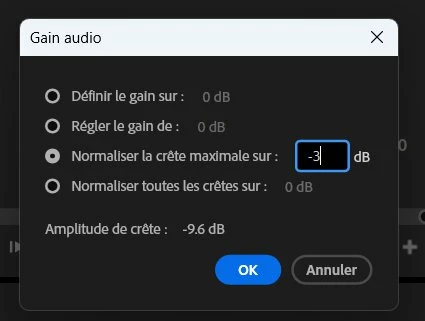
But if I go again in "audio gain", I don't see "-3 db" displayed, I see "0db". Why ?

Hello,
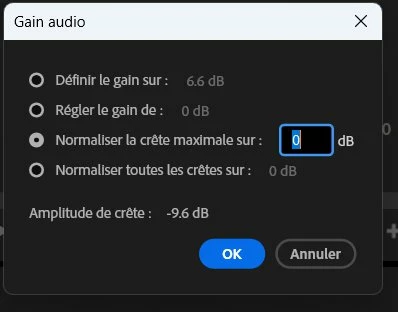
In my sequence, if I choose "audio gain" and make a normalize on -3db I have that :
But if I go again in "audio gain", I don't see "-3 db" displayed, I see "0db". Why ?
After having set normalize audio to -3db, the only thing that says me that -3db has been applied is the difference of -3db between the top number and bottom number of this window (gain) :
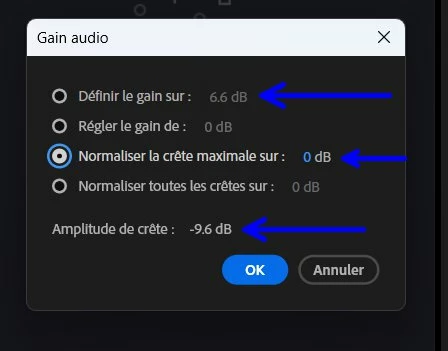
But if I go in audio panel, I don't see any datas that says me that -3db has been applied.
You are correct about the behavior ... and again, it is because that tool is only intended for use as a quickie tool to get audio to a more usable level for use in the Source monitor or a sequence. Not as a major audio shaping tool.
For that, use the appropriate tools. Which is not that gain function.
Already have an account? Login
Enter your E-mail address. We'll send you an e-mail with instructions to reset your password.
 AdChoices