
Answered
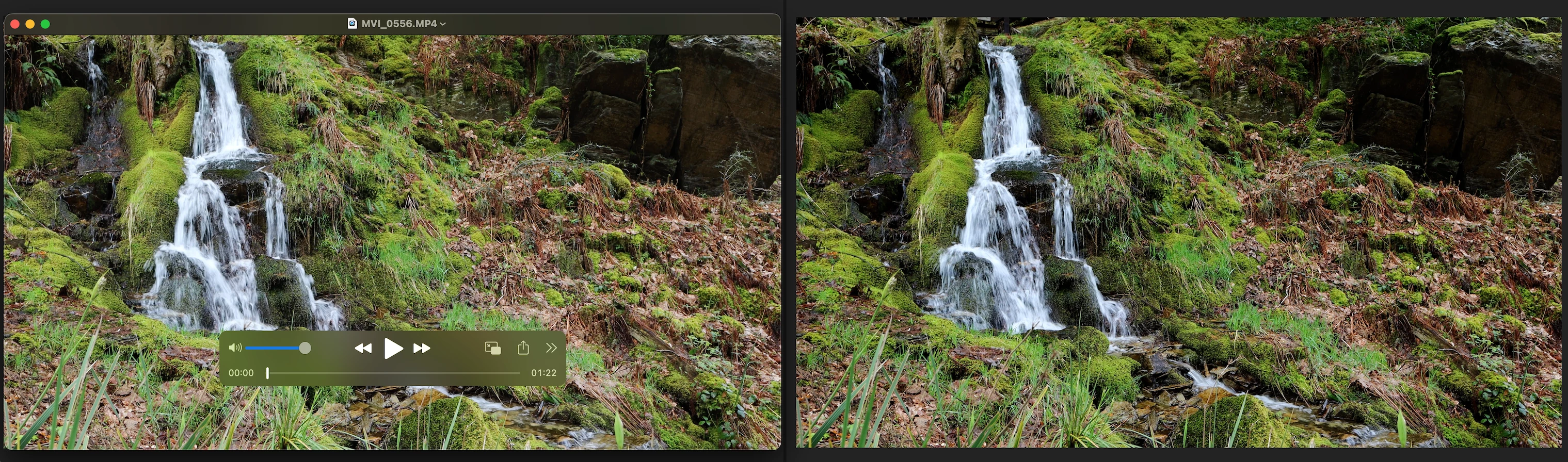
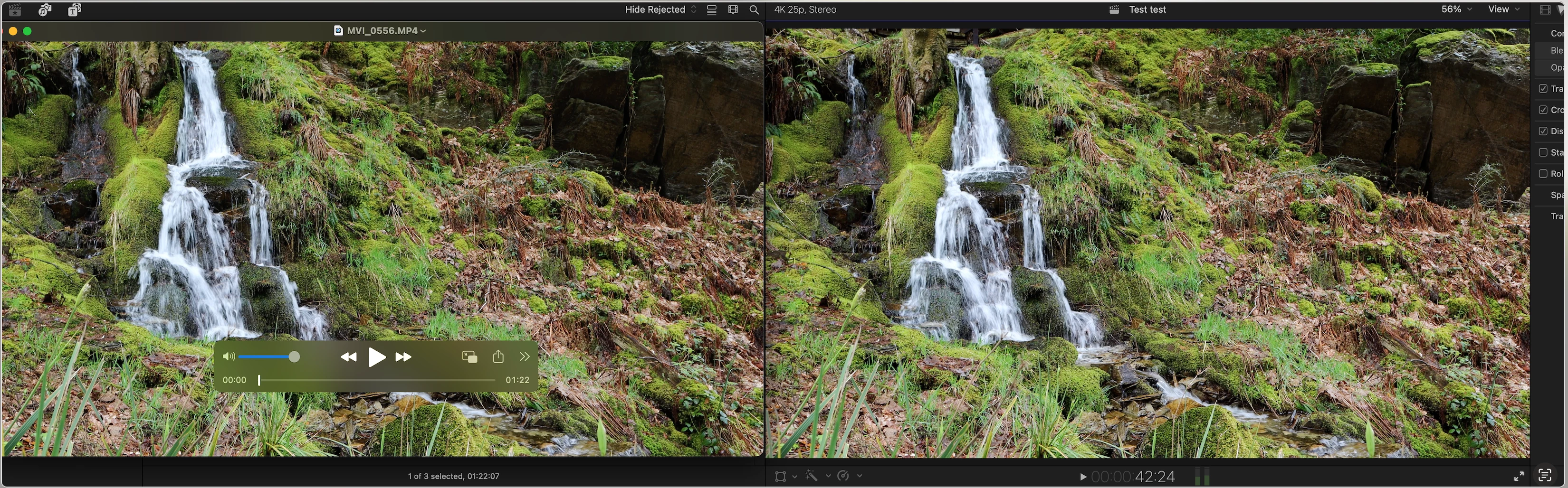
Quicktime Player on the left, Premiere Pro on the right...
Same Mac, same time, same clip... no adjustment layers, just that on the left it has been opened in Quicktime Player and on the right it's in Premiere Pro. But both on a Mac. Look at how Premiere Pro has over darkened the video file. Look at the rocks top right.
Is this going to go on for ever, Adobe? I'm really getting tired of PP over darkening and deepening clips to such an extent that I have to make excessive changes to the exposure which in turn results in a washed out render.
Yes I have posted about this before but I am sick of it. And yes I use your brute force LUT, I hate it.
 AdChoices