
Question
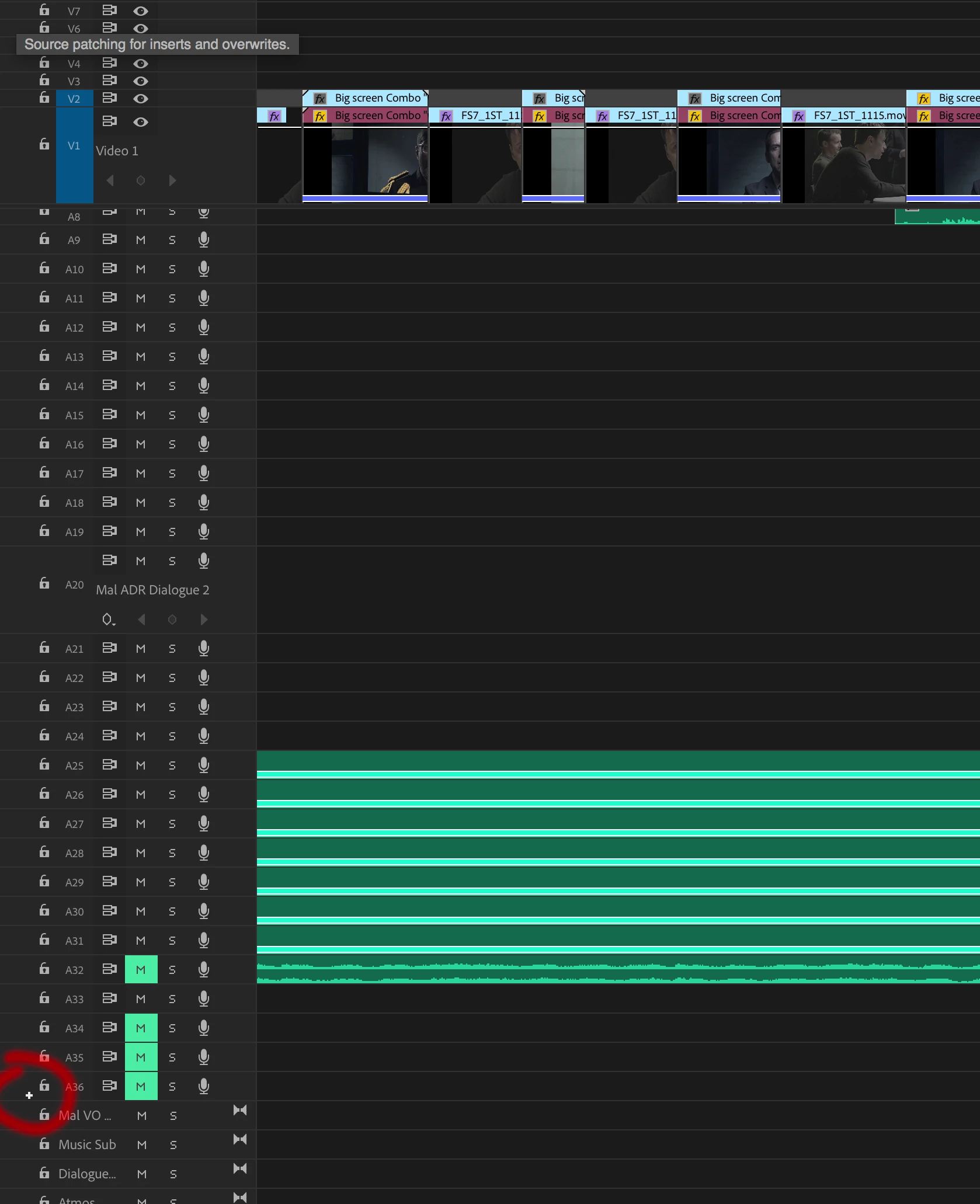
"Source patching for inserts and overwrites" Small plus icon- Turn it off!
Hi Folks:
Version: Adobe Prem CC V12 - iMac 2017 with High Sierra 10.13.2
Every so often this wee icon appears on my tracks and makes my audio flow into new audio tracks rather than where I simply want to drag them to. It's driving me nuts. I try to drag the audio into a track and it keeps creating entirely new tracks! Grrr.
I must be hitting a keyboard combo but can't work it out.
Any ideas?
Thanks.
Magnus
 AdChoices