
Question
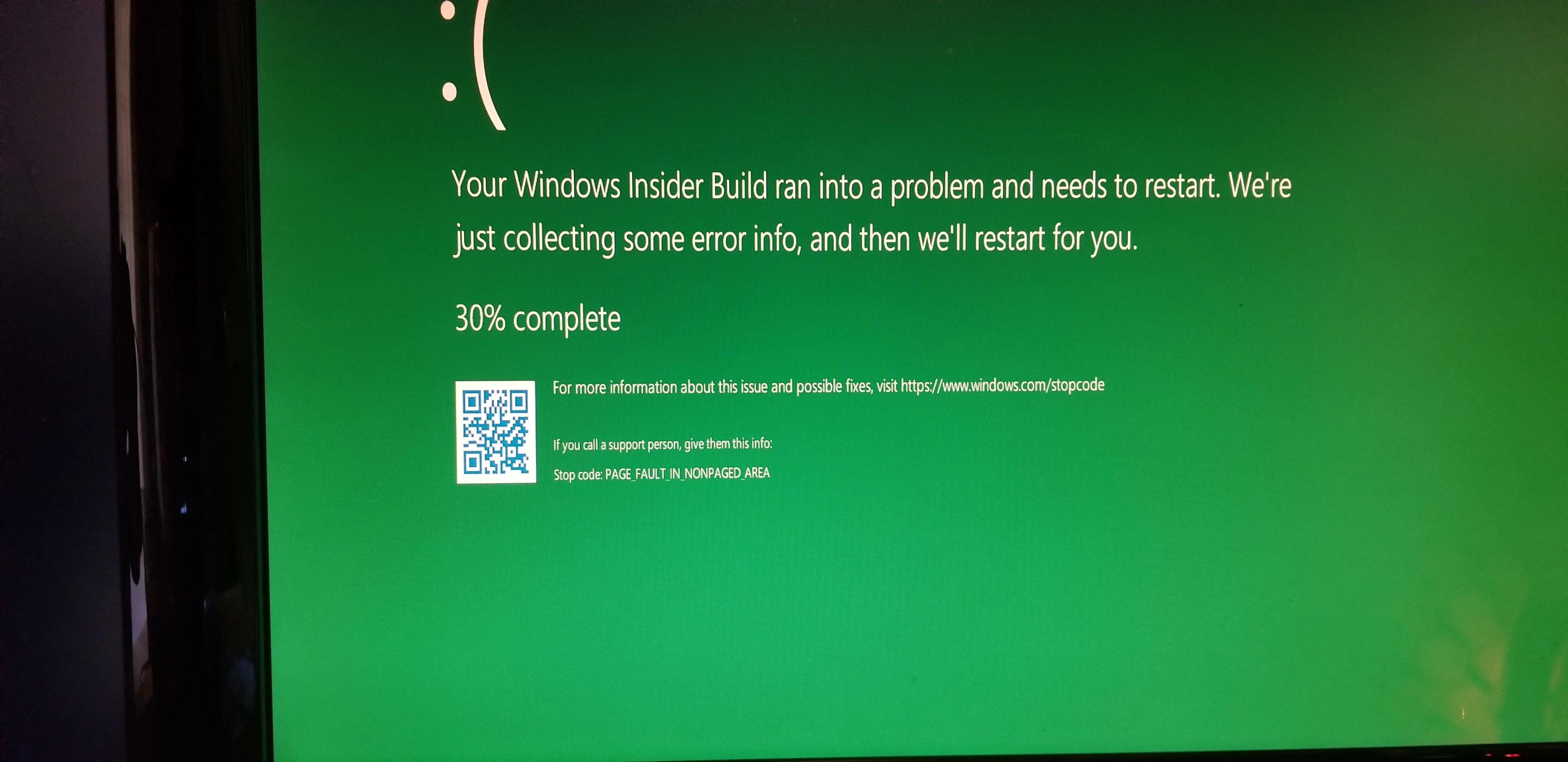
"Your PC ran into a problem"
Greatings.
I have Pr 14.3.1 on Windows 10 Pro. The problems I am getting related only to Premiere and there is no obvious pattern that I can see. It happens when I am doing something (editing a clip, applying a transition ot Fx etc.) It happens every time right after a mouse click. One of the problems happened twice during exporting the same sequence but with two different codes (the blue pictures attached).
I am asking for any help anybody can provide, please. I used CUDA, i disable CUDA, doesn't seem to make any difference. Updated to the latest nVidia drivers for my card...
And here is what I am getting: 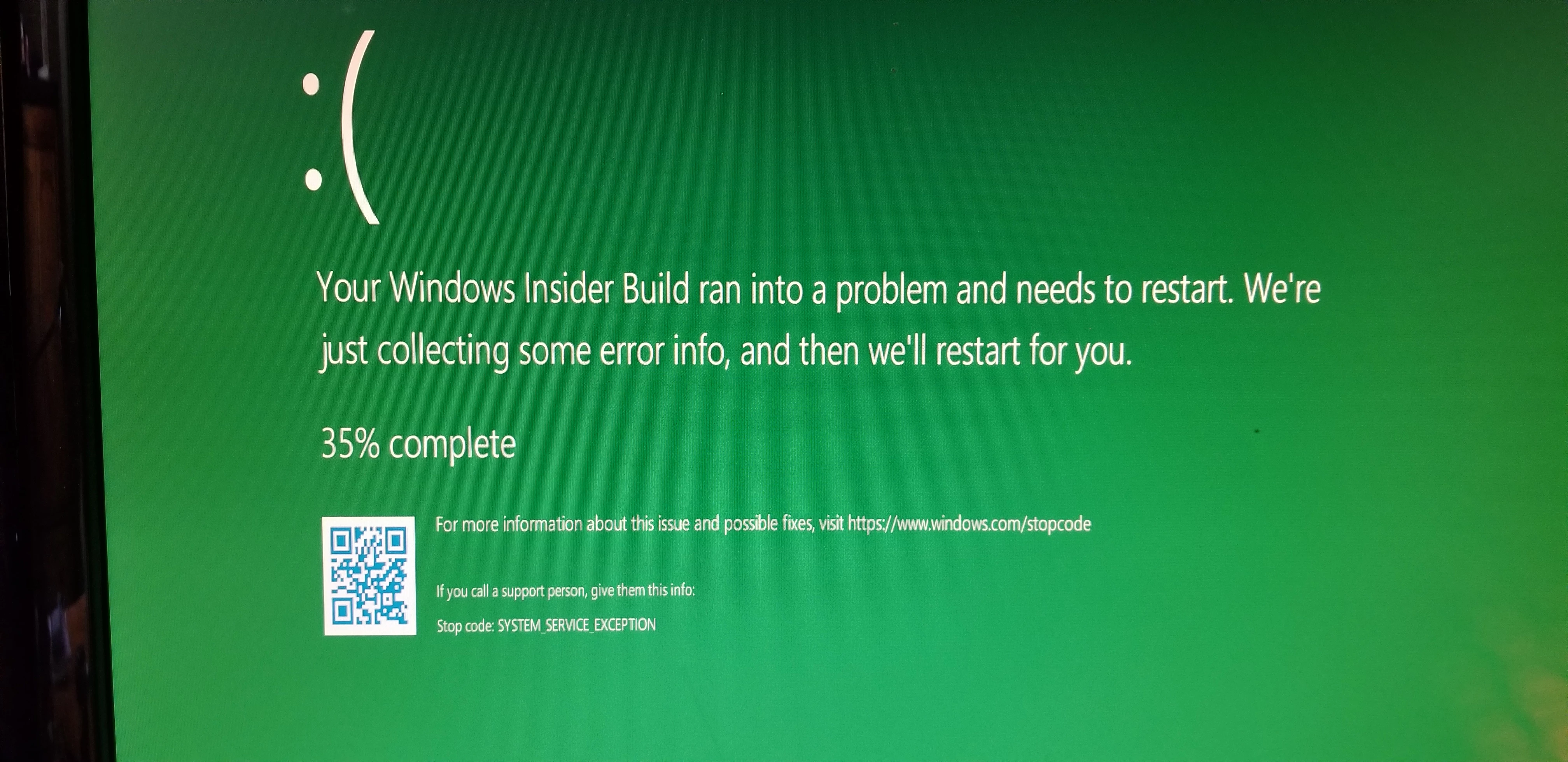
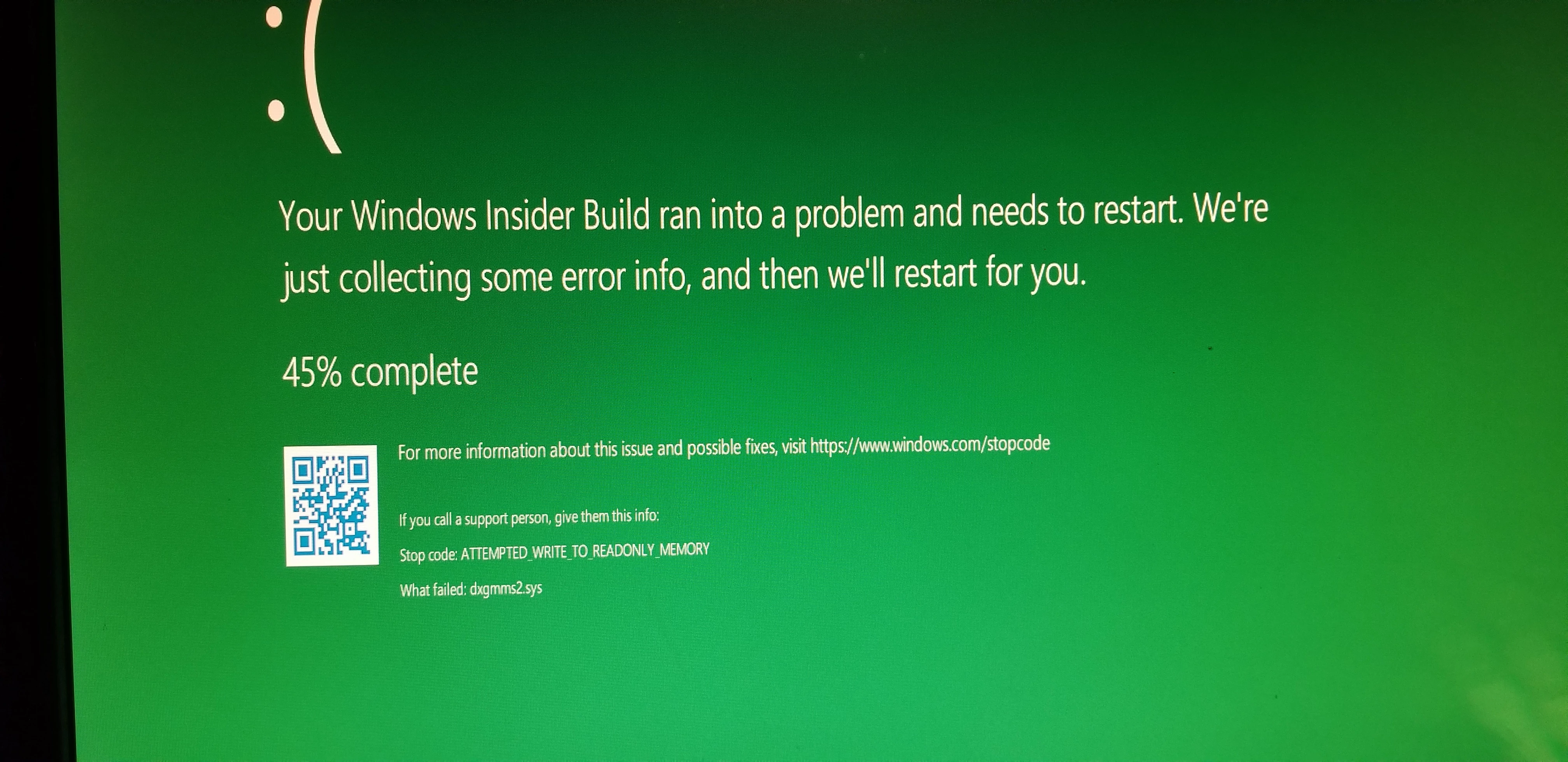
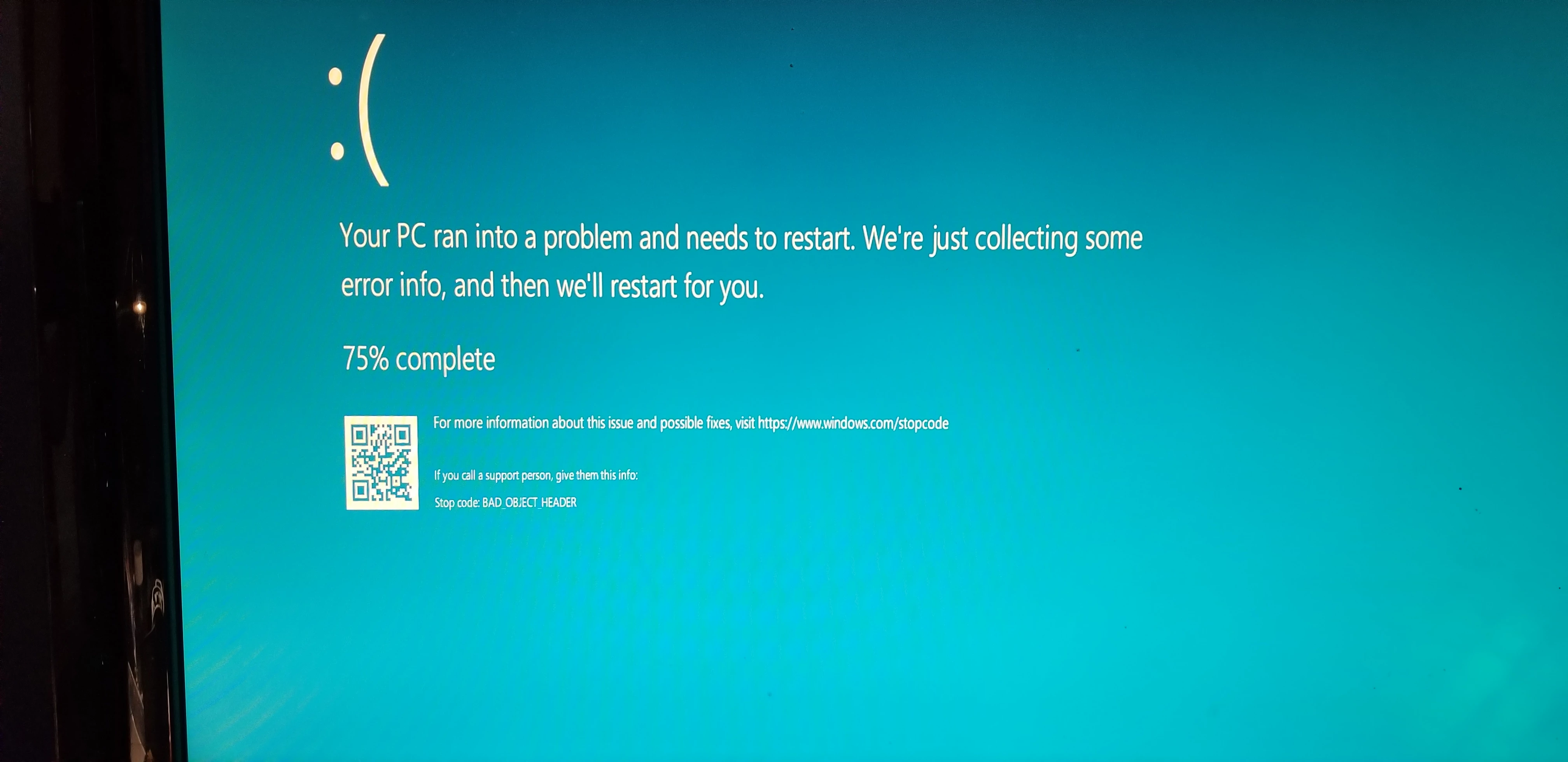
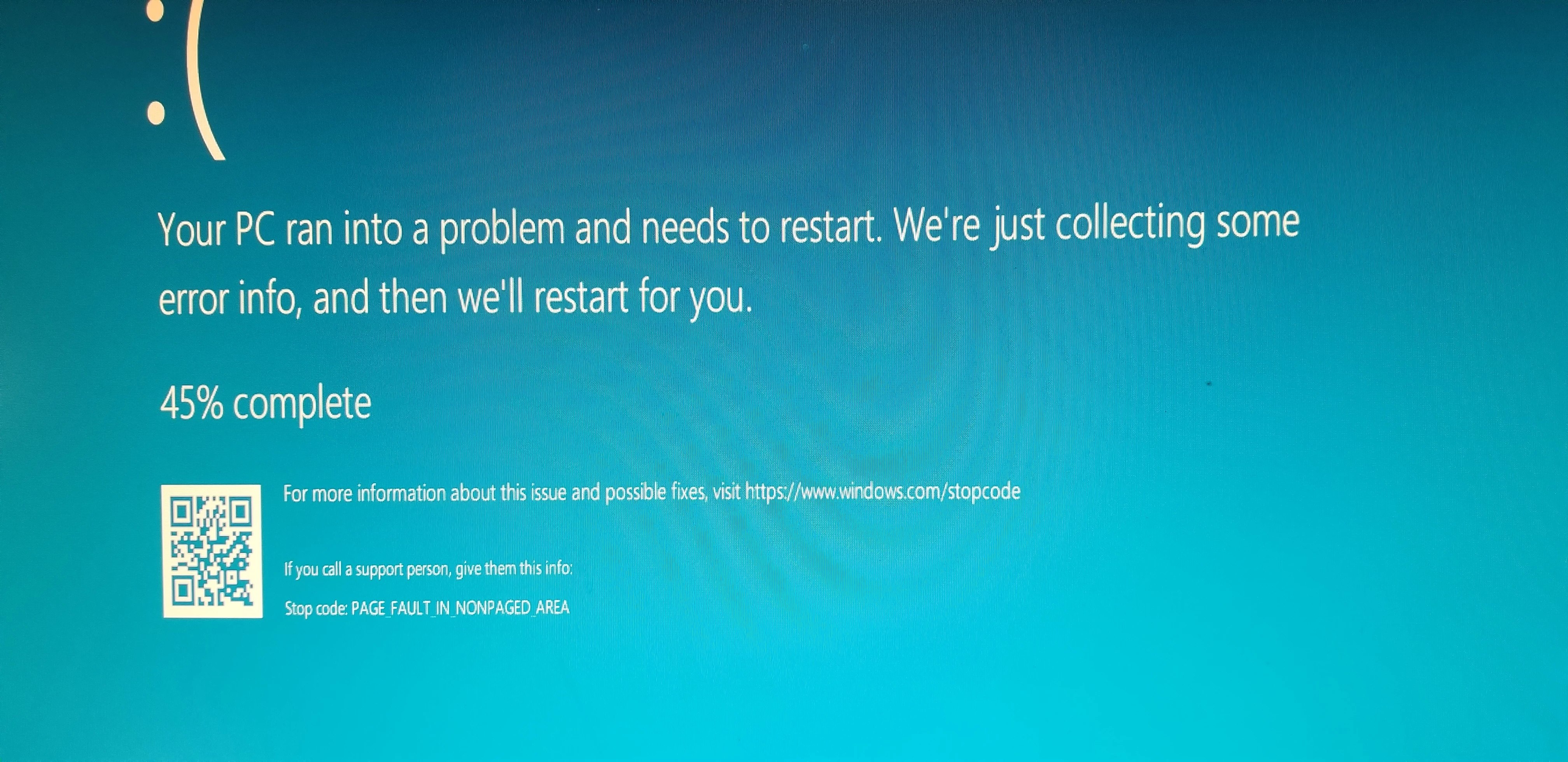
 AdChoices