Participant
November 19, 2019
Answered

R3D RAW footage creating lines when imported

  • November 19, 2019
  • 3 replies
  • 1277 views

Hi,


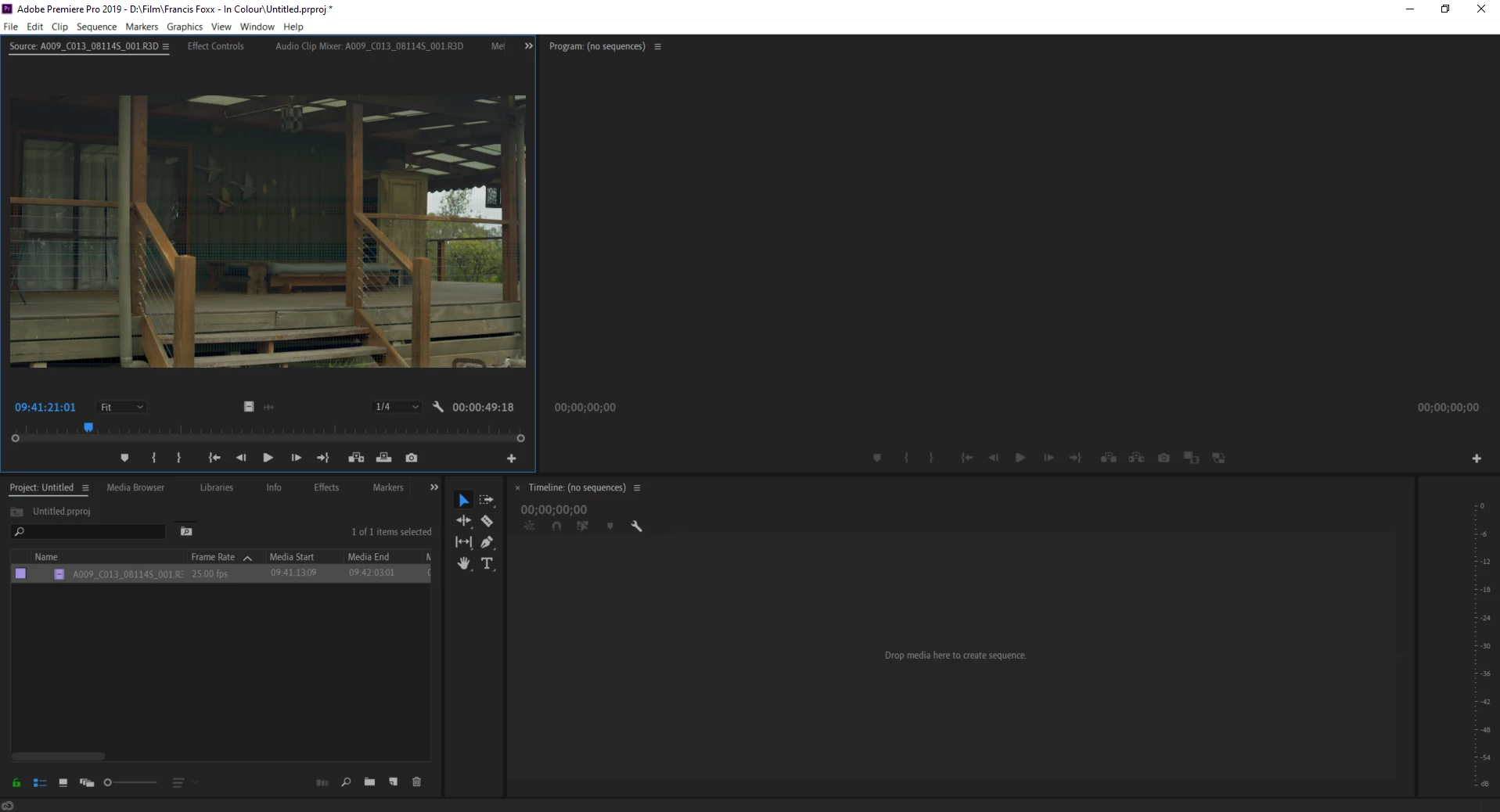
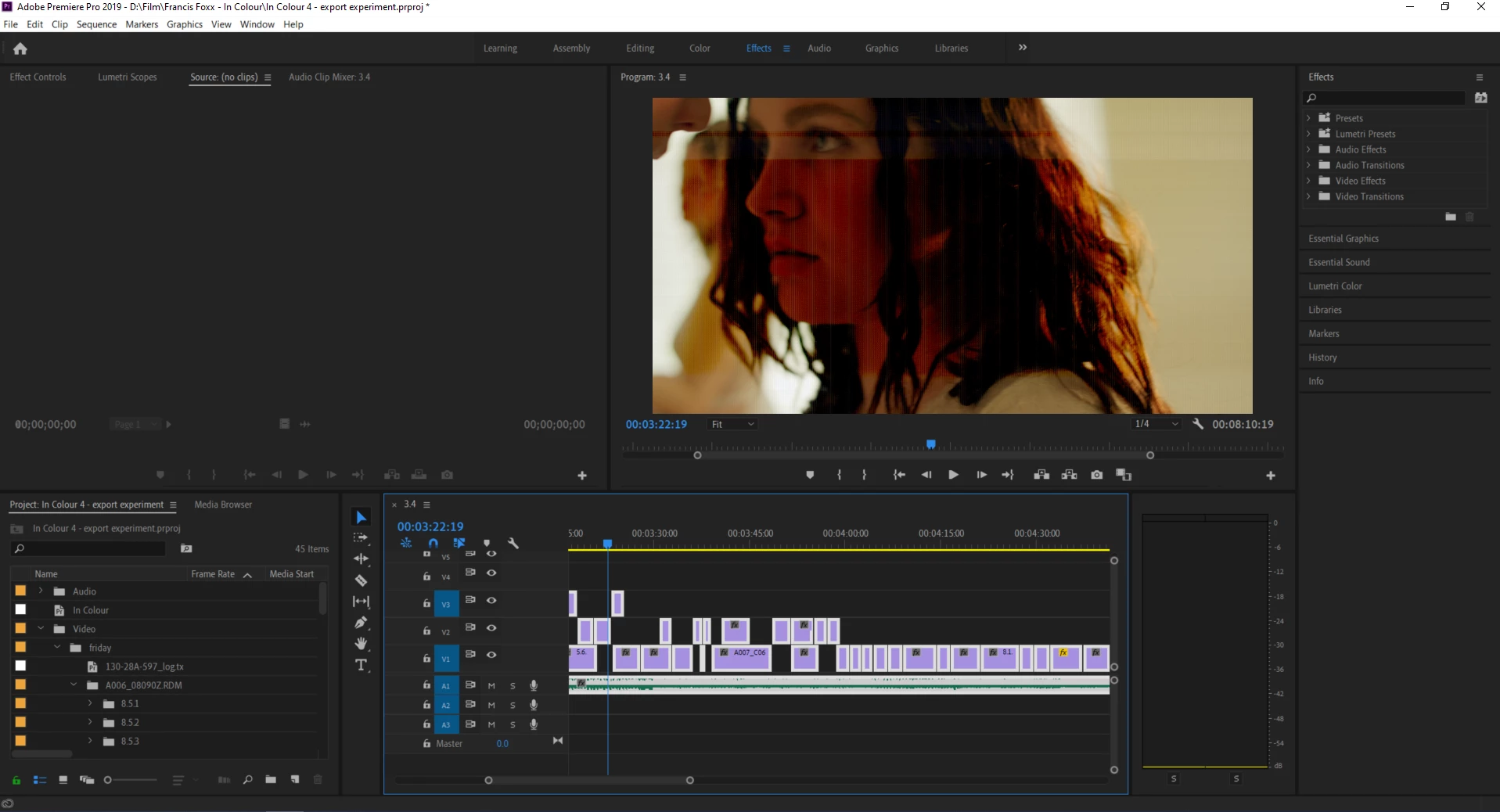
I'm having an issue after importing footage into Premiere CC. The files are coming up with horizontal lines (and sometimes verticle lines aswell) which disppear when the sequence is playing, but then appear when they are paused. Once exported the lines are there the whole way through the video.


  • The footage is 5k R3D RAW files. The lines don't show up at all when viewed in Red Cinema so it has to be something to do with my Premiere settings.
  • My interlace settings are set to progressive
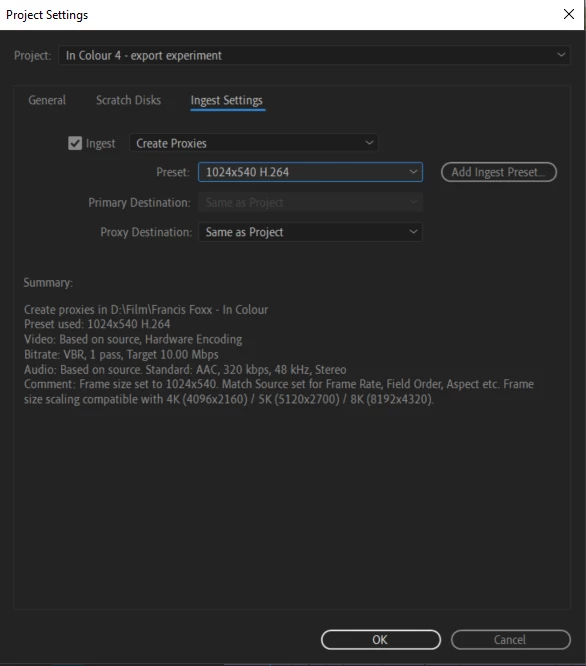
  • I am editing using proxy files - the ingest settings are below


Please help 😕😕
 

This topic has been closed for replies.
Correct answer Byron Cortez

Try changing GPU Acceleration Mercury Playback Engine to another that you have current set. 

3 replies

Byron CortezCommunity ExpertCorrect answer
Community Expert
November 27, 2019

Try changing GPU Acceleration Mercury Playback Engine to another that you have current set. 

Byron.
Participant
December 10, 2019

You are a saint! This was so simple, but stumped me for so long haha

Community Expert
December 10, 2019

hahaha I'm glad I helped you.

Byron.
Participant
November 27, 2019

Any other suggestions?

Richard van den Boogaard
Community Expert
Community Expert
November 19, 2019

Which version of PPro does this refer to? CC2020 or CC2019?

Have you tried updating the drivers of your video card?

Participant
November 20, 2019

CC 2019

And yeh all my drivers are up to date.