
REC.2100 PQ Exporting Oversaturated / Failure
Hiya,
I'm asking for help on here as I am absolutely baffled by my predicament.
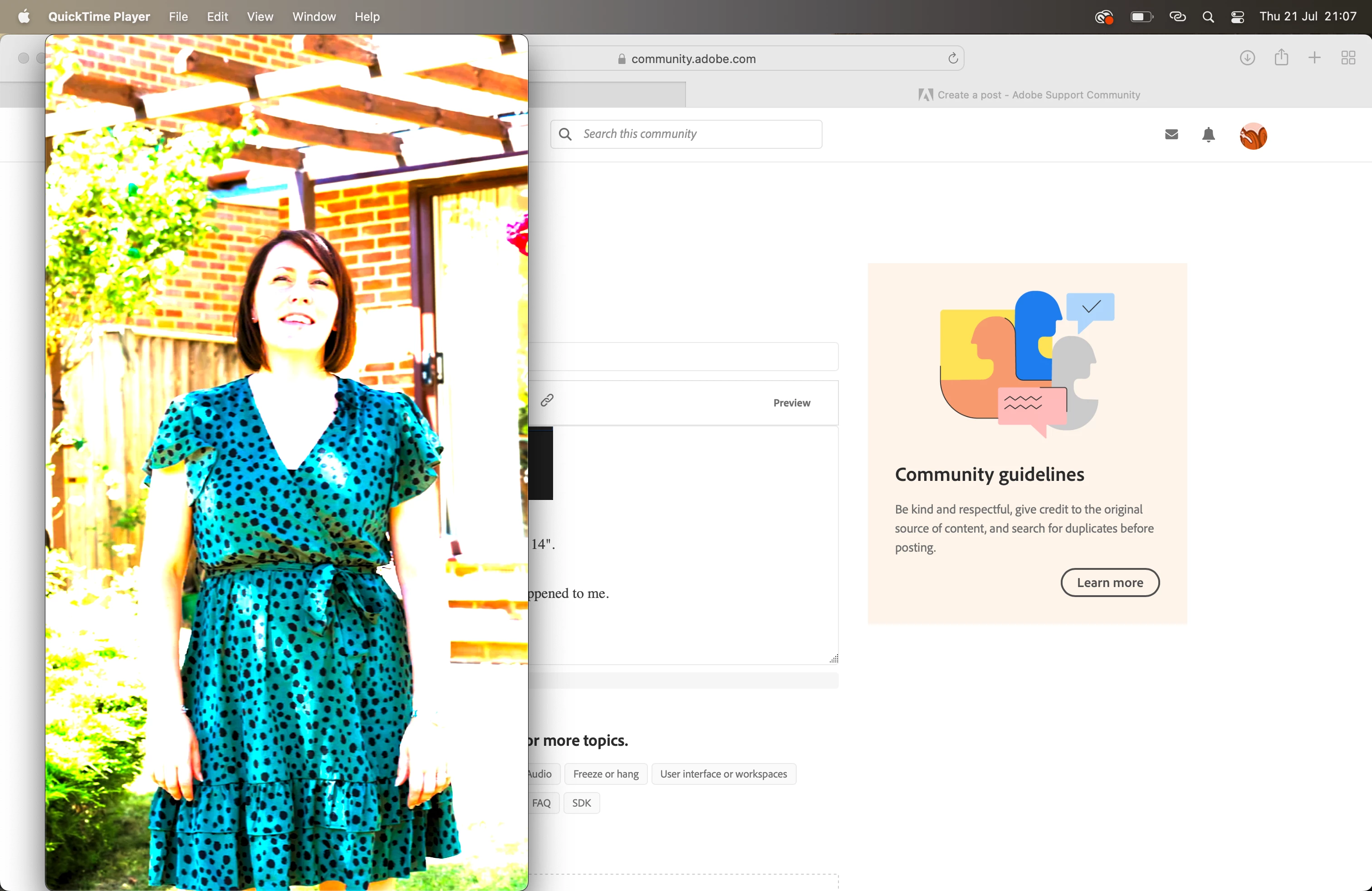
I have edited a video filmed in HDR PQ on a Canon R6. You can see the edited video below in Premiere Pro and secondly, the exported files - I have tried every variation of export settings to my knowledge and always have the same incorrect result.
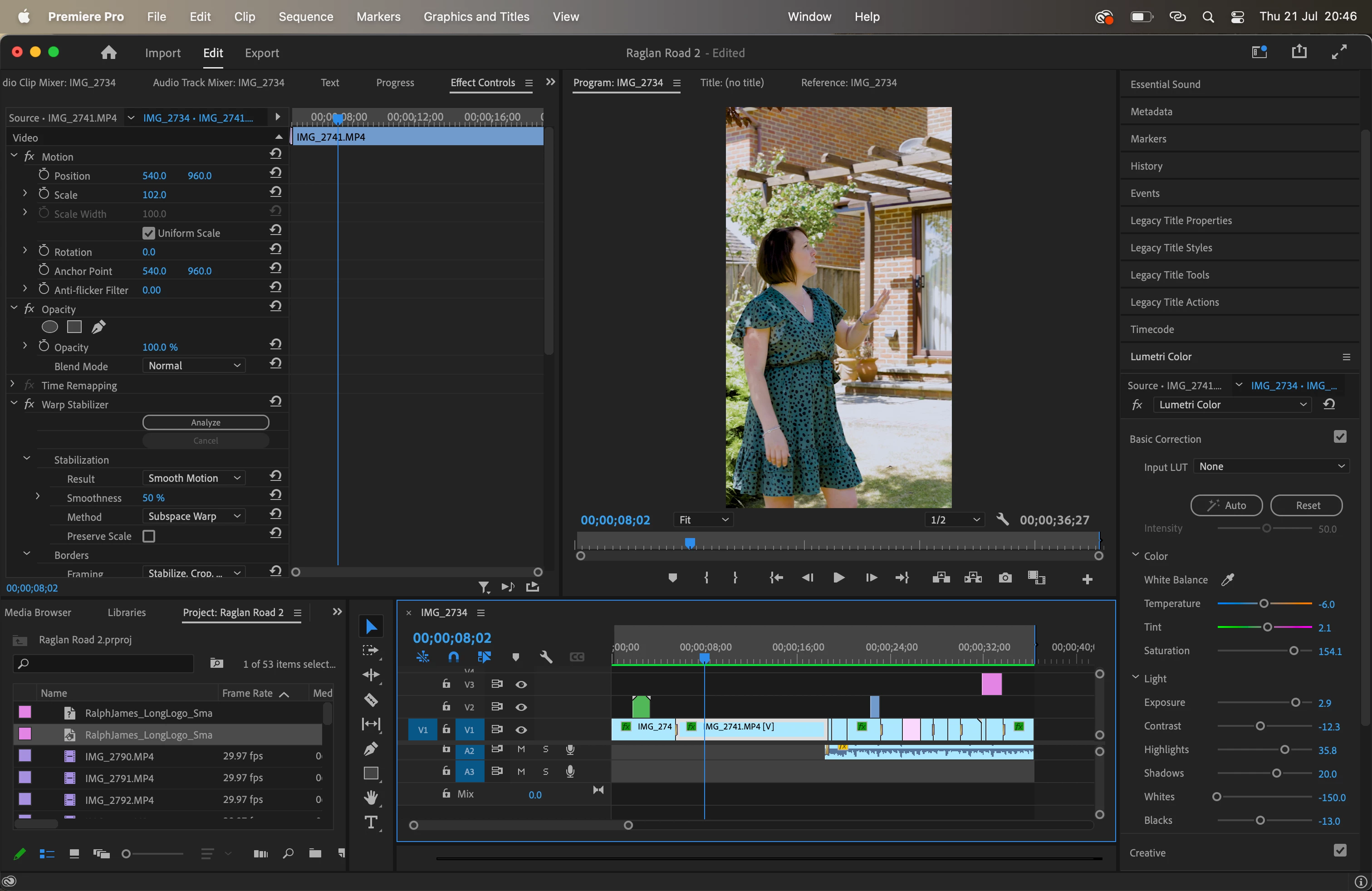
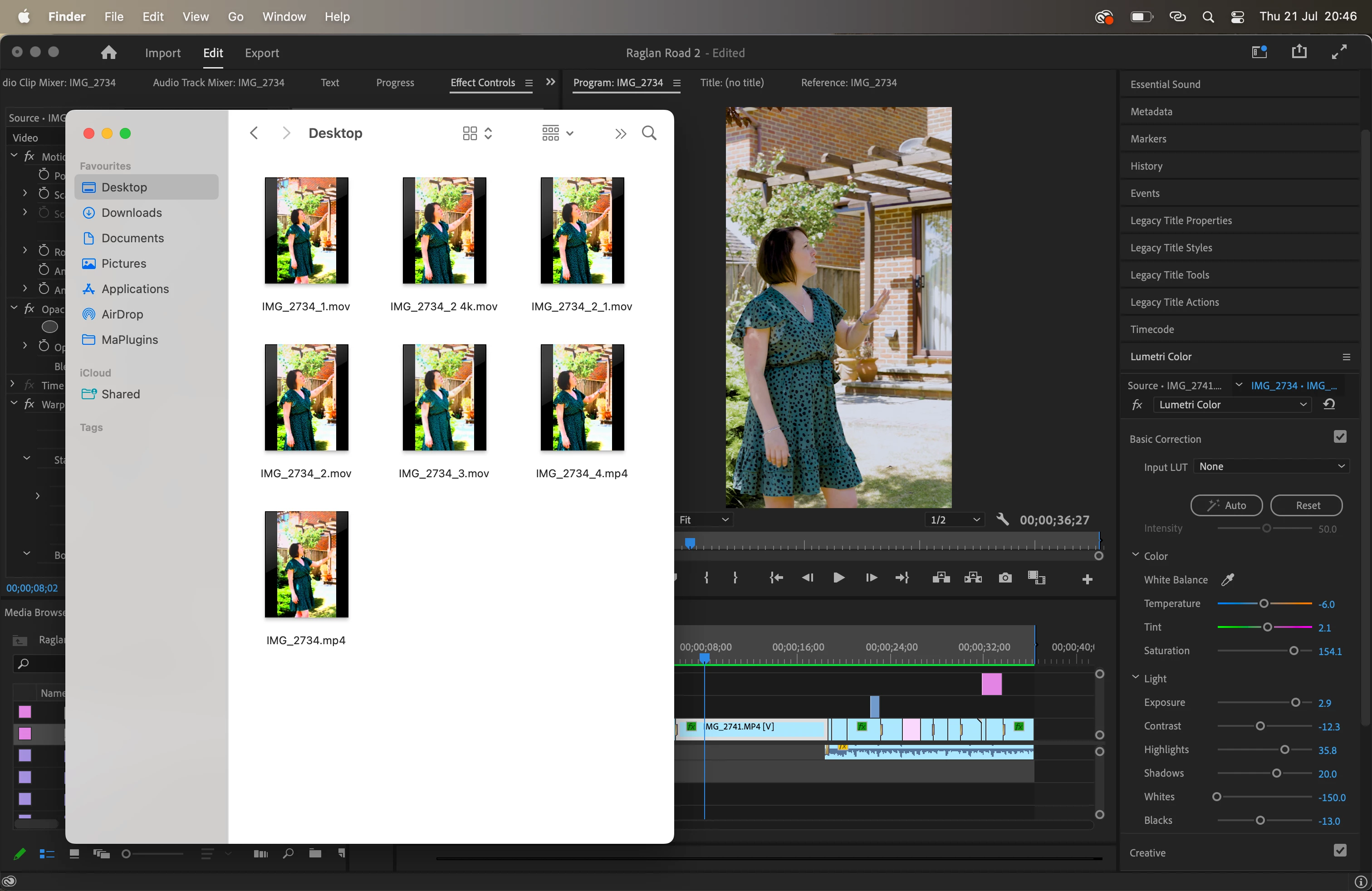
I have read all the entries on here and watched every youtube video I can find and I cannot resolve it by myself. Please kindly advise me.
These are my sequence settings
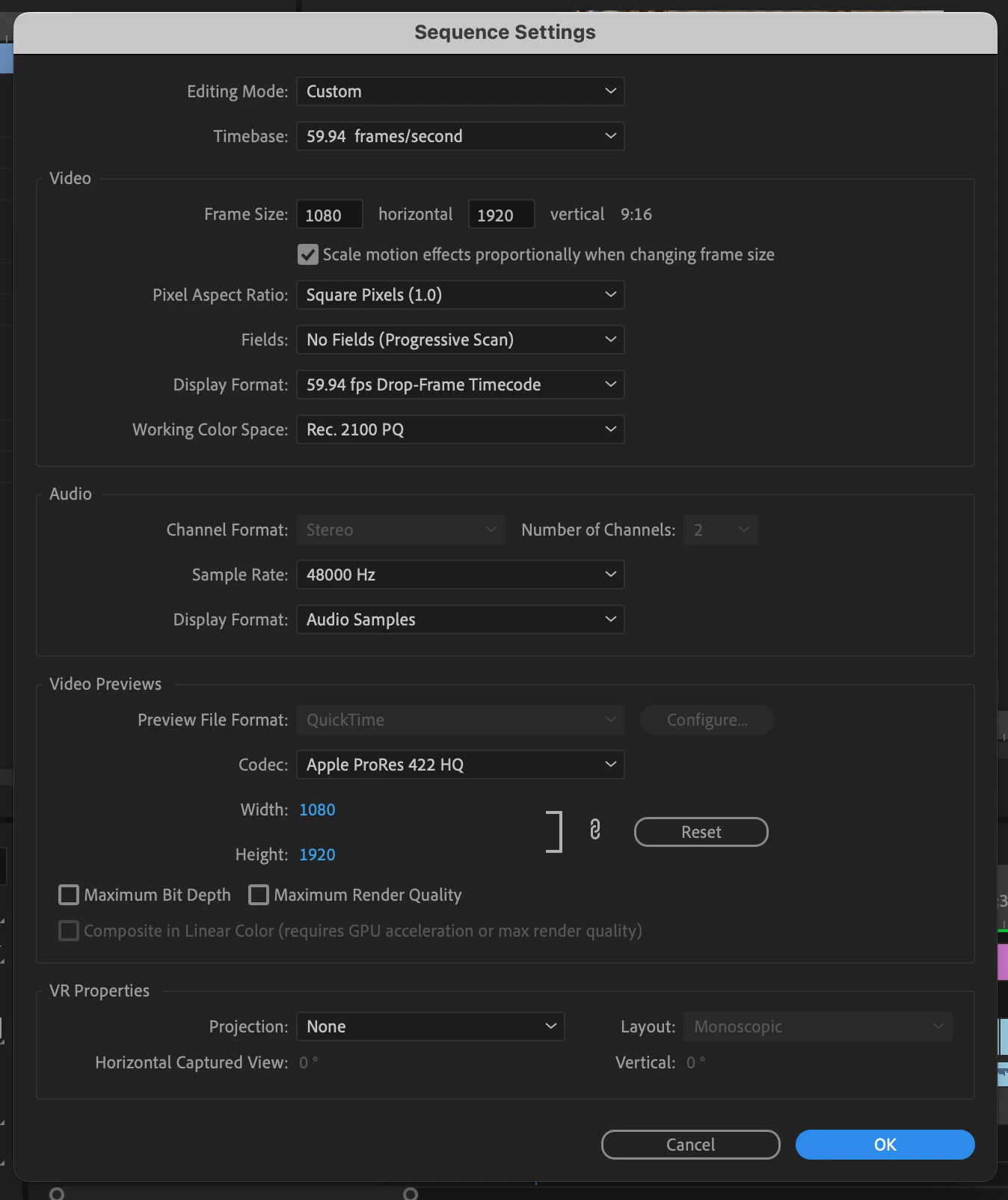
I don't want to amend the sequence settings to another colour space as when then re-editing, the depth is gone in the highlights and it was a very bright day.
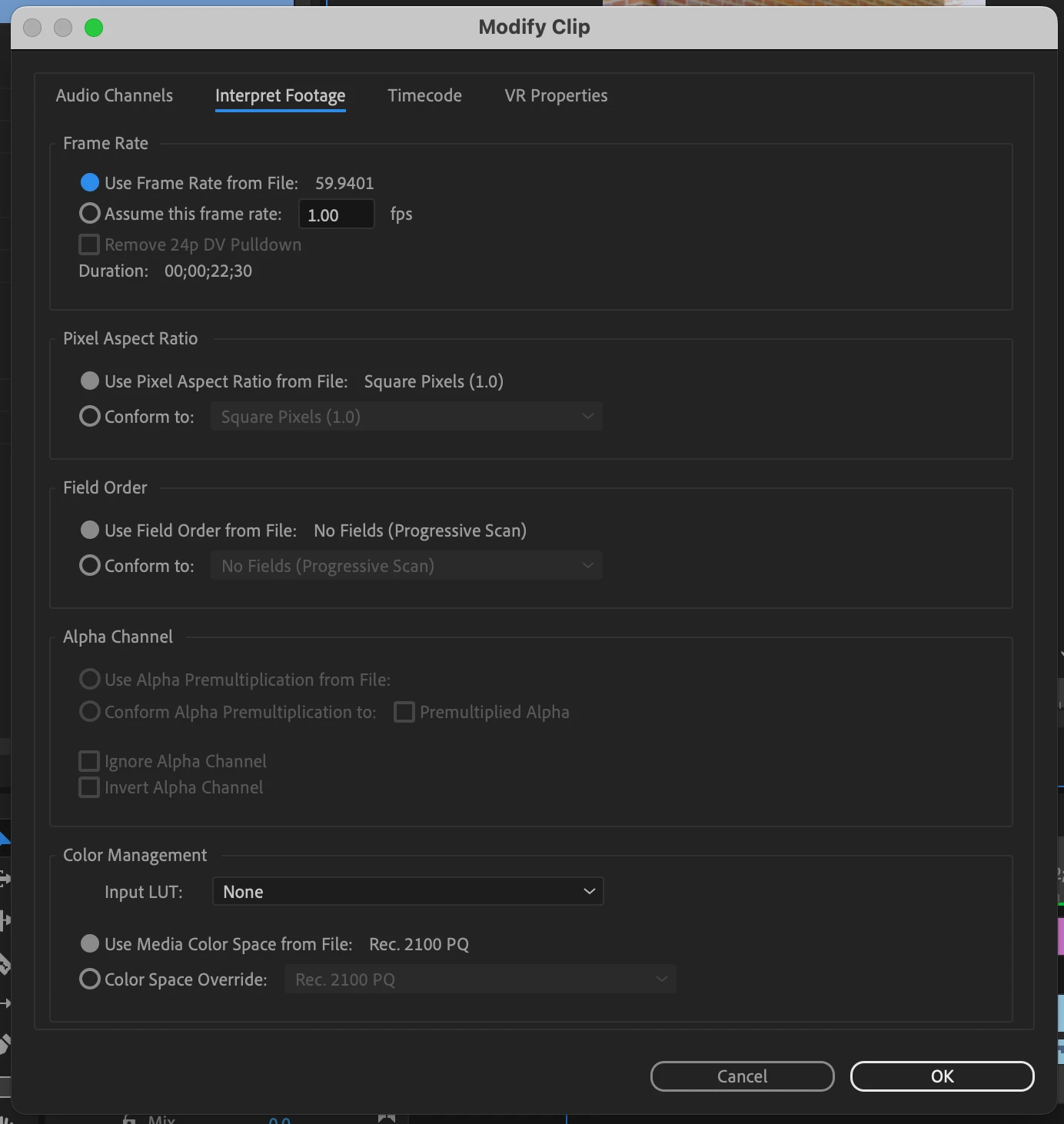
I also checked every single clip to ensure the colour space also matched.
These are my current export settings - although I have tried a huge variation for the past 3 hours.
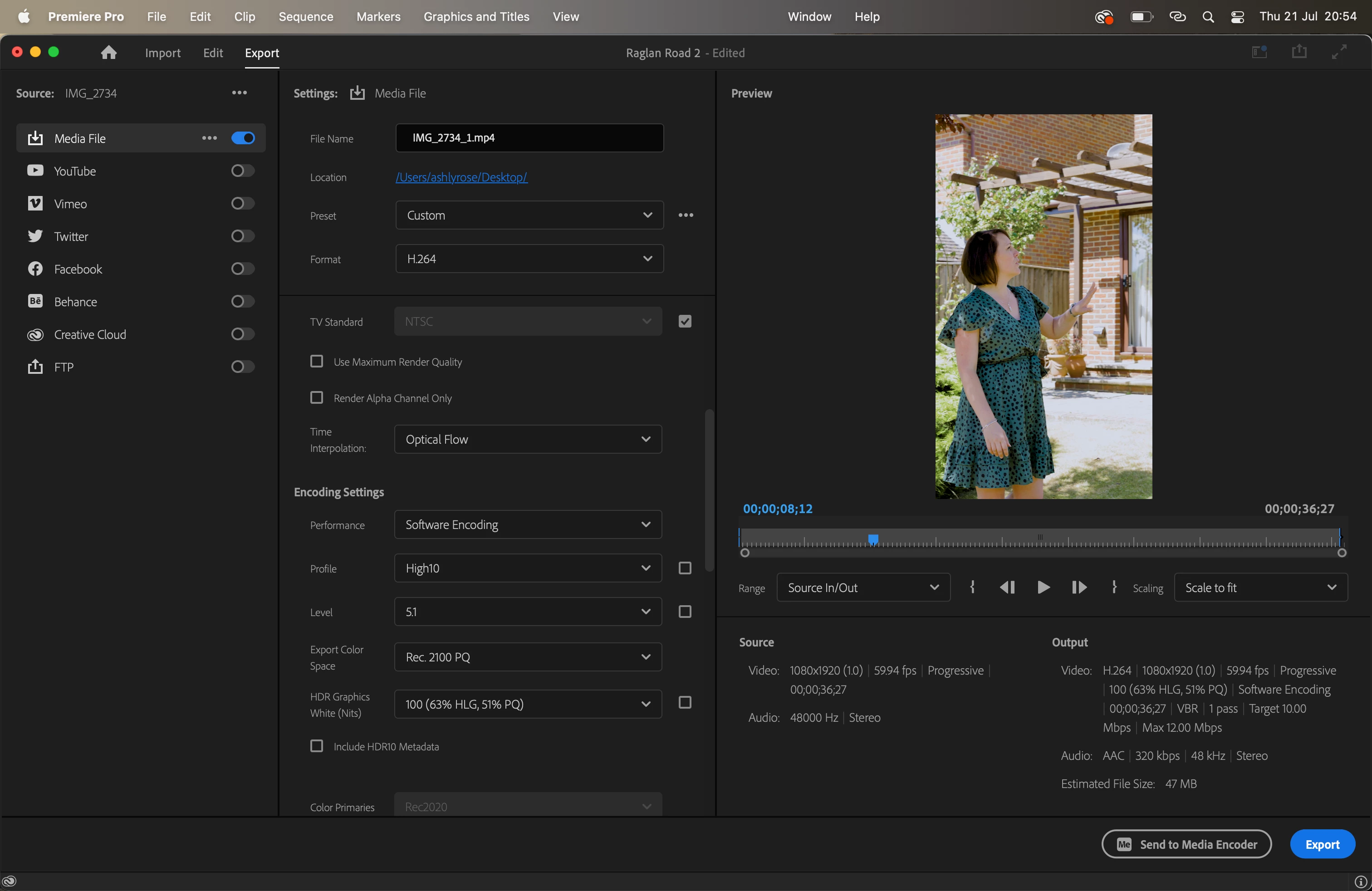
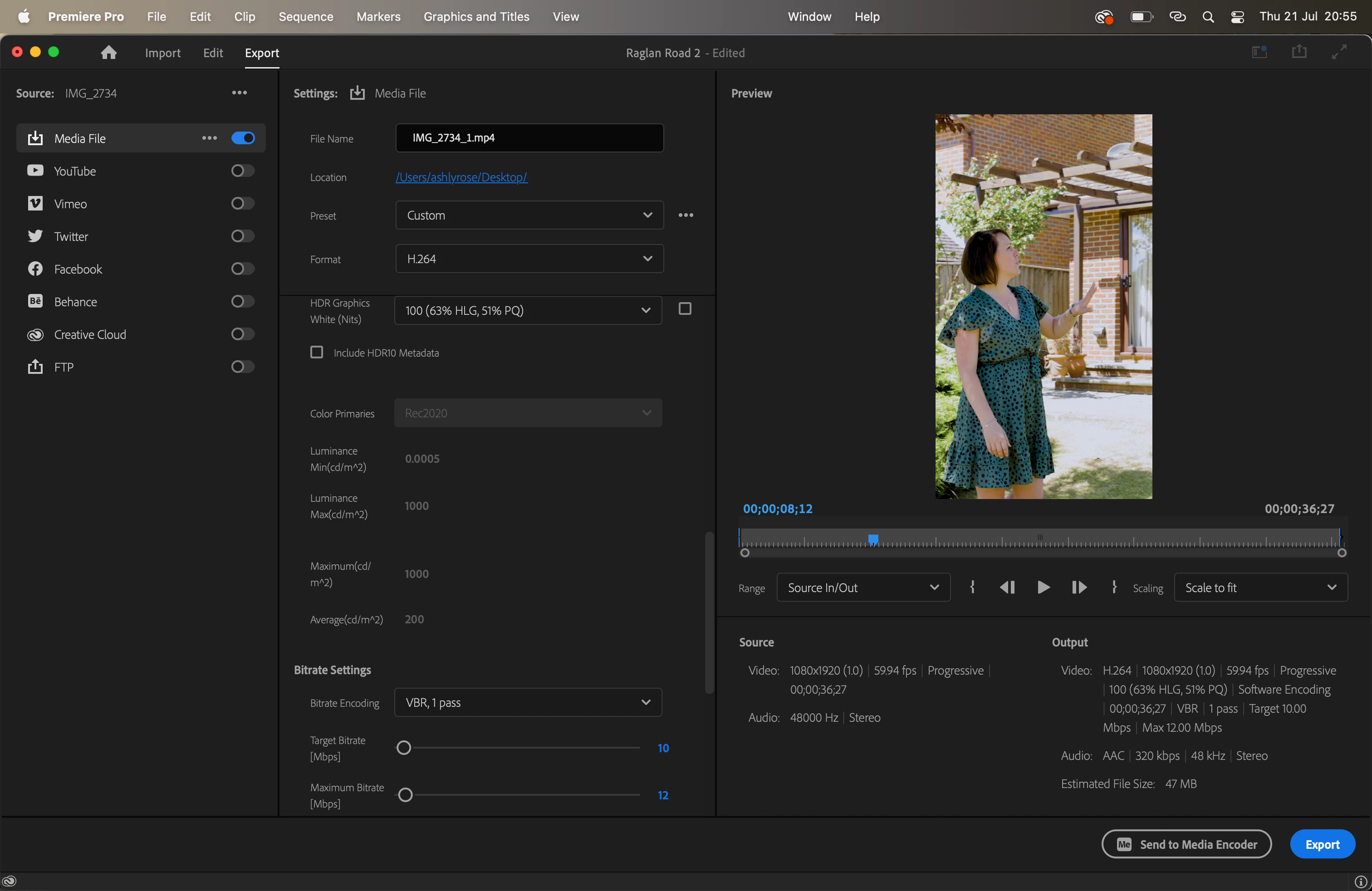
Even more weirdly, when I then create a new project and import one of the oversaturated exported videos, it looks once again the way it did when edited originally, in the rec.2100 PQ format. And again, everytime I export this media it oversaturates again.
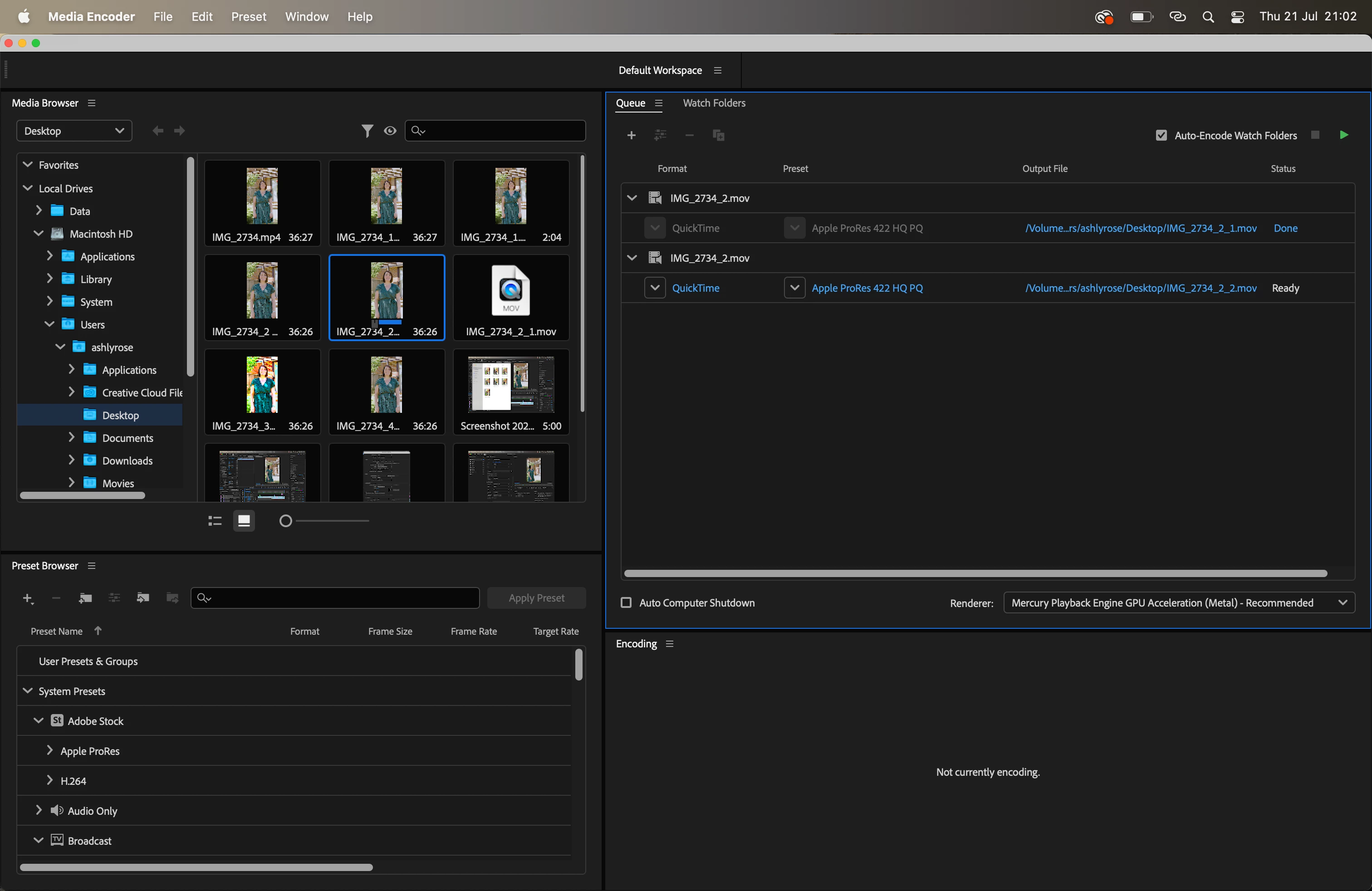
Media Encoder also imports them as they are supposed to look in the Media browser, and yet cannot convert them to the rec.2100 PQ either.
I'm on Premiere Pro 22.5.0 (build 62) on a 2021 Macbook 14".
Where am I going wrong? This is the first time this has happened to me.
Anyone that can help me, I'll be so grateful.
 AdChoices