
Dr.JazzMan1
Participating Frequently
July 12, 2021
Answered

Red Giant Universe

  • July 12, 2021
  • 4 replies
  • 12558 views

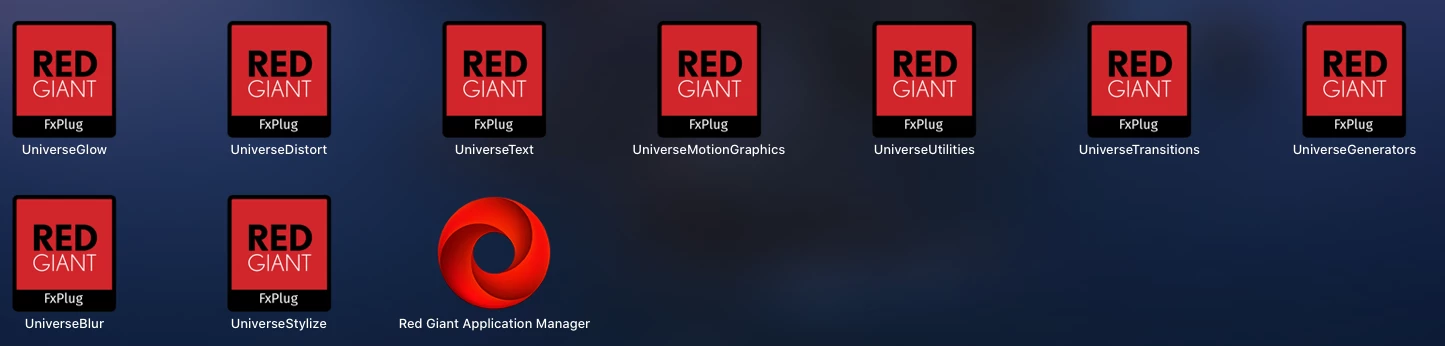
I need help on how I can put Red Giant universe on my Premiere pro-2021 I've installed the packs but they're on my desktop. Does anyone here on adobe know how I can do that?

Correct answer R Neil Haugen

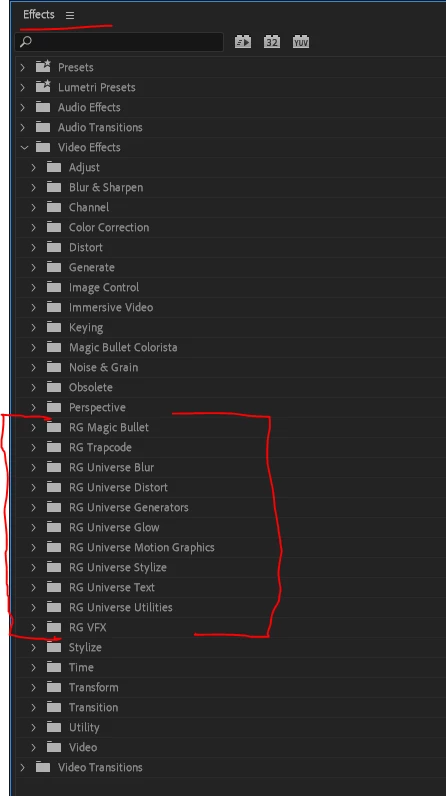
Here's what my Effects panel looks like when I twirl down the Video effects tab ... see where all my Red Giant Universe effects are located?


I might add, that after you add plugins to PrPro, you have to close the app and relaunch to be able to see and use them.


Neil
 

4 replies

R Neil Haugen
R Neil HaugenCorrect answer
Legend
July 13, 2021

Here's what my Effects panel looks like when I twirl down the Video effects tab ... see where all my Red Giant Universe effects are located?


I might add, that after you add plugins to PrPro, you have to close the app and relaunch to be able to see and use them.


Neil


Everyone's mileage always varies ...
Jeff Bugbee
Community Expert
Community Expert
July 13, 2021

Are you running the Red Giant installer? As long as Adobe is installed first, they should get installed to the correct location.

R Neil Haugen
Legend
July 13, 2021

Have you worked through the Red Giant Application manager shown in your images?


Neil

Everyone's mileage always varies ...
Mike Dziennik
Community Expert
Community Expert
July 13, 2021

If you've installed it then the effect shsould appear in your Effects Panel > Video Effects > Red Giant (or a folder with a name like this).

Participant
November 10, 2021

incorrect. they have a third party system that is installed within in premiere pro. it's Window > Extensions > RG Universe Dashboard

Dharsingh
Participant
December 8, 2021

Any possibily to add into the effect foler?