
Relinked media doesn't stay linked after saving and reopening project.
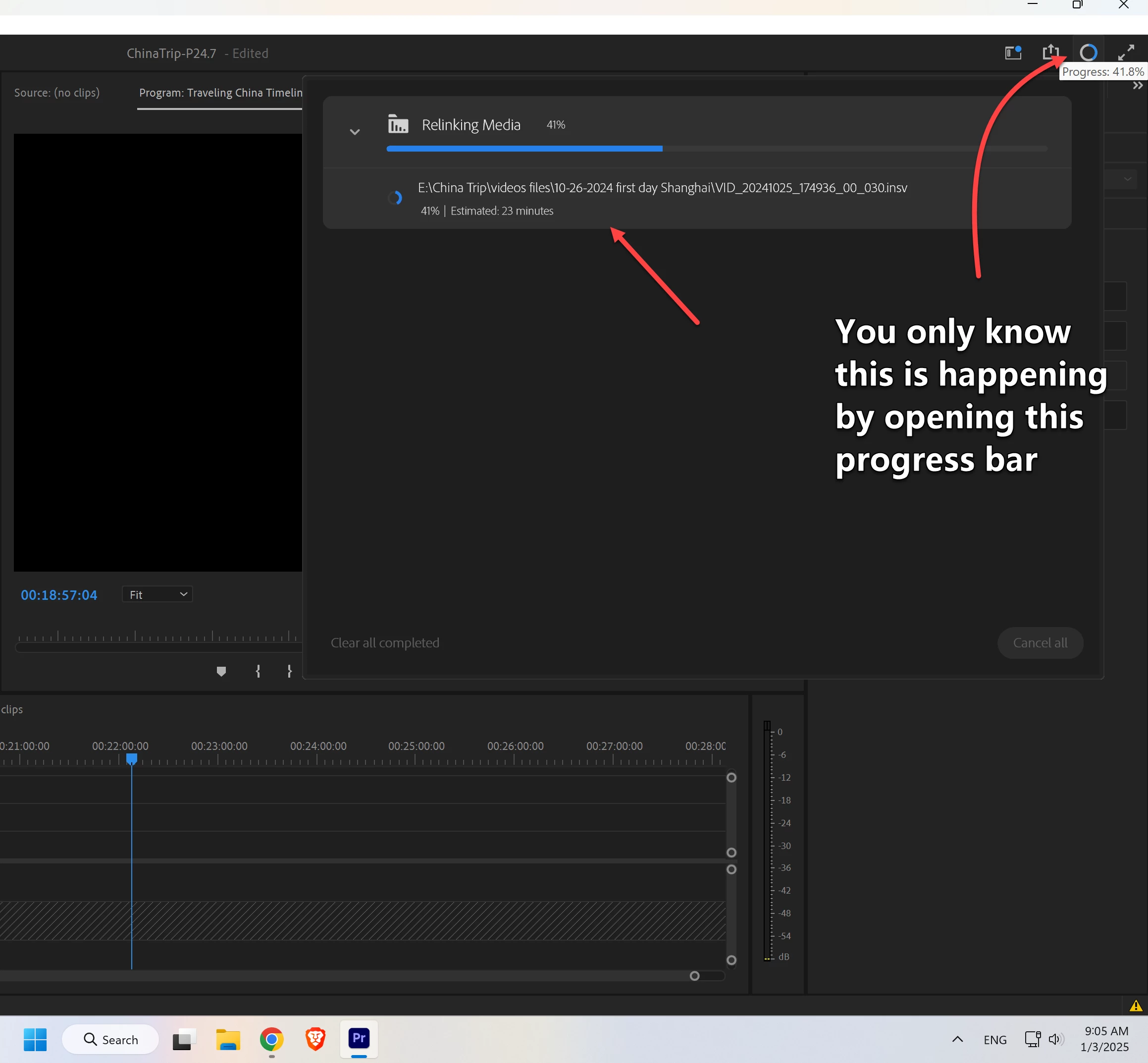
I recently moved all my media to a different drive on the same computer. I got the relink dialog pop up box as I expected and after linking the first one premiere automatically found the others as expected. The project opened normally and I thought everything was fine. However, I saved the project and closed it. Later I reopened the project and noticed a progress bar in the upper right corner and premiere was barely useable/nearly frozen while this progress bar was going. I opened it and it says "relinking media." THIS IS NOT THE SAME AS THE POP UP relink media box. There are probably a hundred or more clips and this takes about 40 minutes to an hour for this to finish every time I open the project.
After opening but before the "relinking media" finishes I also checked media file properties. Many of the videos still show the old location for the video and the proxy. This makes me think Premiere pro is not saving the new location even after saving the project several times while it is open. Thus it has to search for the new location every time I open. That is my guess.
What I have tried
1. restart computer several times.
2. Hold shift on open and clear media cache in premiere
3. move files again and relink them again.
4. create new project and import old project after relinking media and saving. I never closed the old project.
5. reinstall premiere pro 2025 25.1
6. downgrade to premiere pro 2024 24.7
7. selected all clips in the project and selected "offline media." saved and closed project. Then reopened project and relinked all media. This also didn't work.
I have been working on this project for months and have had to move it several times because it is so large. About 6 Tb. This problem only started around early December. There were a few updates along the way so it might also be related to updates. I might need to go back more versions of premiere.
System
Windows 11 Pro x64
Version 10.0.22631 Build 22631
Processor AMD Ryzen 9 5950X 16-Core Processor, 3401 Mhz, 16 Core(s), 32 Logical Processor(s)
Graphics Nvidia RTX A5000
Other notes
Both drives are internal SSDs that don't get disconnected. So the drive letter don't changed and their connection otherwise seem solid.
 AdChoices