

Answered
Remove Black Bars From an Existing Video
Hello,
My Premiere Pro CC 2019 resolution is set to 1080x1080, the video that I want to edit has a wide resolution and was recorded with black bars on top and the bottom.
I tried to Uniform Scale the video but I get weird footage.
My question is how can I remove those cinematic bars and blur them with parts of the video?
Tried to double layer and blur the layer from the background, didn't work.
I think the proper way to do it is to remove cinematic bars.
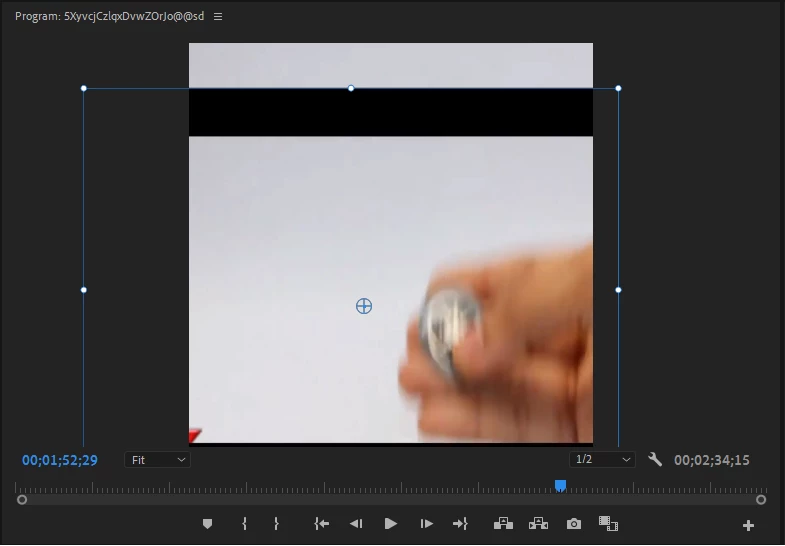
I am a newbie to Premiere Pro CC 2019, I would highly appreciate a screenshot on steps I need to take.
Thank you in advance!
 AdChoices