Participant
May 25, 2019
Question

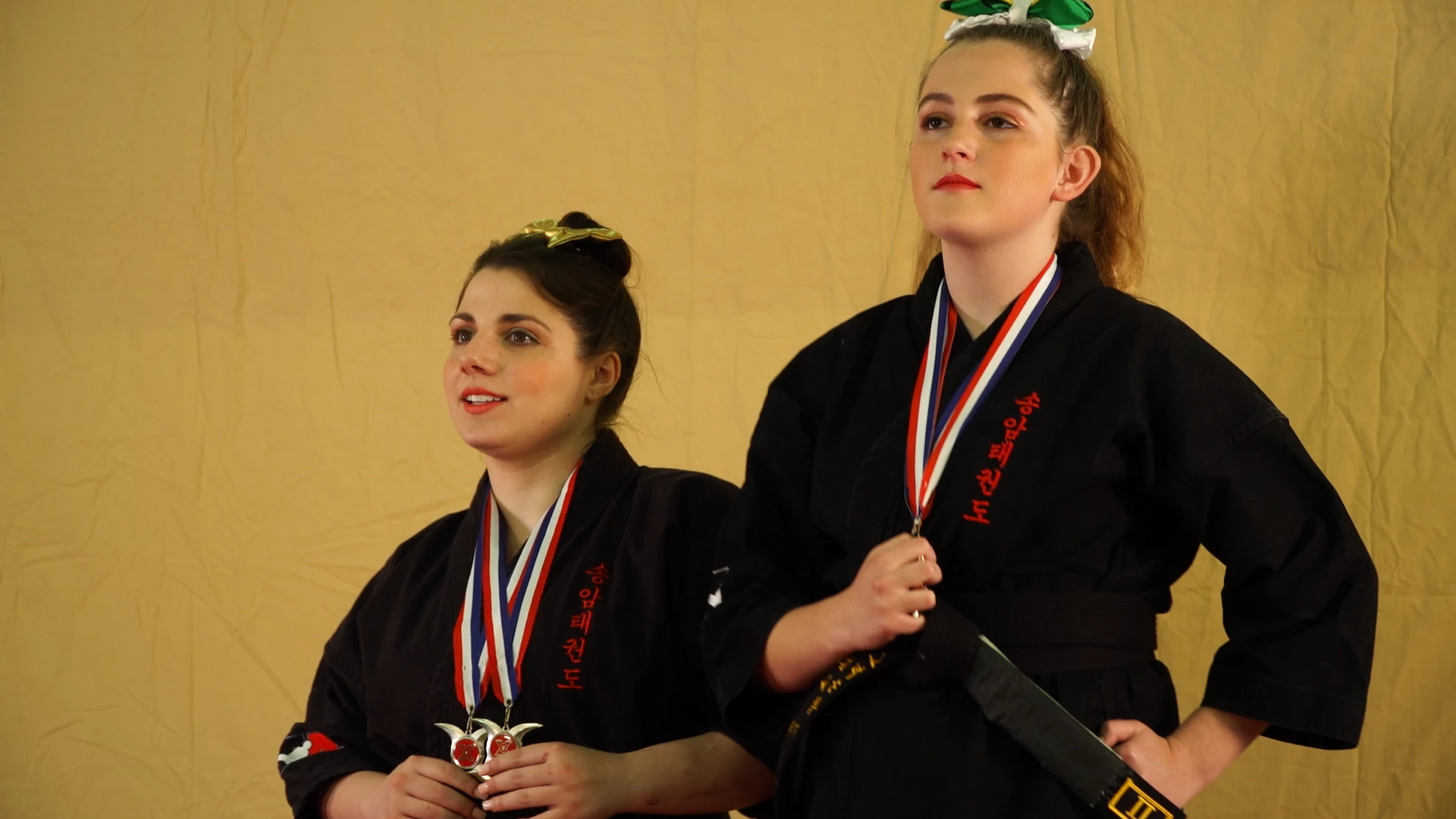
Removing a background containing skin tone.

  • May 25, 2019
  • 3 replies
  • 795 views

Hello,

I need some serious help people. I'm new-ish to filmmaking and premiere pro and I made a dumb call on a set recently.

Long story short, we didn't have a better alternative so we threw up a sheet thinking we could remove it in post.

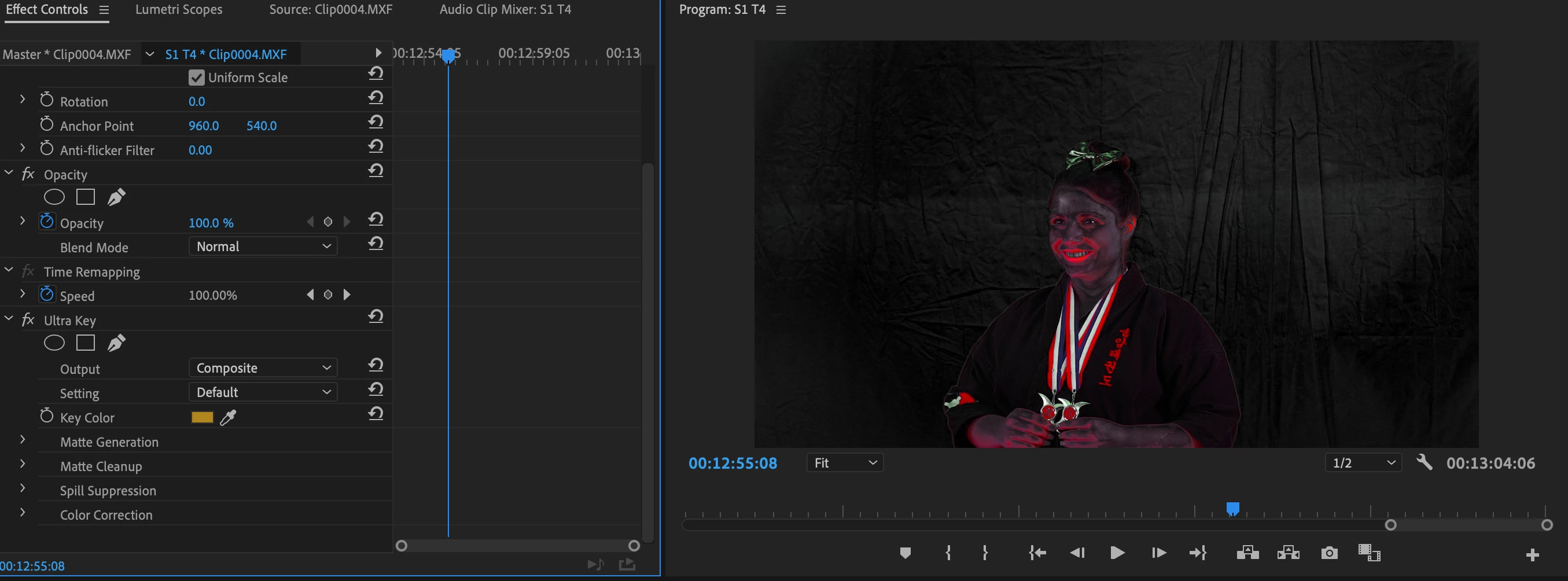
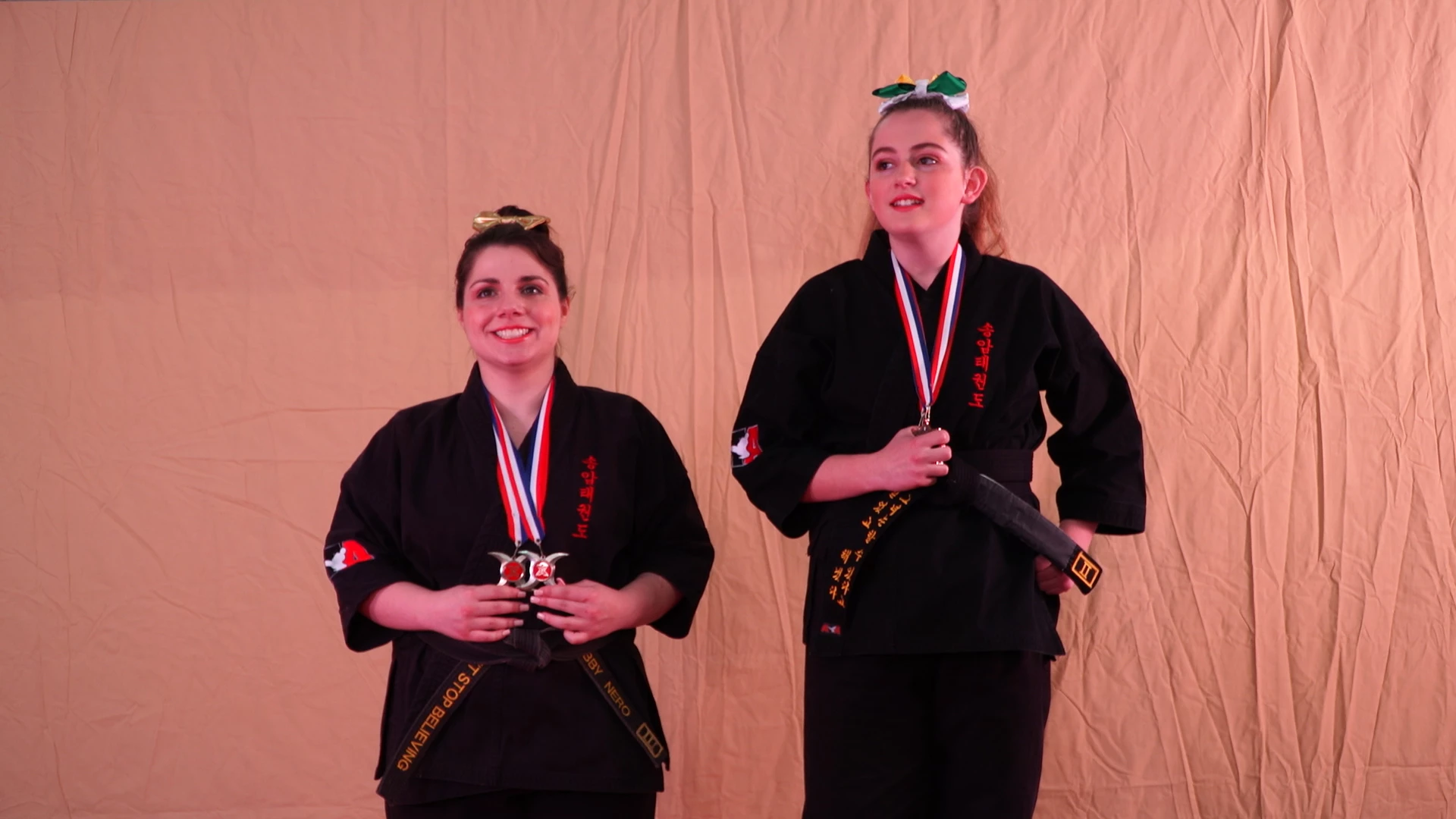
I've been trying to do just that but since the sheet contains the same/similar skin tones as the ladies on screen, it isn't going well.

Their faces are getting removed along with the background...and I'm hoping someone out there can help me out, while putting it in the simplest terms.

I already know what a bone-head move this was, but please someone tell me there is an option here? I have attached images for reference...

Thank you so much!
This topic has been closed for replies.

3 replies

Legend
May 25, 2019

You might actually find it takes less time and effort to reshoot using a proper green screen.

Inspiring
May 25, 2019

Your colors are so similar, it is hard to imaging any automated system being able to discern that portion of the video that you want to retain and the color you are trying to key out.

You could do it with an opacity mask, but you'll likely have to move the (all) matte points manually frame by frame as I doubt Premiere can discriminate the different colors enough in the exposed flesh areas to track the motion of your talent:

Your other choice might be just to make a mask that wraps around the characters in a general way, not attempting to get tight edges:

Then you cut the mask just once and use it as a track matte to allow some background to appear.

This might not be what you want to achieve.

MtD

Participant
May 26, 2019

I've given these methods another 5 hours of my life. I think this is beyond my very limited novice skillset. I really thought I was getting it with the Rotoscope in AE, but I managed to take the girls out and leave the background.

At this point is it reasonable to ask a person to edit these two clips? They are 11 seconds and 12 seconds long, and they are sucking out my life force. It is the very last piece I need to complete the edit too, to add insult to injury. What is a reasonable amount to give someone for that type of edit?

Thank you all for replying too by the way. I feel like I'm going nuts over here...

Legend
May 26, 2019

============

They are 11 seconds and 12 seconds long, and they are sucking out my life force.

=========

hehe... I have to remember that one...  to describe how I feel when learning anything new half the time.


gaussian blur on background maybe helps a tiny bit ??

that one area under the right girl's arm ( her left arm ) bugs me.

R Neil Haugen
Legend
May 25, 2019

This is probably gonna need "rotoscoping", very fine masking and that would be done in AfterEffects.

Neil

Everyone's mileage always varies ...