
Rendered in to out preview lag
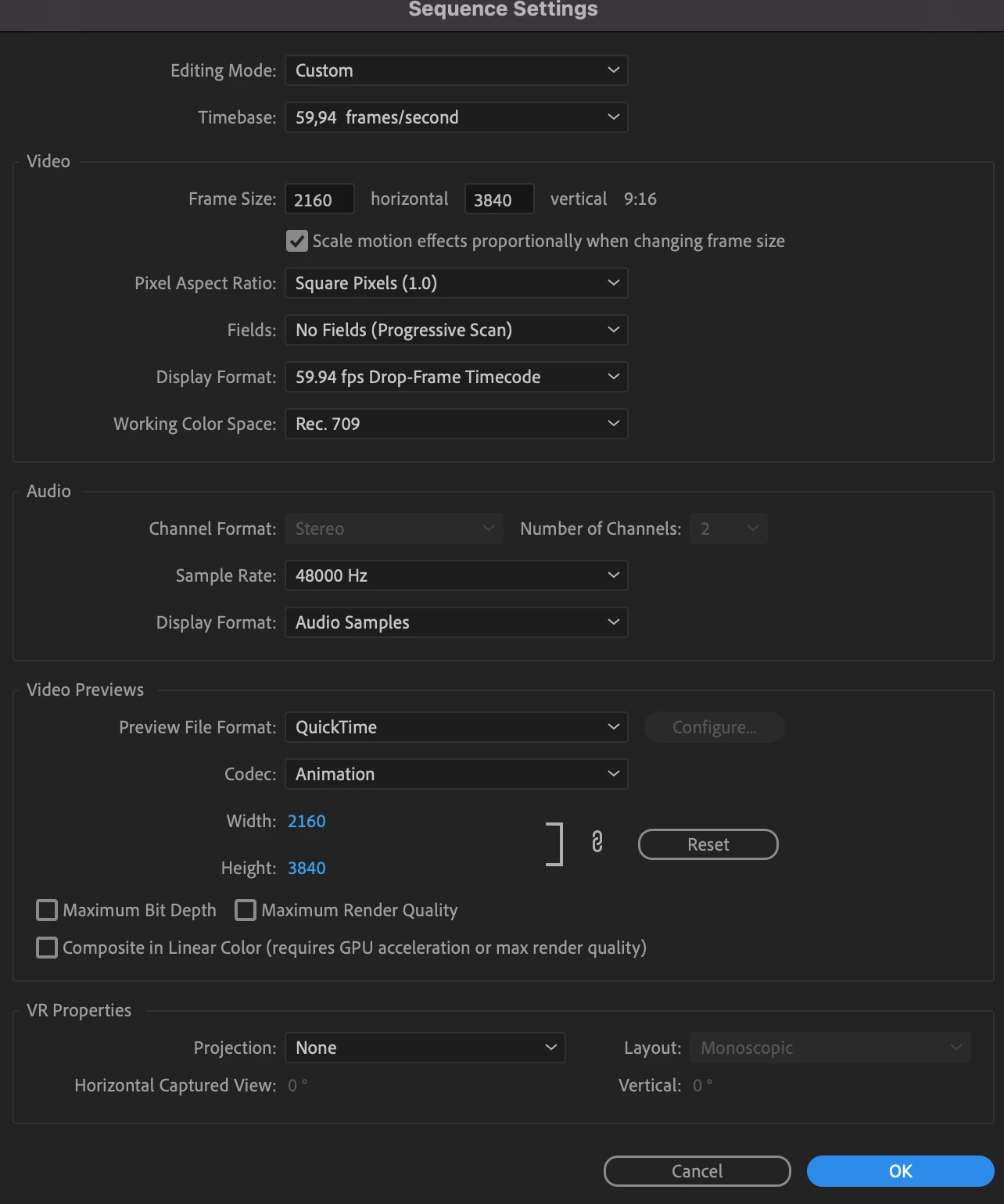
Hi, im having some troubles with previewing my video even after rendering in to out, preview playing at 1/8 and having "green" line above the clips. I hadn't notice the laging problem before, as I've only recently started working on quite dynamic videos with two different cameras. xt-2 flog h264 100mb/s and xt-4 flog h265 200mb/s without Color corr/adj. layer. I understand that shifting between cameras with different codecs, 2-3 times in a matter of seconds + speed ramping/warp stabilizer is quite a bit to process.
But isn't the point of "render in to out" to make the playback smooth and as it is intended? As it is now, I can barely edit such videos.
I also cleared cache and did every "obvious" step to make the playback smooth but without success.
Is there any other step that I can take to make things more smooth?
Im also posting a screenshot for reference. The clip I compiled is like 7 sec. long, it's rendered in to out and isn't playing without considerable lag/freeze or stutter.
Im running m1 16/16 with 1TB/200 free.
Thanks!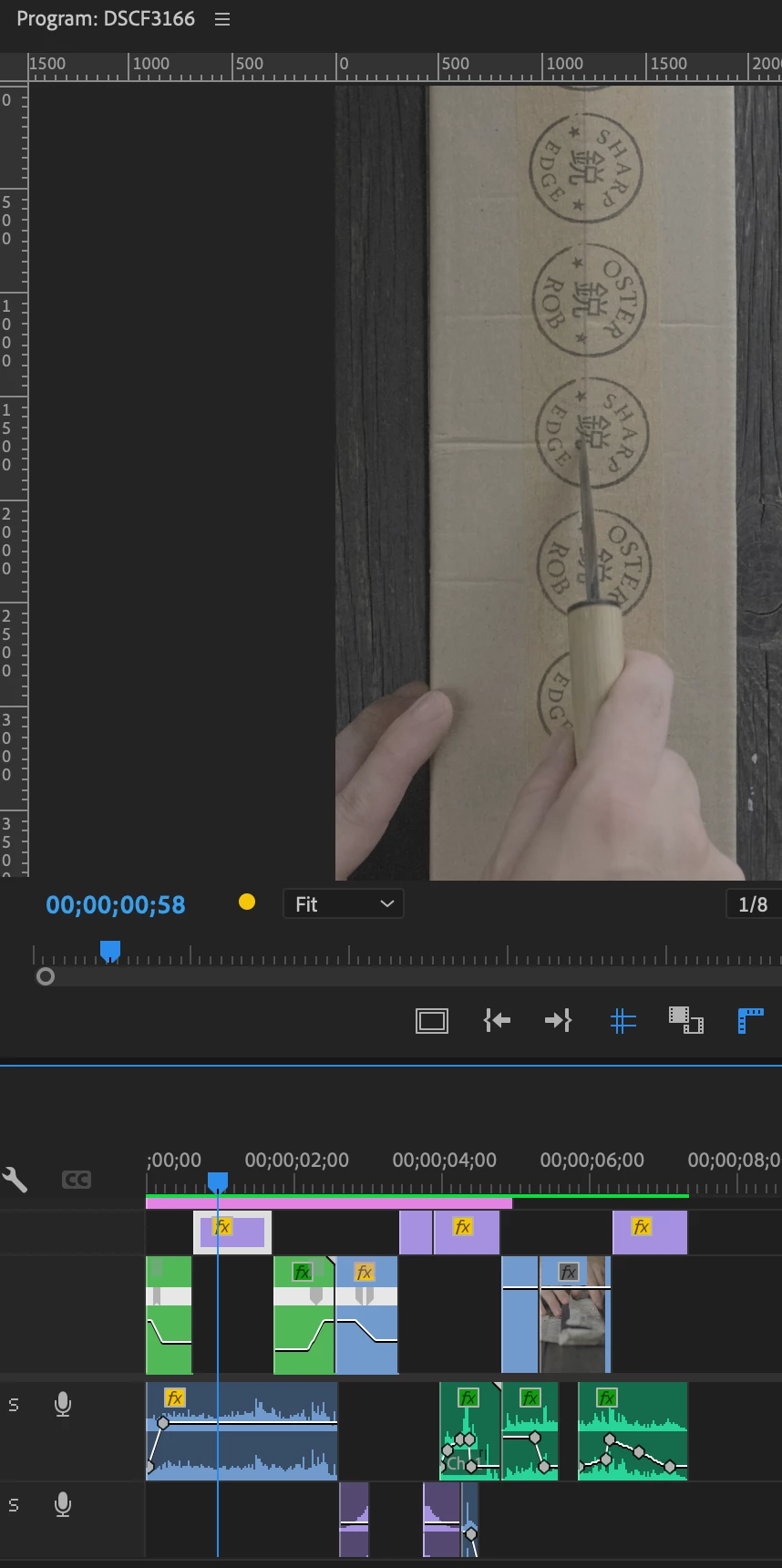
 AdChoices