


Review of Premiere Pro's Latest Audio Update
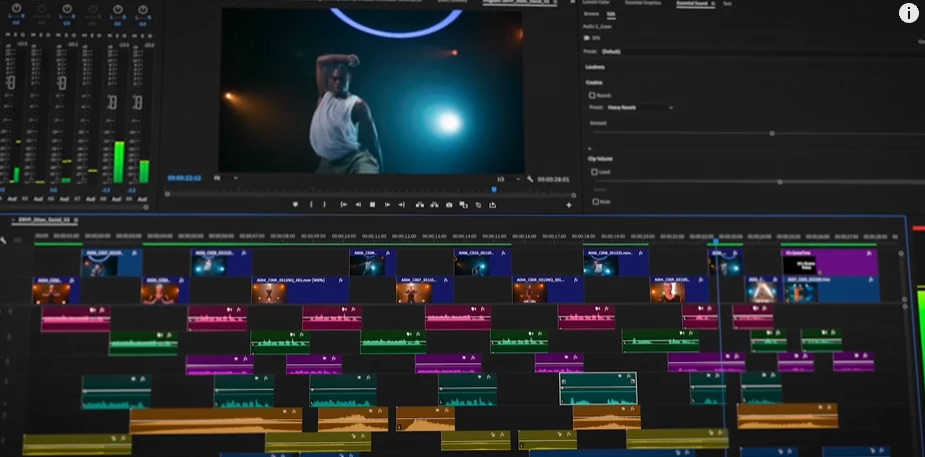
Premiere Pro, the industry-leading video editing software, has recently rolled out a series of new audio tools aimed at revolutionizing the audio editing experience for creators. In this article, we'll delve into each of these tools to assess their effectiveness and impact on the editing process.
1. Visual Fade Handles
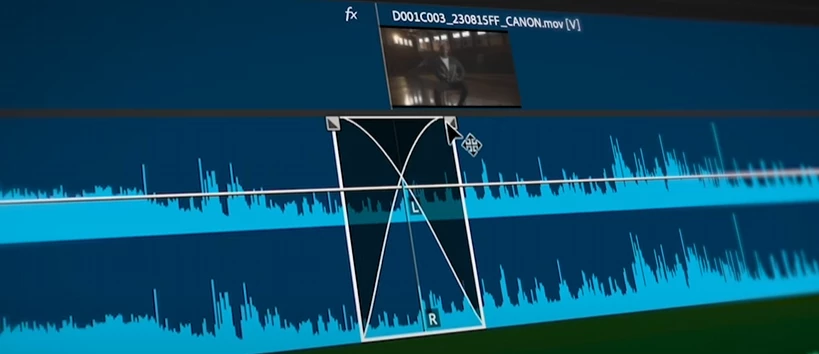
The introduction of visual fade handles directly on the timeline marks a significant improvement in audio editing efficiency. These handles allow users to intuitively adjust audio fades with a simple drag-and-drop motion, streamlining the process of creating smooth transitions between audio clips. Whether it's fading in background music or gradually fading out dialogue, the visual fade handles provide precise control and enhance the overall polish of the audio mix.
2. AI-Powered Audio Categorization
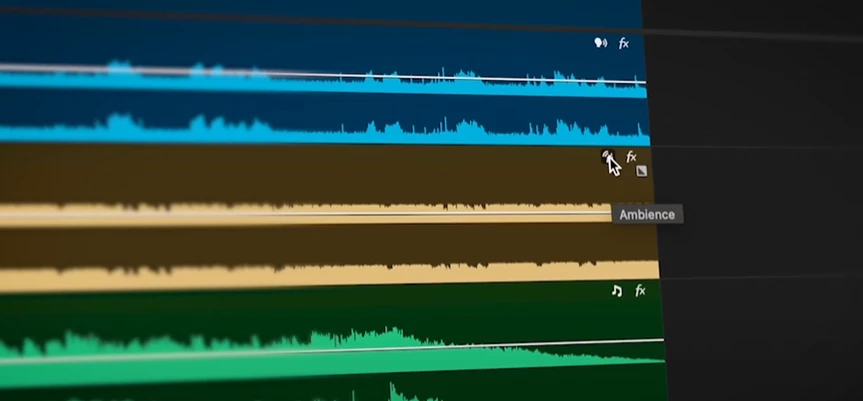
Premiere Pro's integration of AI technology for audio categorization offers a game changing solution for organizing and accessing audio assets.
By automatically recognizing the content of audio clips and categorizing them into music, dialogue, sound effects, or ambience, the software streamlines the editing process and reduces the time spent searching for specific audio elements. The interactive badges accompanying each audio clip provide instant access to the most relevant tools, empowering users to achieve their desired results with ease.
3. Redesigned Effects Badges
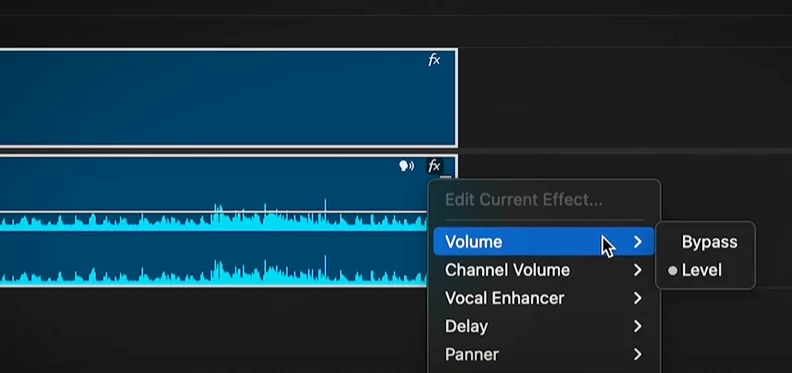
The redesigned effects badges in the timeline enhance visibility and accessibility, making it easier for users to identify clips with effects applied and adjust parameters accordingly. With a simple click, users can add new effects or fine tune existing ones, streamlining the process of audio enhancement and manipulation. This improvement not only boosts efficiency but also encourages experimentation and creativity in audio editing.
4. Intelligently Resized Waveforms
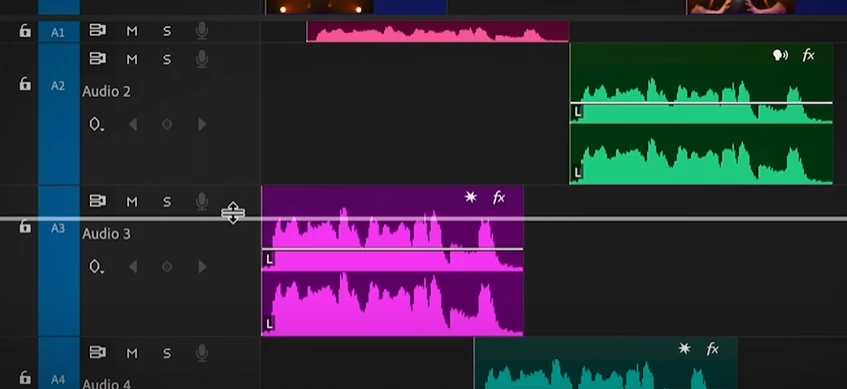
Premiere Pro's intelligently resized waveforms with track height on clips offer improved readability and interpretation of audio content. The addition of new colors enhances the visual clarity of waveforms, even when working with complex audio tracks. This enhancement not only improves the editing experience but also facilitates more accurate audio adjustments, ensuring a polished final product.
5. Access to Pro Audio Tools
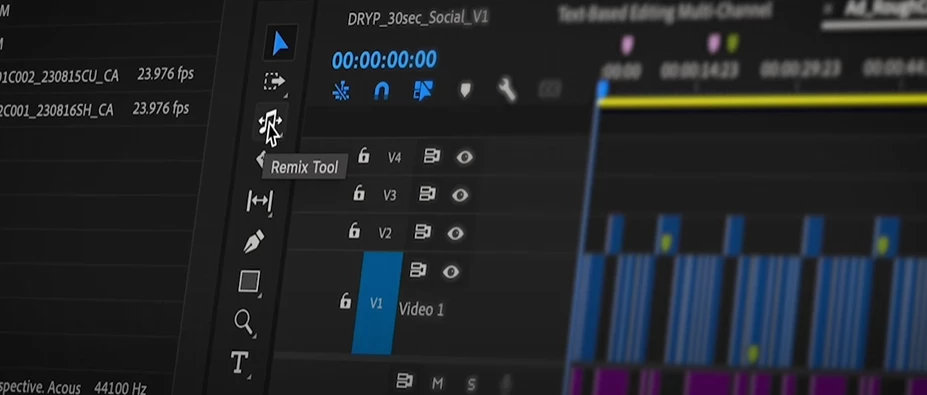
Premiere Pro provides seamless access to a range of professional audio tools, each designed to elevate the quality of audio mixes. The Remix Tool stands out as a revolutionary feature, leveraging AI to identify cut points in music tracks and re-time them to fit video content perfectly. Loudness Matching, Speech Enhancement, and Auto Ducking further enhance the audio editing capabilities, offering users precise control over audio levels and quality.
6. Integration with Adobe Stock Libraries
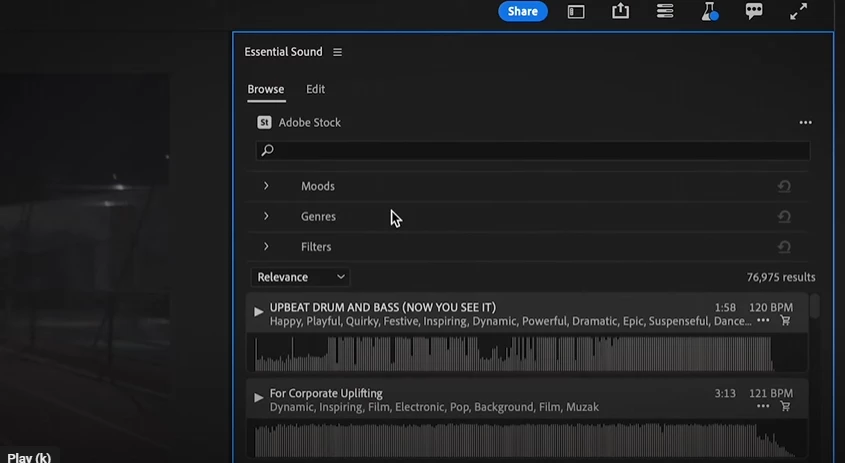
The integration of Adobe Stock libraries directly within Premiere Pro expands creative possibilities for users, offering access to a vast library of music tracks for experimentation and inspiration. This seamless integration streamlines the process of finding the perfect soundtrack for video projects, fostering creativity and productivity in audio editing.
In conclusion, Premiere Pro's new audio tools represent a significant leap forward in audio editing capabilities. From intuitive fade controls to AI-powered categorization and seamless integration with Adobe Stock libraries, these features empower users to achieve professional-quality audio mixes with ease. By streamlining workflows and enhancing creative possibilities, Premiere Pro reaffirms its position as the go-to choice for audio editing professionals.
PremierePro hashtagAudioEditing hashtagNewFeatures hashtagAIIntegration hashtagCreativeTools hashtagAdobeStock hashtagVideoProduction hashtagProfessionalEditing hashtagCreativeProcess hashtagStreamlinedWorkflow hashtagAudioMixing hashtagRevolutionaryTechnology hashtagVisualEffects hashtagSoundDesign hashtagCreativeFreedom hashtagContentCreation hashtagPostProduction hashtagDigitalMedia hashtagVideoEditingSoftware hashtagIndustryLeader hashtagInnovation hashtagCreativeCommunity hashtagAdobe
 AdChoices