
Participant
April 13, 2022
Question

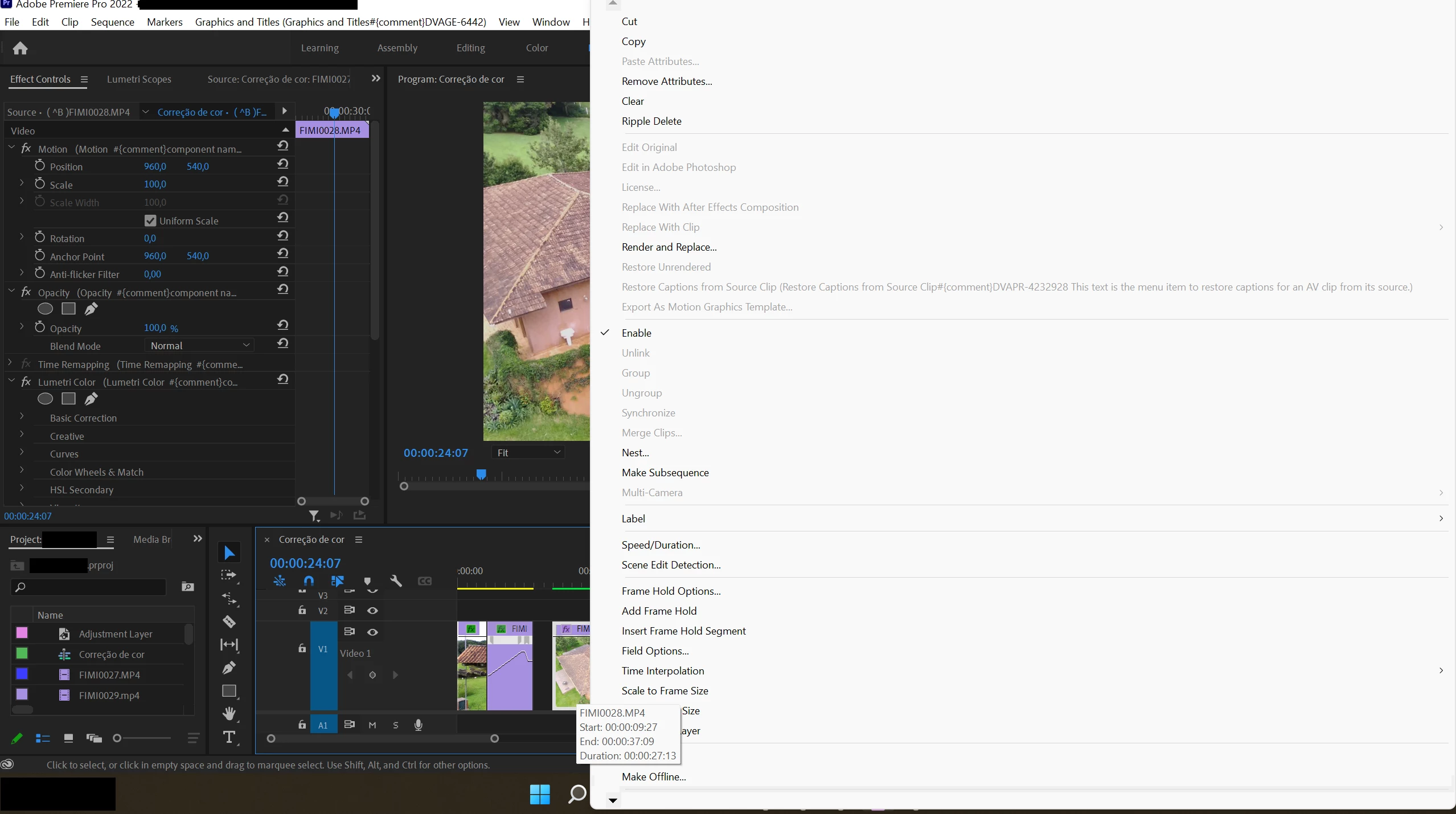
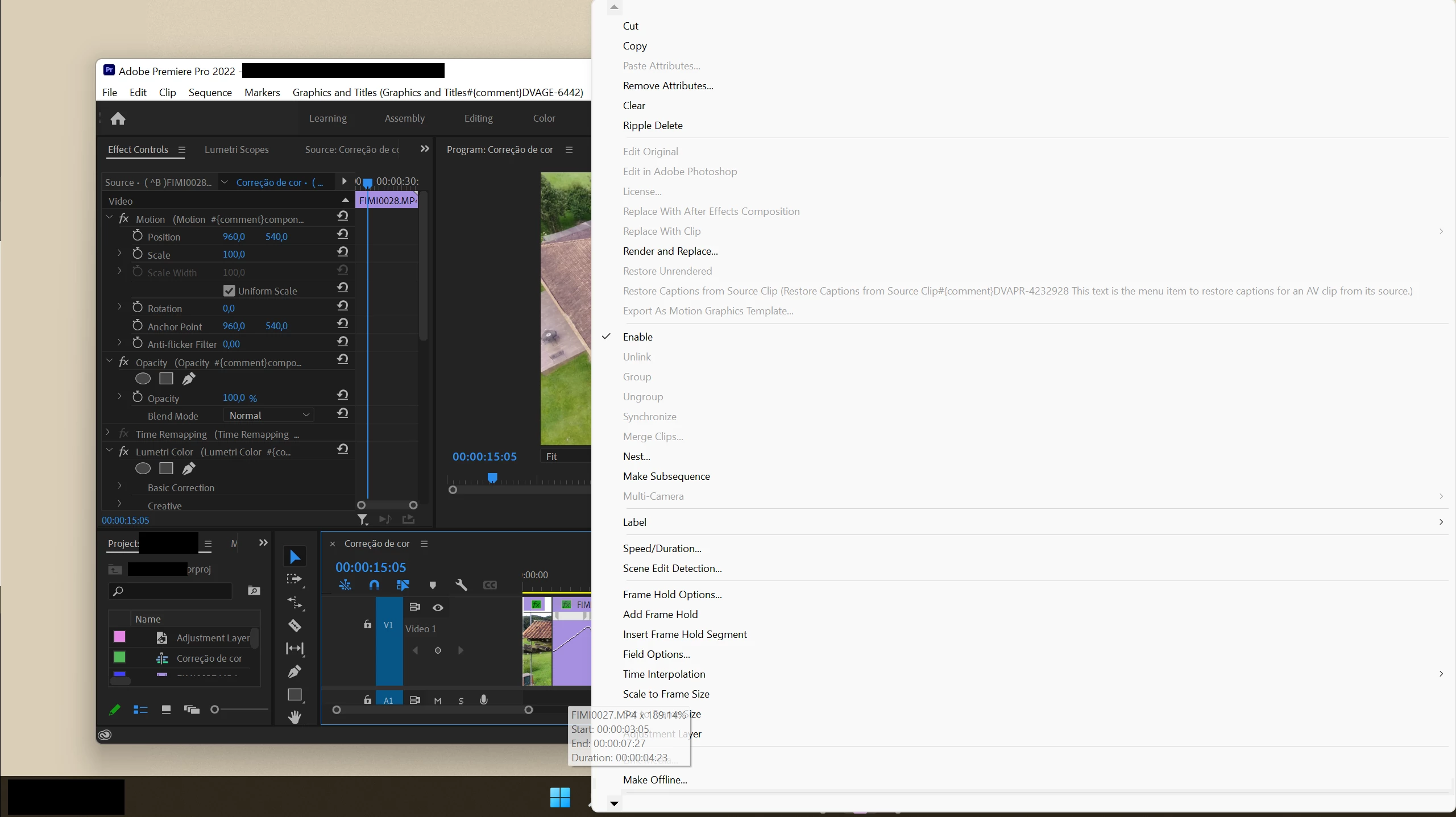
Right click menu is bigger than program window

  • April 13, 2022
  • 2 replies
  • 363 views

I've just recently changed computers and the right click menu has become oppresively big (to the point where it gets bigger than the program window itself if i minimize it!). This completely takes me out of my workflow, any clues on how I can fix this?


This topic has been closed for replies.

2 replies

Ann Bens
Community Expert
Community Expert
April 13, 2022

There is a lot more not correct in your UI.

FAQ: How to reset (trash) preferences.

Participant
April 13, 2022

I'm afraid I don't know what you mean. I followed the steps on the video and nothing changed.

Ann Bens
Community Expert
Community Expert
April 13, 2022

Minimum screenresolution should be 1920x1080.

Jeff Bellune
Legend
April 13, 2022

The bottom left corner of the menu has a scroll arrow that will let you see the rest of the menu. Will that work?

If not, what do you want/expect to happen?

NB: "taking me out of my workflow" is an ambiguous description of the problem. Sorry.


Participant
April 13, 2022

Hello there, thanks for the reply. Let me try to be more specific. Here's an example of how the menu looked like in my old computer:

It didn't occupy over half of my computer screen as it does now and it was still condensed enough to show all possible options without scrolling

Jeff Bellune
Legend
April 13, 2022

The menu on your old computer is too long to fit within the height of your display, if you look carefully.

And the wide menu now is because of a weird UI issue that is adding a comment to the Restore Captions From Source Clip dimmed menu item.