

Answered
Right screen different from left
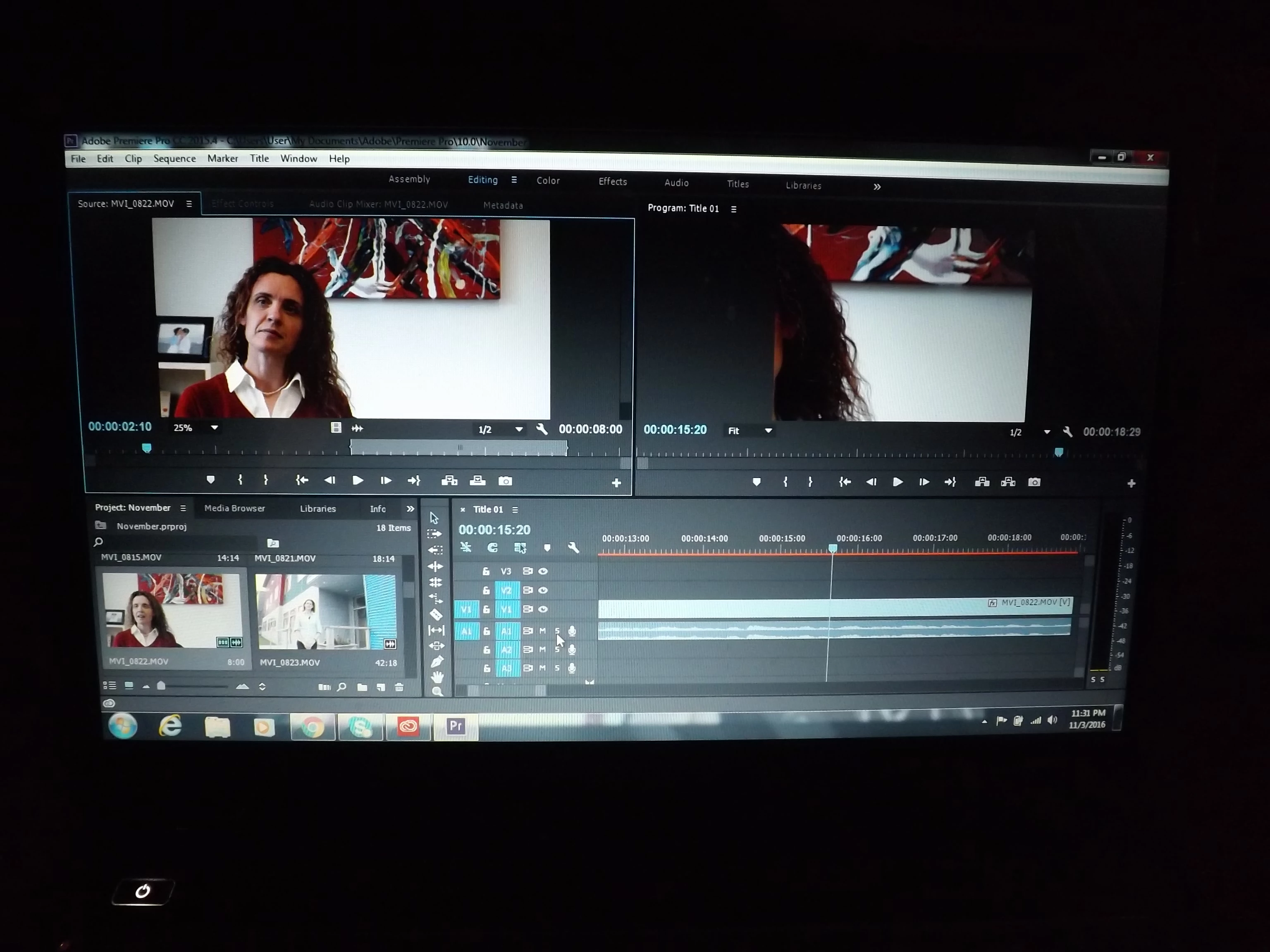
Hi. I am completely new to Premiere Pro, so please bear with me. My question is, as I am editing my video, I noticed that the screen on the right (the title screen) is not the same size as the one on the left. I've tried adjusting numerous settings ("fit to screen", etc) but I just cannot figure out how to make them both the same size. I have attached an image showing what I am talking about. As you can see the image on the right is very "zoomed in". How do I get it to be the same size as what you see on the left? Thanks.
 AdChoices