Participant
December 28, 2023
Question

Rode Wireless Pro: Low Audio Levels

  • December 28, 2023
  • 6 replies
  • 7831 views

 Howdy,


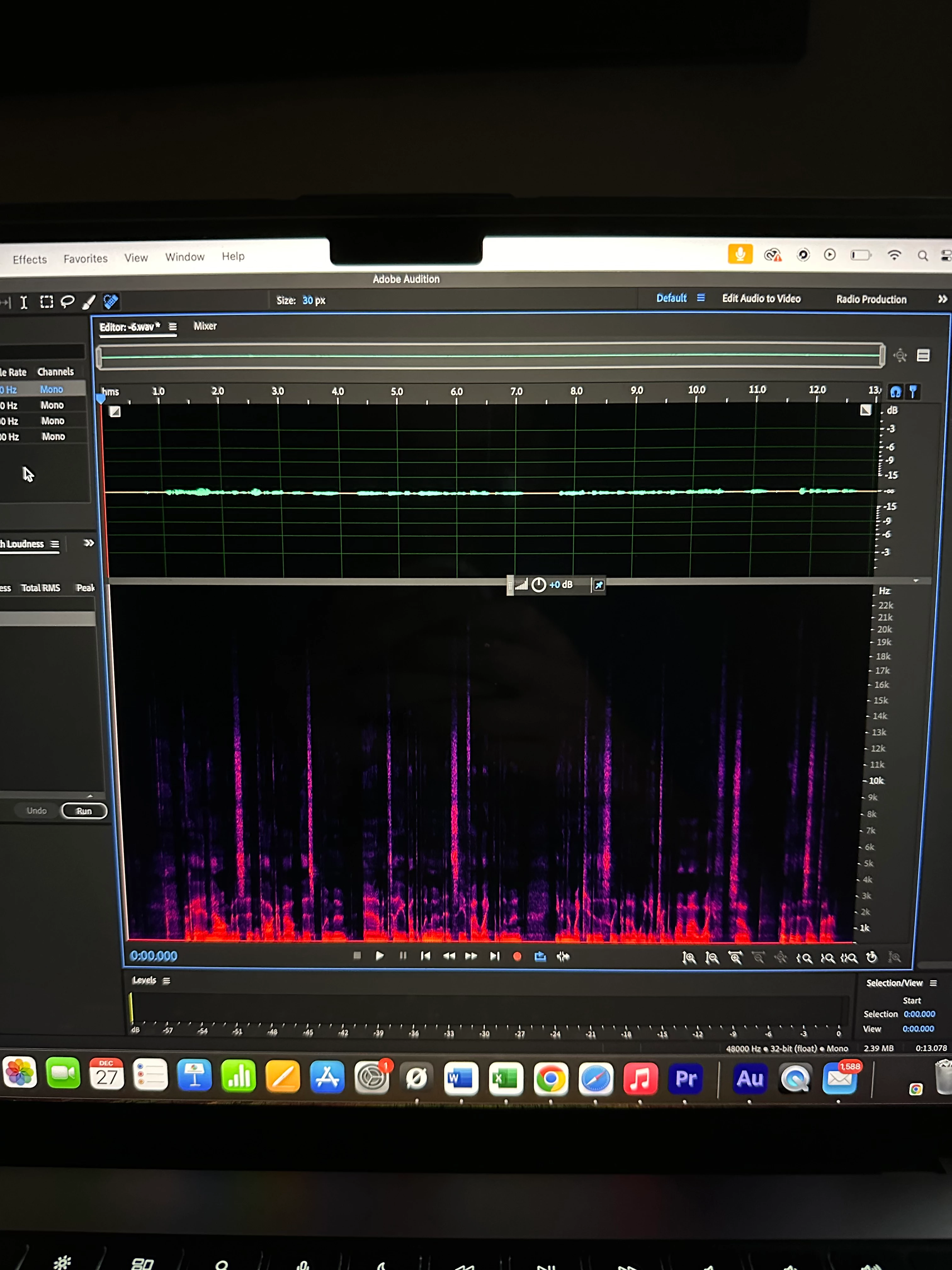
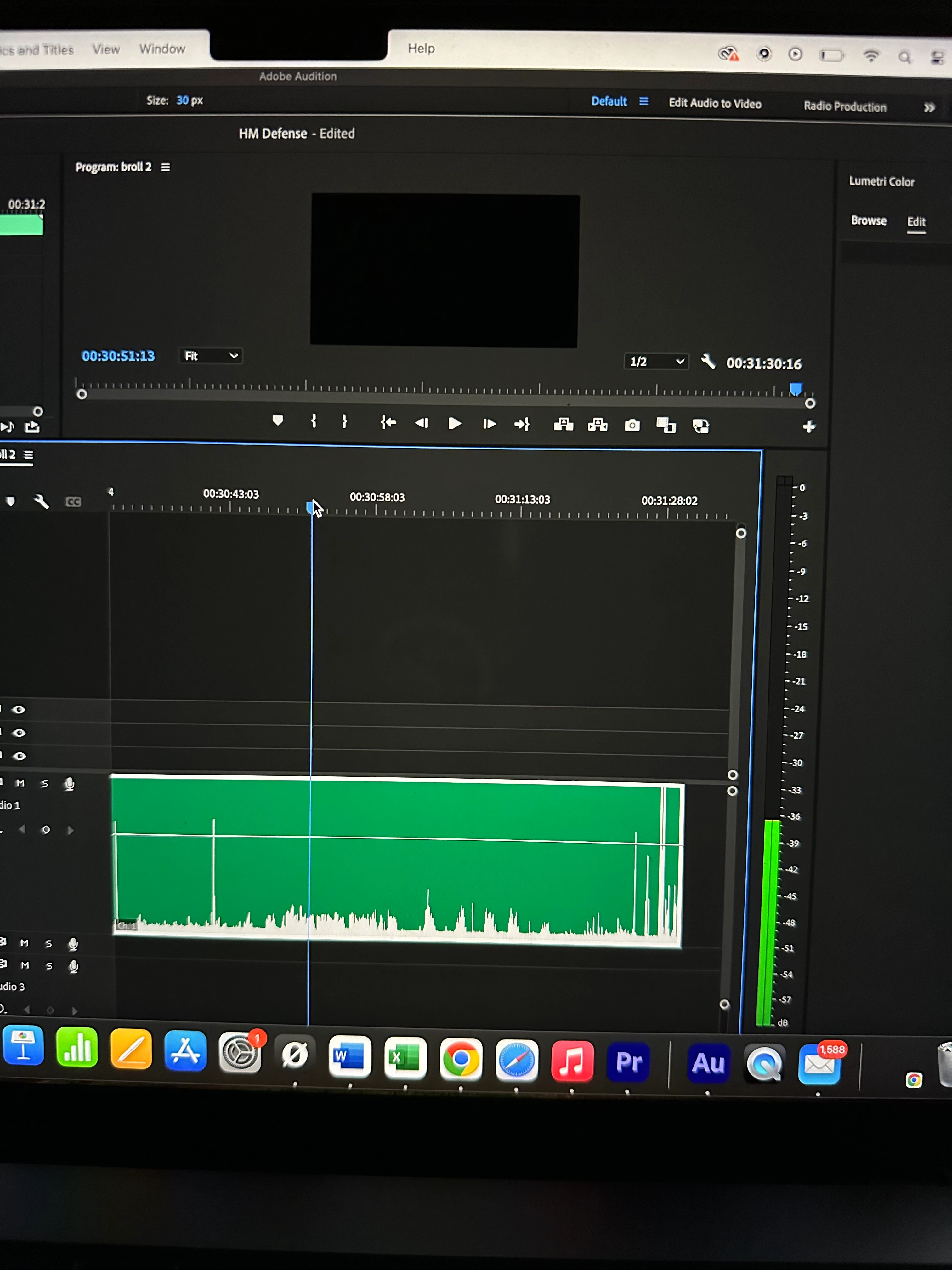
I've been googling a lot on audio for the Wireless Pro/Wireless Go 2 systems. I have both, but since upgrading to the Wireless Pro set I can't seem to get the audio levels correct for my video content. It seems that no matter the settings of the mic/camera when I export the audio and drag it onto my timelines, it is extremely low. I have to amplify it by +20 or so for it to be usable... I have ran tests but no matter what it ends up the same once I drag it onto the timeline in PP or Audition. Luckily the quality of the mic is still pretty good and the audio is still usable after I do a little noise reduction to clean it up. But it's still a pain, because inceasing the gain that much obviously increases the noise floor and creates noticeable unwanted hiss. Not enjoying this workflow and wondering why in the world it's importing so low. 😑


Anybody else experiencing this?
This topic has been closed for replies.

6 replies

Participant
November 29, 2024

Just to make sure. I've had similiar issue might be because the lav mic wasn't completely screwed in. Remove the screw if you want fast plugin without that issue.

Participant
March 12, 2024

This confused the heck out of me regarding my brand new Wireless Pro audio recordings stored on the transmitter - no matter what gain adjustments I made to the transmitter using Rode Central it remained about -35db.  The only exception is when I held the transmitter ridiculously close to my mouth and I managed to get it "up to" -25db.  After several calls and emails to Rode Support the answer turned out to be that those gain adjustments are ONLY designed to change if you have the transmitter connected via the 3.5mm mini plug - if you use USB-C connection it doesn't react OR no connection at all.  It's not a disaster since the recordings stored on the transmitter use 32 bit float technology and if you export them that way off the transmitter (and often even if you don't) in post you can raise them to basically anything you want without distortion

Participant
July 5, 2024

I feel you on this. A lot of this really confused me, too. Long story short: There are different places in the signal chain where gain adjustments (or other adjustments) are made. The transmitter takes its raw digital signal and applies it to the transmitter's own on-board 32-bit float recording. After that, it applies the transmitter's gain adjustment (Auto, Dynamic, or manual gain increase up to 30db). At this time it also applies any low-cut filter you may have set for it. You may have noticed there's no low-cut in the 32-bit float files. When the receiver receives this digital signal it passes it along to as-is to the phone, tablet, PC, or Mac. It also creates an analog signal which is then adjusted based on the "gain mode" you set (gain, headset, headphones, camera, etc.) and then goes out the side via the 1/8 inch (3.55 mm) port on the side. When in "gain mode," this analog signal can only be attenuated, not increased, until it's received and then adjusted again in whatever device you're recording this analog signal (e.g. camera, recorder, etc.). Took me forever to figure this out. Still love the device, but this is why, I think, Rode ultimately designed the device to be connected to cameras and other devices via the analog signal; they assumed the next device would boost/adjust gain. The transmitters' on-board recordings were meant as back-ups. I wonder if they'll change this in later software or firmware updates.  

Participant
October 31, 2024

Thanks for keeping this discussion alive - I've not been following the developments since March when I had a stroke so I'm not sure if I am going to get back into video production BUT it's still an interest and I'm not mad at all for buying quality audio gear - with that said I do hope Rode either addresses this somehow OR spells it out in very plain English for even non-techies to understand.


Following this therad and sorry to hear of your stroke. Hope you are feeling OK now and on the mend. 

I am having the same issue, essentially I set the RODE Wirelss Pro to "Auto Gain", plug the RX into my Sony FX3 via the 3.5mm cable and let the audio do it's thing. Drag the video into post and the audio is barely scratching -35db. 

I can bring it up with some presets I use and clean it with some noise reduction and it "does the job" but it would be handy if it started out at -20db or something more useable.

Richard van den Boogaard
Community Expert
Community Expert
December 29, 2023

It seems like you're recording at way too low levels. The Rode Wireless GO II Pros allow for 32 bit float recording. This basically means you almost cannot record beyond clipping levels. If you set this device then to -12dB, you are effectively capping it off at the knee. Set the mic to 0dB and see how it then comes out.


I have my Rode Wireless Go IIs (not the Pro versions) set to 0dB or -3dB and the audio comes out just fine.

Ann Bens
Community Expert
Community Expert
December 28, 2023

Try this with different (non adobe) software) see if this has the same result (or not)

If it stays low volume, there is some not right with the mic.

Community Expert
December 28, 2023

Does the Wireless pro setting preset match your camera? The manual has instructions about this. If you can use the audio recorded in the transmitter that would be better quality as it is 32bit float.

R Neil Haugen
Legend
December 28, 2023

How are you recording that? If you do have the levels set correctly, they should come into Audition or Premiere fine.

Everyone's mileage always varies ...
Participant
December 28, 2023

The mic is set to standard (-12) my camera is at standard (-9).

And I use the 32 bit float. The audio is low on the camera and on the separate mic recording. So I'm kinda puzzled.


R Neil Haugen
Legend
December 28, 2023

If you didn't use 32 bit float, what do you get?


I'll bet that's where the "anomoly" comes in.

Everyone's mileage always varies ...