Known Participant
January 15, 2024
Question

Scaled graphics look terrible unless exported in prores

  • January 15, 2024
  • 2 replies
  • 197 views

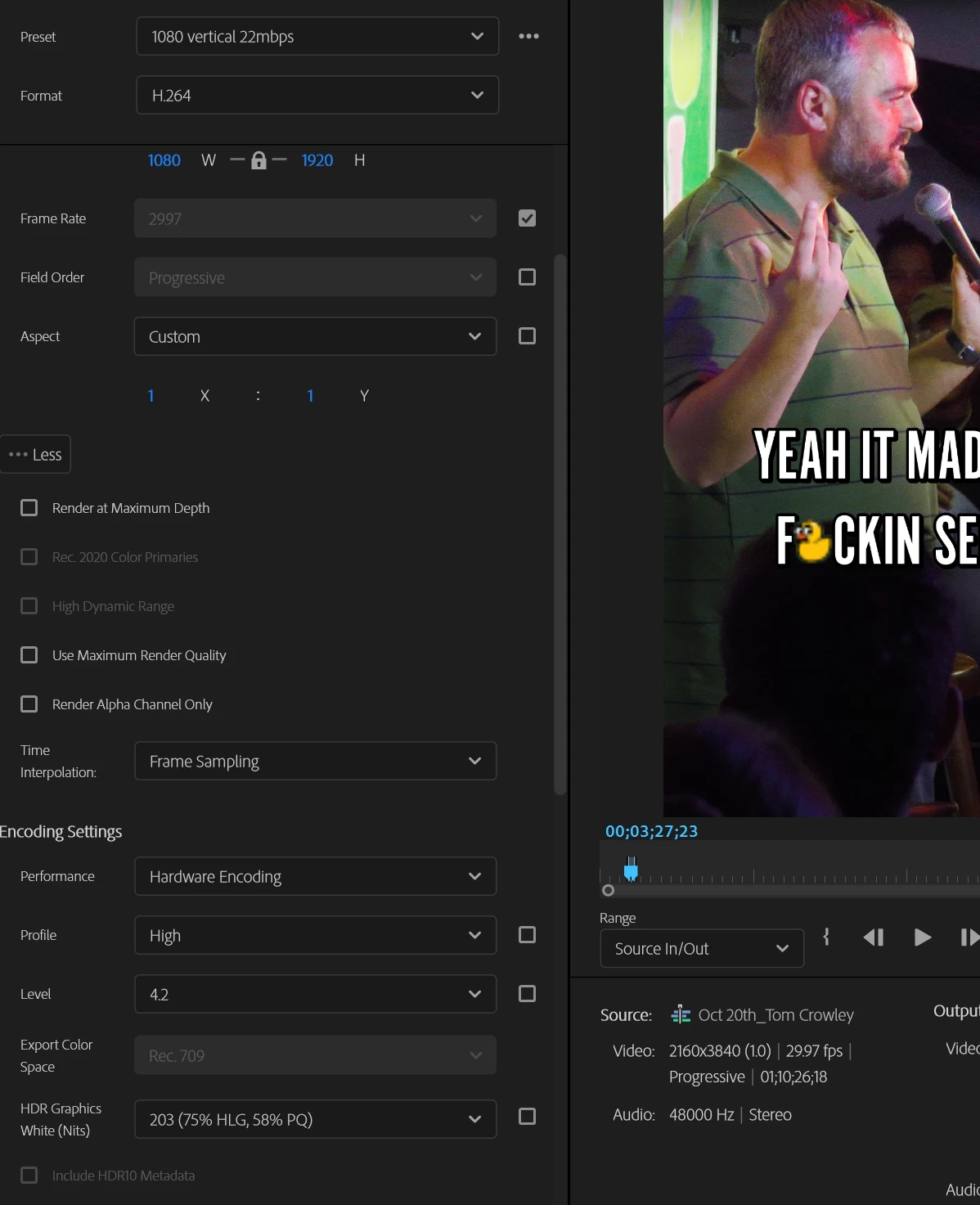
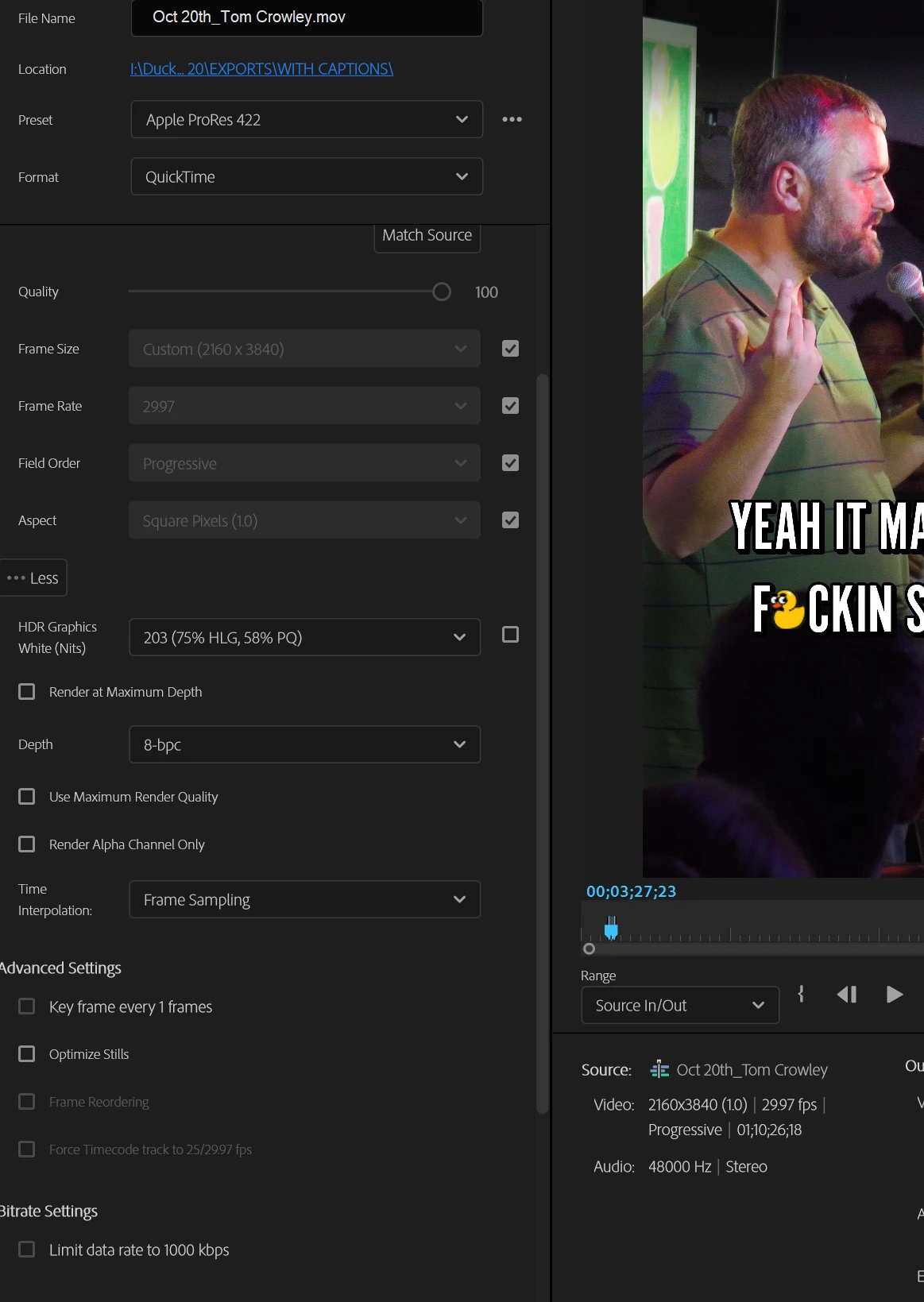
Working on a 4k timeline with 4k footage and I've scaled a little graphic of a duck, sure I've scaled it about 400% so it should be a tad pixelated, but when I export the timeline the duck is a blob of pixels.  This is the case when I export with every format, setting, and quality/depth checkbox on or off EXCEPT prores.  In prores the duck looks as it does in my timeline.


Anyone know what's goin on?


SPECS:

Premiere Pro v 24.1.0

Windows 11 Pro

i7-8700K

gtx 1070

64gb ram


Notice the non-duck footage looks the same:
 

This topic has been closed for replies.

2 replies

Warren Heaton
Community Expert
Community Expert
January 15, 2024

Open the duck graphic in Photoshop.  Choose Filter > Neural Filters... then scroll down to Photography, Super Zoom.  If necessary, download and enable Super Zoom.  In the Super Zoom options to the right, click the Zoom Plus button two or three times.  Make sure Output is set to New Document and then click OK.  Save the resulting Untitled document as a single layer PSD file or as a PNG with transparency.  Import that into Premiere Pro and replace the original duck graphic with the Super Zoom duck graphic.


R Neil Haugen
Legend
January 15, 2024

You're probably about the limit of pixels that can make a sort of decent image with that duck.


And then if you export to H.264, the added block-style compression will give you artifacts far more notable than ProRes compression patterns will.

Everyone's mileage always varies ...