Exit
  • Global community
    • Language:
      • Deutsch
      • English
      • Español
      • Français
      • Português
  • 日本語コミュニティ
  • 한국 커뮤니티
1

Schraffierte Clips im Schnittfenster

New Here ,
Feb 26, 2020 Feb 26, 2020

Hallo,


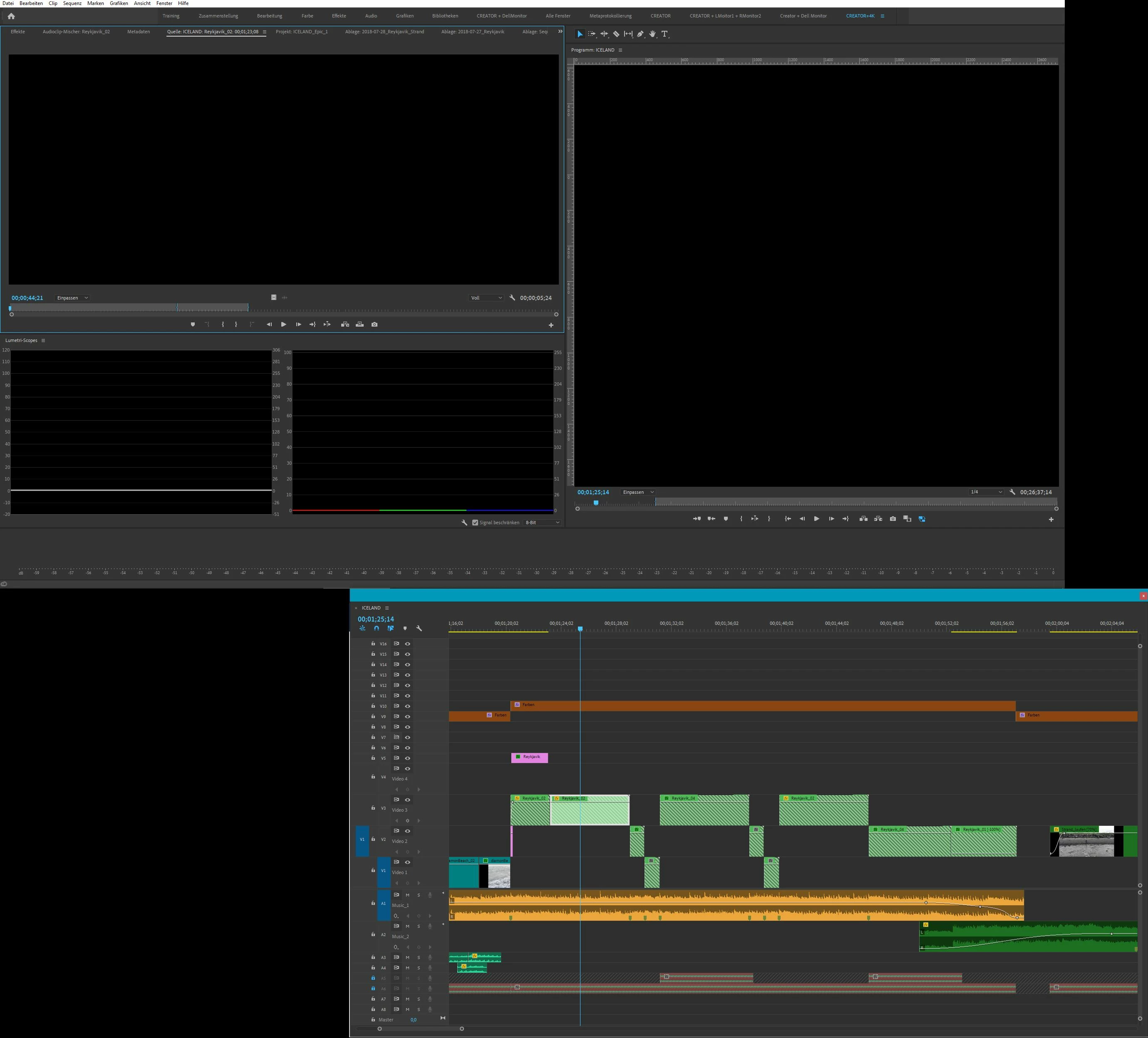
ich habe heute ein Projekt geöffnet und festgestellt das einige Clips schraffiert sind. Ich denke nicht das es mit der verknüpfung der Medien zusammen hängt. Wenn ich die Clips, aus dem Schnittfenster mit doppelklick, im Quellmonitor öffne bekomme ich nur ein schwarzes Bild. Wenn ich aber die Clips im Projektordner öffne, finde ich die gesuchten clips und kann diese auch einsehen. Woran kann das liegen und wie bekomme ich meine Clips im Schnittfenster wieder hergestellt?


Vielen Dank für die Hilfe!

Gruß Robin
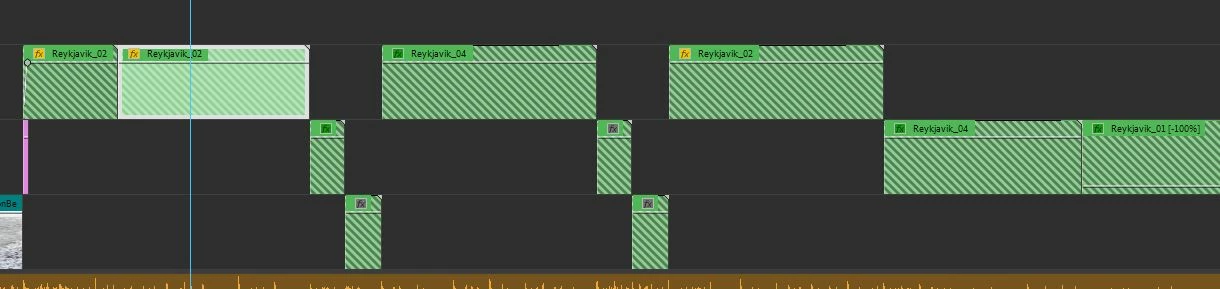
PremierePro Schwaffierte Clips.JPGPremierePro.JPG

TOPICS
Error or problem , User interface or workspaces
5.5K
Translate
Report
Community guidelines
Be kind and respectful, give credit to the original source of content, and search for duplicates before posting. Learn more
community guidelines

correct answers 1 Correct answer

Community Expert , Nov 30, 2020 Nov 30, 2020
Translate
Adobe Employee ,
Feb 26, 2020 Feb 26, 2020

Hi Robin!

Welcome to the community. This looks strange, could you share more details with us to troubleshoot?

Let us know, happy to help.

Thanks,

Kartika


Translate
Report
Community guidelines
Be kind and respectful, give credit to the original source of content, and search for duplicates before posting. Learn more
community guidelines
Engaged ,
Feb 26, 2020 Feb 26, 2020

Sind die clips genested?


CTRL+click mal auf sie und guck was dann passiert?

Translate
Report
Community guidelines
Be kind and respectful, give credit to the original source of content, and search for duplicates before posting. Learn more
community guidelines
Community Beginner ,
Nov 30, 2020 Nov 30, 2020

Ich habe exakt das gleiche Problem und ebenfalls keine Lösung. Konntest Du das Problem lösen?

Translate
Report
Community guidelines
Be kind and respectful, give credit to the original source of content, and search for duplicates before posting. Learn more
community guidelines
Community Expert ,
Nov 30, 2020 Nov 30, 2020
Translate
Report
Community guidelines
Be kind and respectful, give credit to the original source of content, and search for duplicates before posting. Learn more
community guidelines
New Here ,
Sep 15, 2024 Sep 15, 2024

Hast du darauf schon eine Lösung? 

Bei mir haben die unter deinem Threat nicht zum gewünschten Ziel geführt.


Vielen Dank schonmal für eine Rückmeldung.

Translate
Report
Community guidelines
Be kind and respectful, give credit to the original source of content, and search for duplicates before posting. Learn more
community guidelines
New Here ,
Jan 31, 2025 Jan 31, 2025
LATEST

Hallo. Ich hatte das leiche Problem. Es hatte sich herausgestellt, dass die Framerate beim Quellclip nicht mir der Framerate des platzierten Materials übereinstimmten. Also habe ich das Quellmaterial durch Anpassen->Film interpretieren, wieder auf die Franerate der platzierten Clips gesetzt. Dann gings.

Translate
Report
Community guidelines
Be kind and respectful, give credit to the original source of content, and search for duplicates before posting. Learn more
community guidelines