

Doug23424653nxpl
Participant
July 25, 2022
Answered

Scratch disk, import errors, can't create proxies

  • July 25, 2022
  • 1 reply
  • 1877 views

I'm hoping to find out what is keeping me from editing editing 4k footage located on my SanDisk Extreme Portable SSD 1TB.
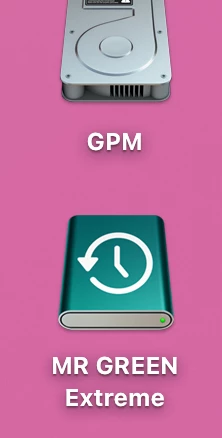
When I try to create a new project and save the working file on the external I get a scrach disk error.
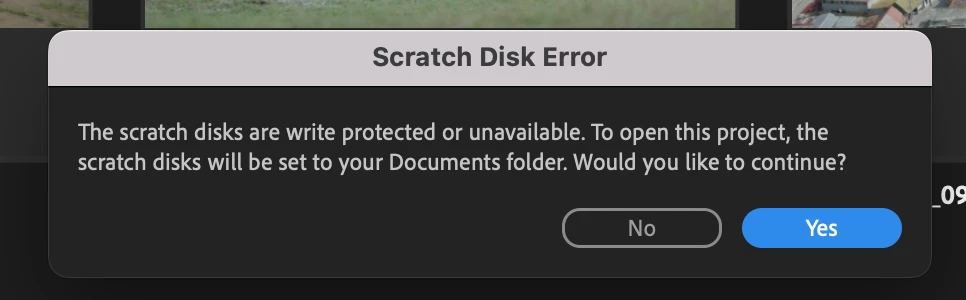
When I continue with the scratch disk set to my documents folder and import my footage I get an import error.
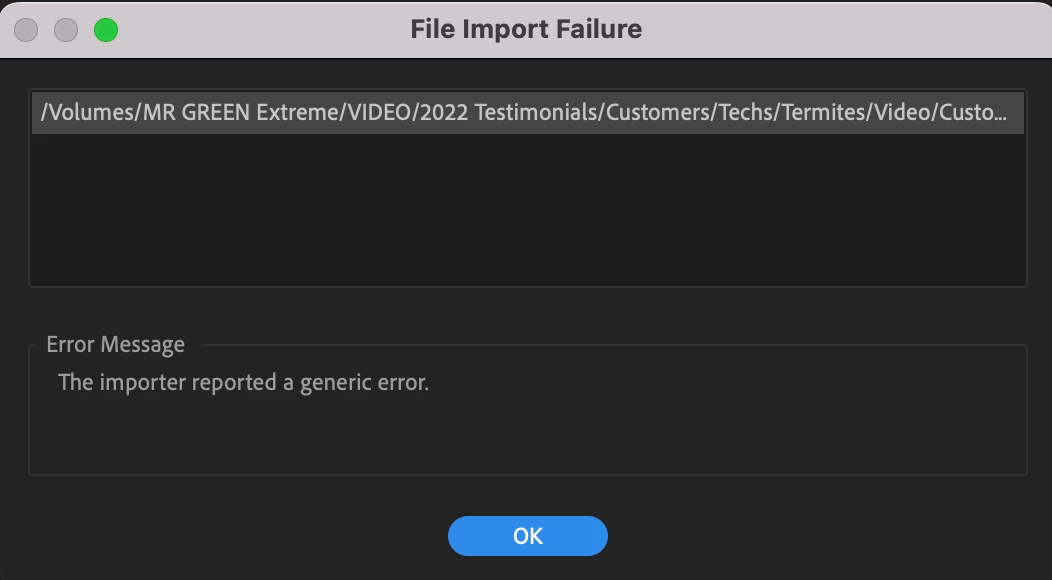
After I click OK the footage is in the project and I can still drag it to the timeline.

When I left click the footage to create proxies through media encoder it fails.
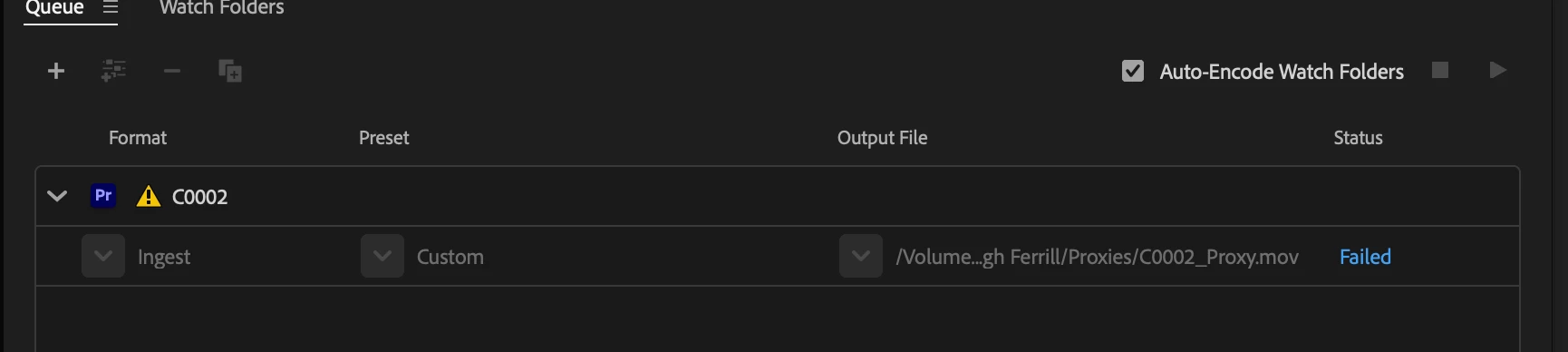
 

I have tried changing the scratch disk locations, clearing my caches, uninstalling premiere pro and media encoder and re-installing them. No success.


I then started a new premiere pro project on my desktop, as well as putting a clip on my desktop to import and create a proxie with and it worked. I'm hoping it's an issue with settings or something because I have edited a lot of projects from my external without any problems like this. I need to edit from the external because the amount of footage is too great to keep on my computer.


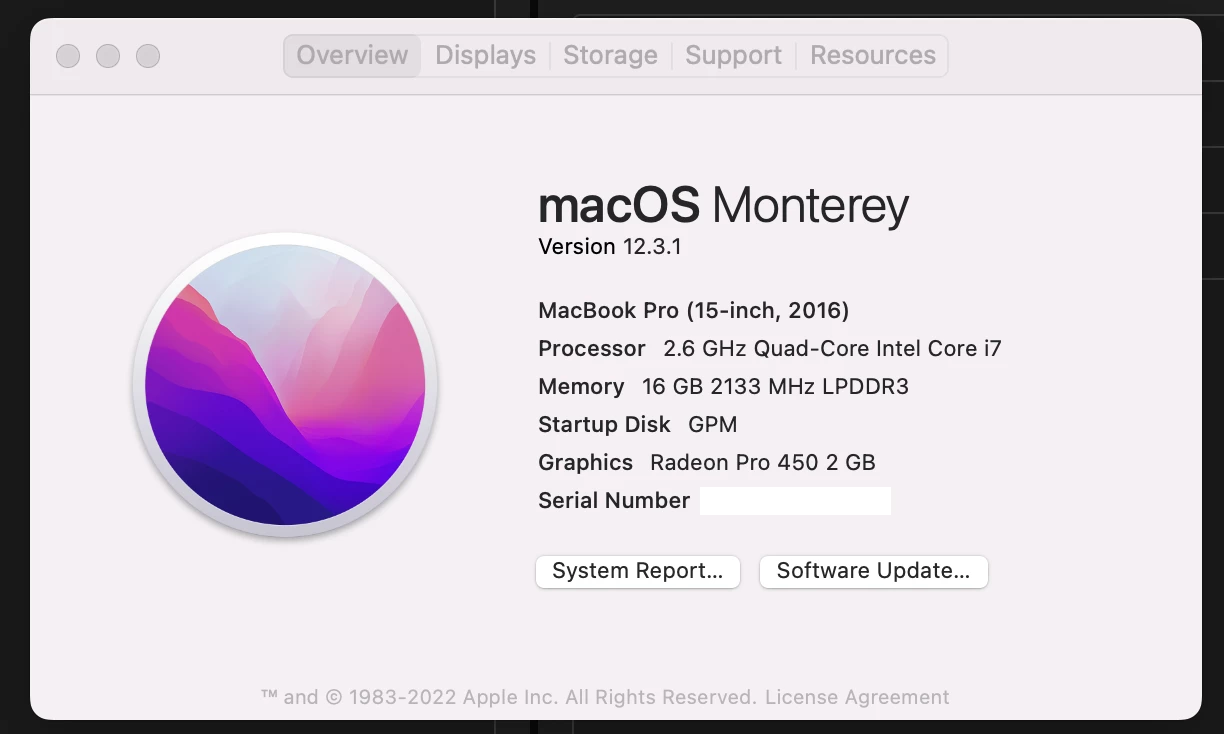
Here's my computer specs
 

Any help is appreciated,

-Doug

This topic has been closed for replies.
Correct answer Kevin-Monahan

I removed any punctuation which was a few slashes, (I didn't have any colons in my file naming) I was able to create a premiere file without the scratch disk error popping up, but as I attempted to import footage I still received the file import error and creating proxies failed. I tried again to keep the working premiere file on my computer's desktop and just import the footage from the external drive, I was able to import without an import file warning from the drive but when trying to create proxies they failed. I've never had a problem with time machine but could that somehow be causing this problem?


Hi Doug,

Sounds frustrating, for sure. Can you check out this article to see if it helps resolve your proxies issue? It may be permissions related: https://community.adobe.com/t5/premiere-pro-discussions/premier-pro-requires-access-to-the-following-folder-s-public/m-p/11255661


Thanks,
Kevin

1 reply

Ishan Y
Community Manager
Community Manager
July 25, 2022

Hey Doug,


Sorry about the issue. For clarification, you're having this problem only when you create a project on your external hard drive, the projects saved on internal storage function as expected. Is that correct? Have you tried granting Full Disk Access to Premiere Pro? Here's how: https://community.adobe.com/t5/photoshop-ecosystem-discussions/quick-tips-learn-how-to-give-full-disk-access-to-photoshop-on-macos/m-p/12889716#M637838 Also, let us know which version of Premiere you're currently using. We're here to help!


Thanks,

Ishan

Doug23424653nxpl
Participant
July 29, 2022

Thanks Ishan,


I'm using the 22.5.0 version of premiere pro.


I created disk access to Premiere pro, and media encoder from the instructions. This time when I tried saving the premiere pro file to my external I still got the scratch disk error, and I get a project save error. 

I tried saving another version to my desktop which worked fine. This time I tried importing footage located on my external drive into premiere and this time it worked with no import error. Then I tried creating proxies of the imported footage and that still came up with a failed error in Media encoder.


What else can I try?

-Doug


Kevin-Monahan
Community Manager
Community Manager
July 29, 2022

Hey Doug,

Try removing any punctuation marks in your filepath. Colons, for example. Does that help?


Thanks,
Kevin

Kevin Monahan - Sr. Community & Engagement Strategist – Pro Video and Audio