
Scrolling a long png image animation. Is slightly blurry and juttery.
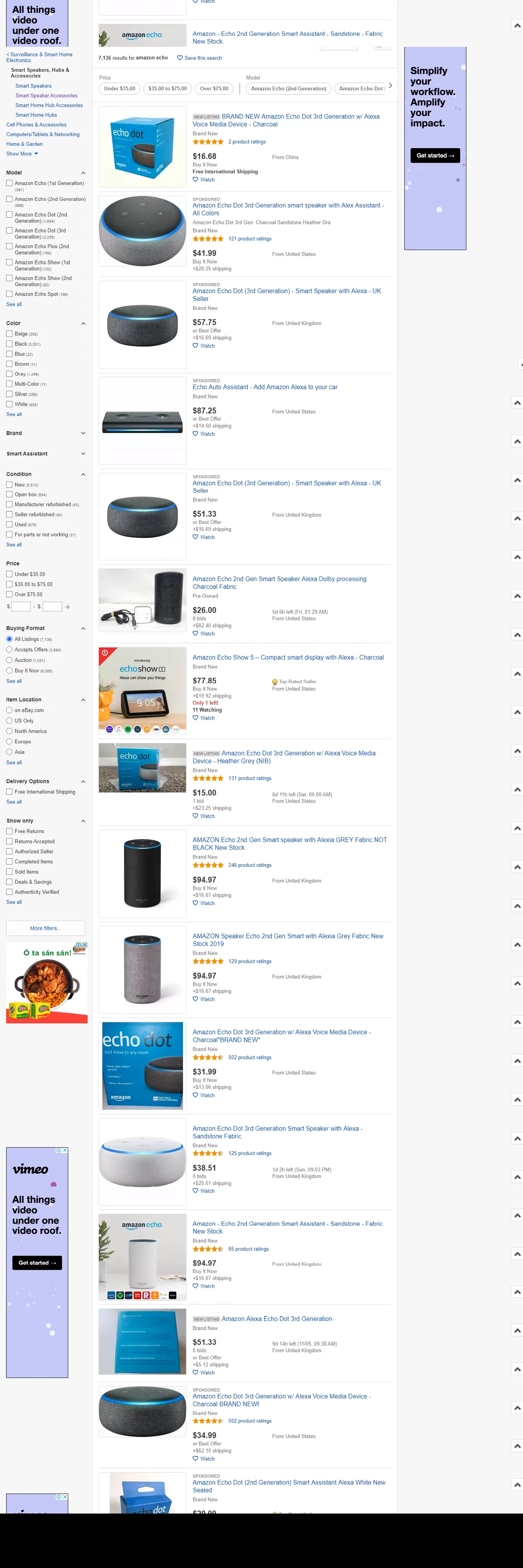
So, I'm trying to scroll a 1364 x 4088 png image of a website I captured with SnagIt.The project is 1364 x 768.
When I apply a liner animation. At 30fps, the image judders along due to frame rate and the speed of the animation.I find this all understandable.
If I use project settings of 60fps.The juddering is improved.Sure, I can slow down the animation to get to no juddering.However, I have to really slow it down.More than I care to.
So, I can live with the slight juddering.The image becomes blurry "Slightly/noticably blurry" I can't render a nice clear scroll to save my life.
If I record my screen at 60fps and do a manual scroll. I can capture a better looking scroll.But the recording is not as smooth as animating an image.
Is there anything I can do to maintaine clairity with the scrolled image?
 AdChoices