

İSKENDER269713945q5z
Known Participant
February 4, 2025
Question

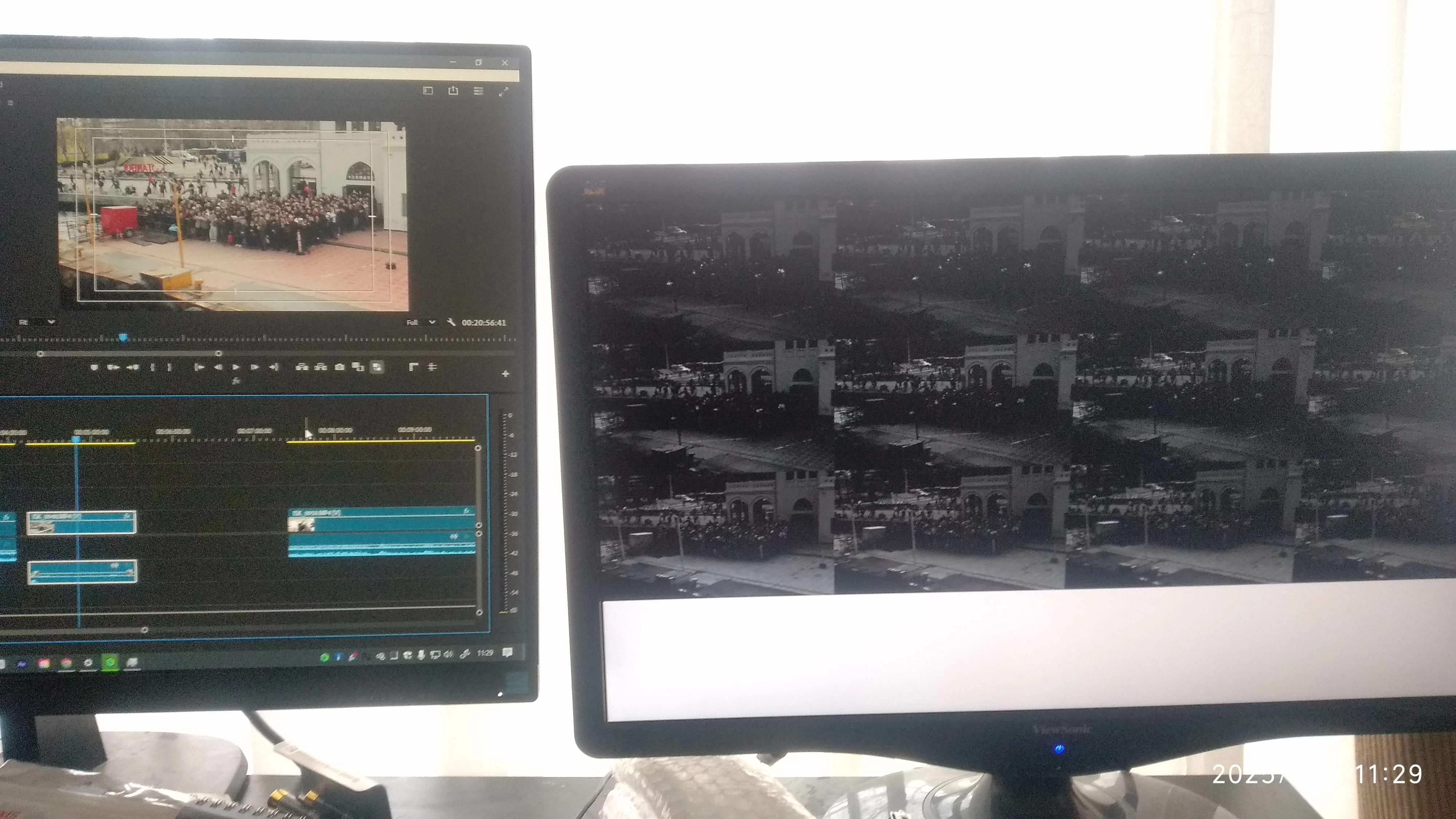
Second monitor goes black like flickering

  • February 4, 2025
  • 1 reply
  • 615 views

Hello, today I set the second monitor on my computer but it seems screen goes black when I use it on Premiere Pro, you can find below short video and photo about this. Monitor works well without Premiere Pro. My system latest Premiere Pro 2025, Intel ARC A 750 GPU, Intel i5 13400f  CPU, 64 GB Kingston DDR4 Ram. Awaiting for yournews , have a good day.
1 reply

Ishan Y
Community Manager
Community Manager
February 4, 2025

Hi İSKENDER,

Sorry about the issue. Could you check if any graphics driver updates are available for your GPU? An update was released recently: https://adobe.ly/3COe3VI. Please also let us know if you see this issue with other applications or if it's exclusive to Premiere Pro.


Thanks,

Ishan

Please tag me (@) in your replies so that it notifies me and helps me respond promptly.
Community Expert
February 4, 2025

Hi Işkender,

Thanks for the update. I had a quick look at your setup details and appreciate you sharing the video and photo. Just to narrow down the cause, could you please check if the sequence settings in Premiere Pro match your source material's resolution, frame rate, and color space? Sometimes mismatched settings can cause display issues like black screens, especially when working with multiple monitors.

Let me know what you find after checking the settings. If the issue persists, we can explore further troubleshooting steps.

Have a good day!

T-Sal
İSKENDER269713945q5z
Known Participant
February 4, 2025

Thanks for your reply. Both camera Canon, R6 and R7. R6 recorded 1080p (by mistake)4:2:0, R7 Recorded 4K 4:2:0 with natural picture profile(not CLog 10 bit 4:2:2). So I am upsacaling R6(via Scale the frame size) videos for match them in 4K project.