
Chromaoran
Known Participant
June 17, 2017
Answered

Second screen not displaying correctly

  • June 17, 2017
  • 4 replies
  • 1889 views

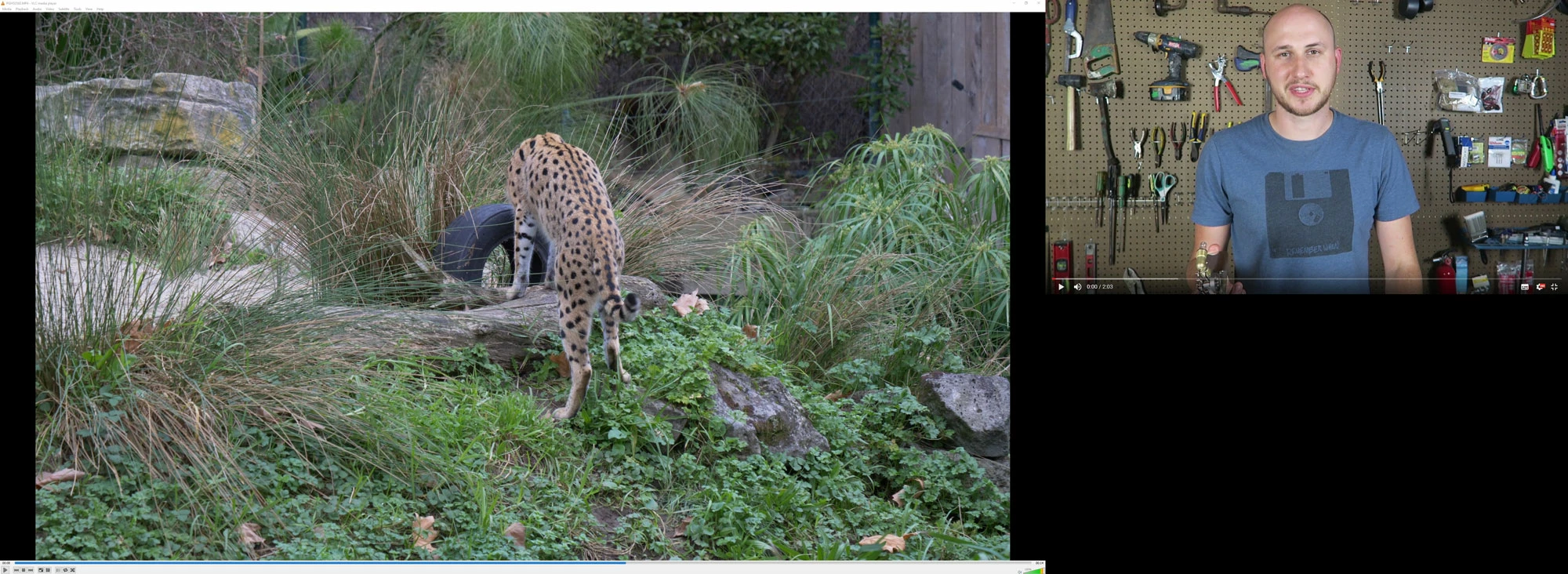
Have tried different footages. On main 4k monitor everything is good. On secondary 1080 monitor everything is zoomed in, can only see a little bit of the screen.
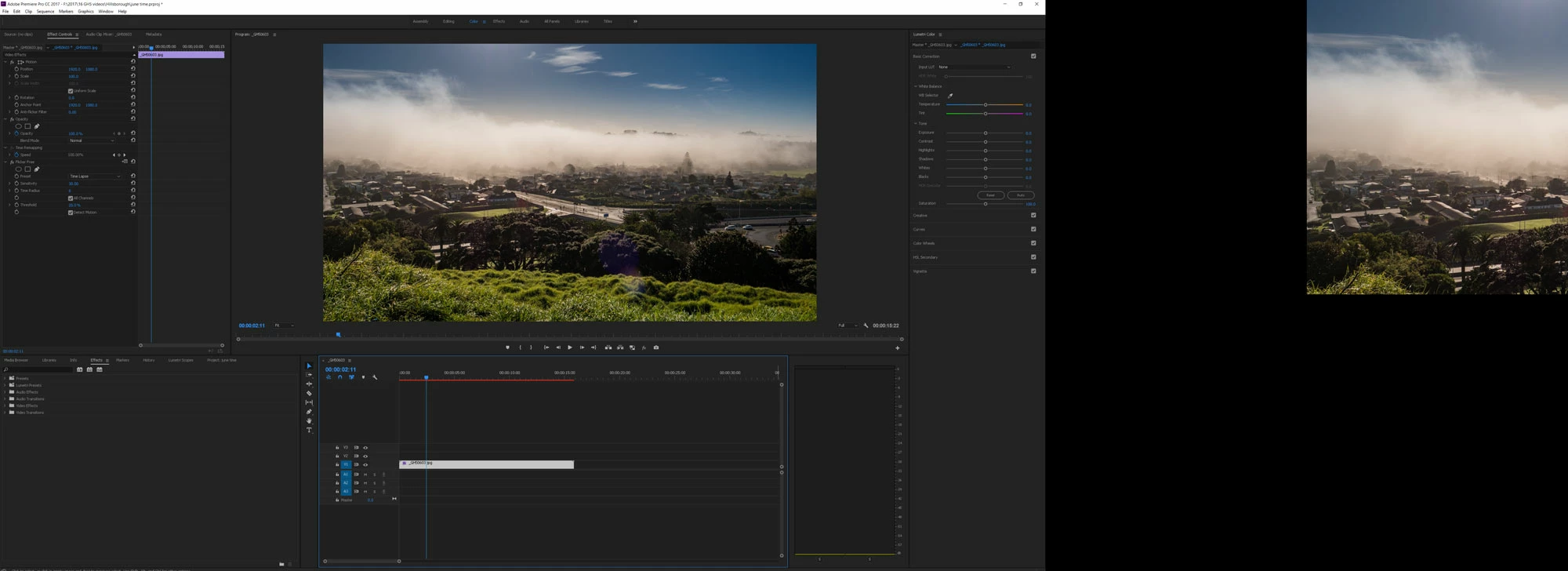
And comparison with how it is meant to look if both screens full. Only happened after latest update.
    This topic has been closed for replies.
    Correct answer shooternz

    Can you screen grab your Premiere Preference Display Settings and post them.

    Check your OS Display  Settings and Graphic Card settings for the second monitor.

    Ignore Jim Simons advice regarding monitors. .

    4 replies

    shooternz
    shooternzCorrect answer
    Legend
    June 18, 2017

    Can you screen grab your Premiere Preference Display Settings and post them.

    Check your OS Display  Settings and Graphic Card settings for the second monitor.

    Ignore Jim Simons advice regarding monitors. .

    Chromaoran
    Known Participant
    June 18, 2017

    The 4k screen was at 60Hz and the 1080 screen was at 50Hz. I disconnected the 1080 monitor in the nvidia controls then re-enabled. When it came back on both were at 60Hz and everything working correctly again! Thanks shooternz! Kiwi to the rescue of a kiwi haha.

    Chromaoran
    Known Participant
    June 18, 2017

    Yes, I tried the search function before posting.

    Not sure why I shouldn't use GPU monitoring or worry about monitor setup stuff within the OS as everything worked prior to the update. One would hope an update would not break what was working fine over 6 years or more of adobe cc.

    R Neil Haugen
    Legend
    June 17, 2017

    There are settings in your monitor setup stuff within the OS that work for PrPro, and those that don't. There's been a couple threads on here recently with people running multiple monitors of varying pixel sizes sorting out how to get them to work properly. You might look back through several pages of posts for monitor questions, or try the Search feature for the forums. The Search ... "feature" ... like much of Jive, is not always as useful as one would hope.

    Neil

    Everyone's mileage always varies ...
    Legend
    June 17, 2017

    The only advice I can think to offer is to not use your GPU for monitoring.  Instead use a dedicated I/O device.  Blackmagix, AJA and Bluefish444 all make devices compatible with Premiere Pro.