


Johannes Eckert
Adobe Employee
Adobe Employee
June 18, 2013
Answered

Sequence explodes when dragged onto timeline (Premiere CC)

  • June 18, 2013
  • 3 replies
  • 19713 views

I am using Premiere Pro CC

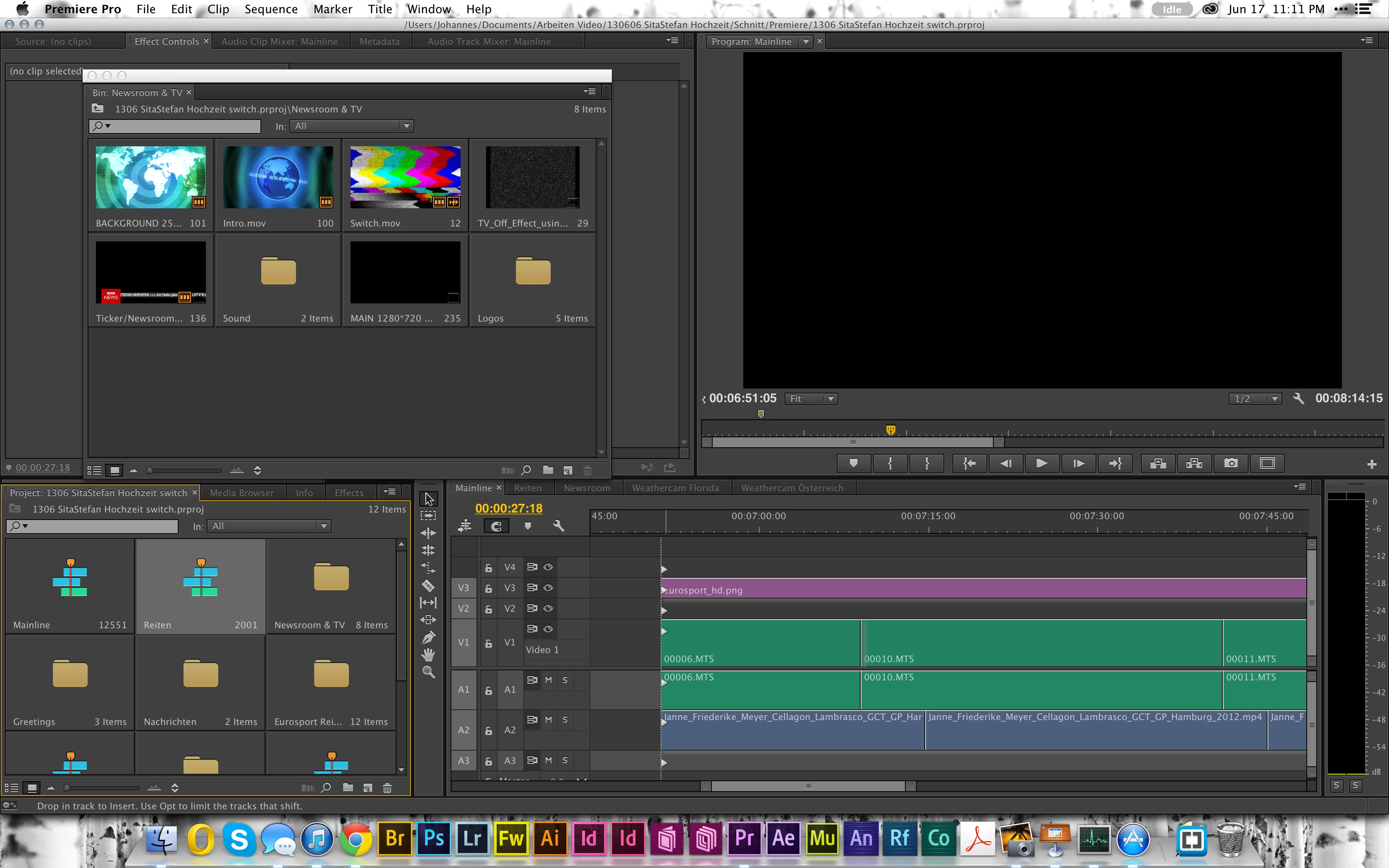
When I am dragging a just-created sequence (by nesting clips) back to the timeline or any other timeline, all the clips appear separately, and not as a single object (the nested sequence).

Is that new behaviour in Premiere CC or is there a setting to control that behaviour?
    This topic has been closed for replies.
    Correct answer Reg Santo Tomas

    Toggle the "Insert and overwrite sequences as nests or individual clips" button in the upper-left of the Timeline panel

    3 replies

    steveh78333837
    Participating Frequently
    September 7, 2018

    Thanks! Tried reinstalling but didn't help.

    Participant
    April 25, 2018

    I just have to say, this has affected me for about a year now. I've been doing workarounds and just accepted the fact that Adobe changed something in the background that affects nesting and Multicam sequences. I am one happy panda now that I've fixed / regained that function.

    Reg Santo Tomas
    Adobe Employee
    Reg Santo TomasCorrect answer
    Adobe Employee
    June 18, 2013

    Toggle the "Insert and overwrite sequences as nests or individual clips" button in the upper-left of the Timeline panel

    Johannes Eckert
    Adobe Employee
    Adobe Employee
    June 18, 2013

    wow, who knew??

    thanks a lot!

    Rowby
    Inspiring
    January 27, 2017

    Same here.  I thought I was going nutz -- could not figure why this was happening.  Thanks, Reg!

    ...Rowby.