
Should Project Audio Format be 32 bit floating point?
I can't find any way to change this setting, even when creating a new project. Is it changeable? All my source audio files are 16-bit.
The problem I'm experiencing is this WAV plays normally in a multi-track sequence where I sync up clips.
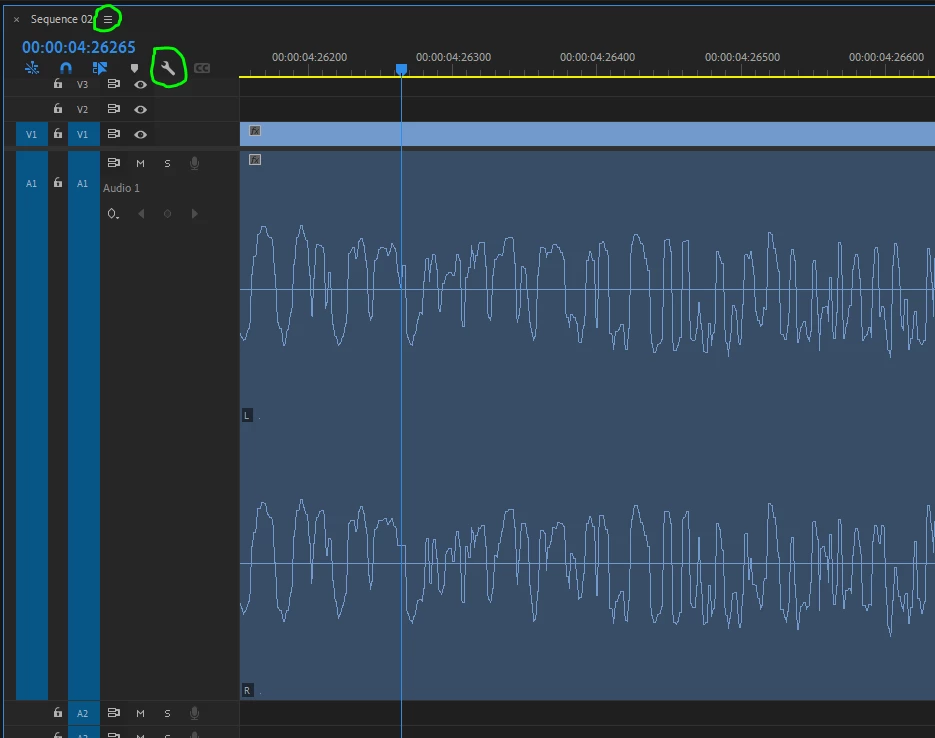
It is overmodulated in my editing sequence. (Visually and audibly.)
If I crank down the volume by -8dB it sounds fine in my editing sequence.
But I'd like to see the waveform as it actually is, and hear it as it actually is.
I can drag that WAV directly into other sequences and it sounds fine there.
-Gord
File Path: V:\20120229 TR2016\Media Video TEAC4-A\2012-06-01 TEAC4D1 bit of D2 audio\Misc Preproduction\TEAC4 Day1 A01 During Kirk presentation RX7ed v20210421c.wav
Type: Waveform Audio
File Size: 488.17 MB
Source Audio Format: 48000 Hz - 16-bit - Stereo
Project Audio Format: 48000 Hz - 32 bit floating point - Stereo
Total Duration: 00:44:12:15184
Version 15.1.0 (Build 48)
Win10 (latest updates) 64GB RAM

 AdChoices