
Significant quality loss after exporting video
Hello dear forum members!
I have made my first premiere pro video so far and I somehow struggle in exporting it properly. I´ve searched through the forum and tried everything, but the quality isn´t getting any better. Maybe you guys can help me.
My Video is a mixture of Camera-Photos, Photos from my mobile phone and videos from several divices. Surprisingly the mobile phone videos are quite ok compared to the original, but also not perfect. I feel like, the better the original quality of the photo or video, the higher is the loss of quality after export.
My Camera photos are 4272x2848.
I used following export settings:
Format: h.264
Preset: Match source - high bitrate
Width/Height: 1920/1080
Frame rate: 59,94
Field order: progressive
Aspect: square pixels
Profile: Main
Level: 4,2
Bitrate encoding: VBR, 1 pass
Target bitrate: 10
Max bitrate: 12
"Render at maximum depth" and "use maximum render quality" are selected
My sequence settings are: AVCHD 1080p square pixels with 59,94 frames and 1920/1080 width/height
After some research, I tried to adjust following:
Profile: High
Level: 5,2
Width/Height: 3840/2160
Target bitrate: 20
Max bitrate: 22
-----------------> same result! Photos lack in resolution and it seems like colors and contrast are a bit different from the original
-> I also tried a new sequence with higher resolution settings, didn´t work as well.
I don´t know what I´m missing here - like I said, I´m farely new to the programm and hope you can help me. I put a lot of effort in making this video and would be very disappointed, if that is the best outcome.
I put some examples below, so you see clearly what I mean. Thank you so much!
Zoomed in footage original:
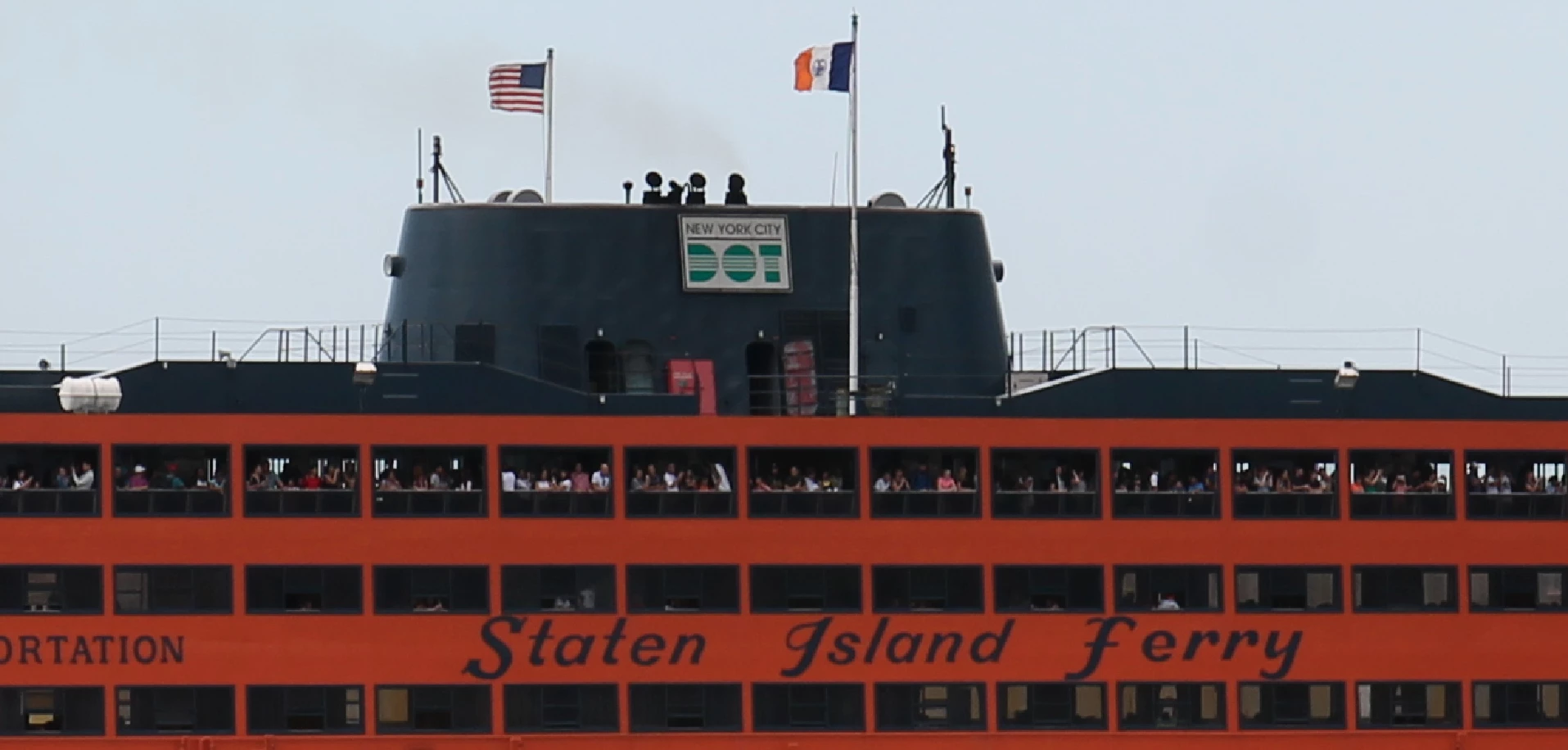
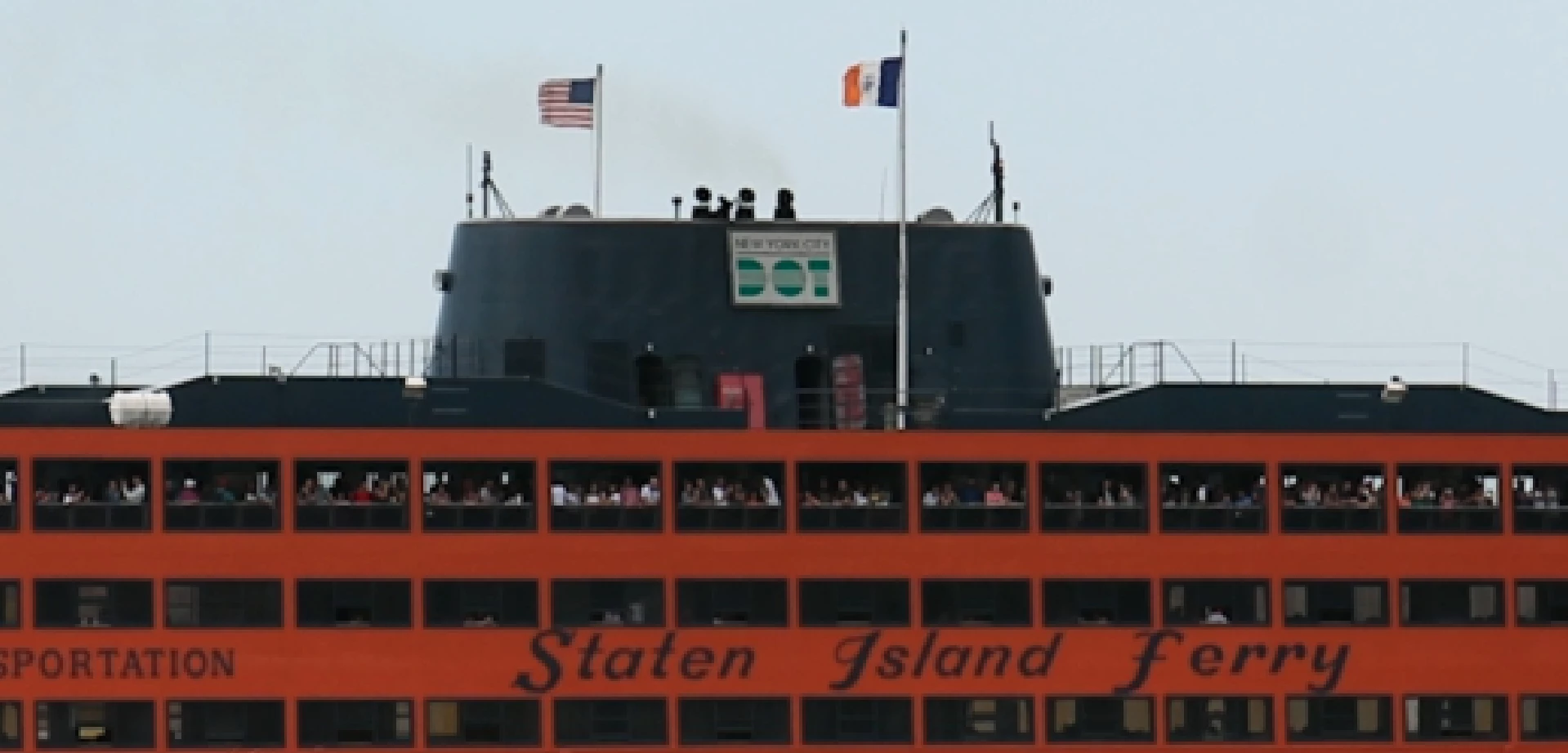
After export:
Original:

Export:

Mobile phone video original screenshot:
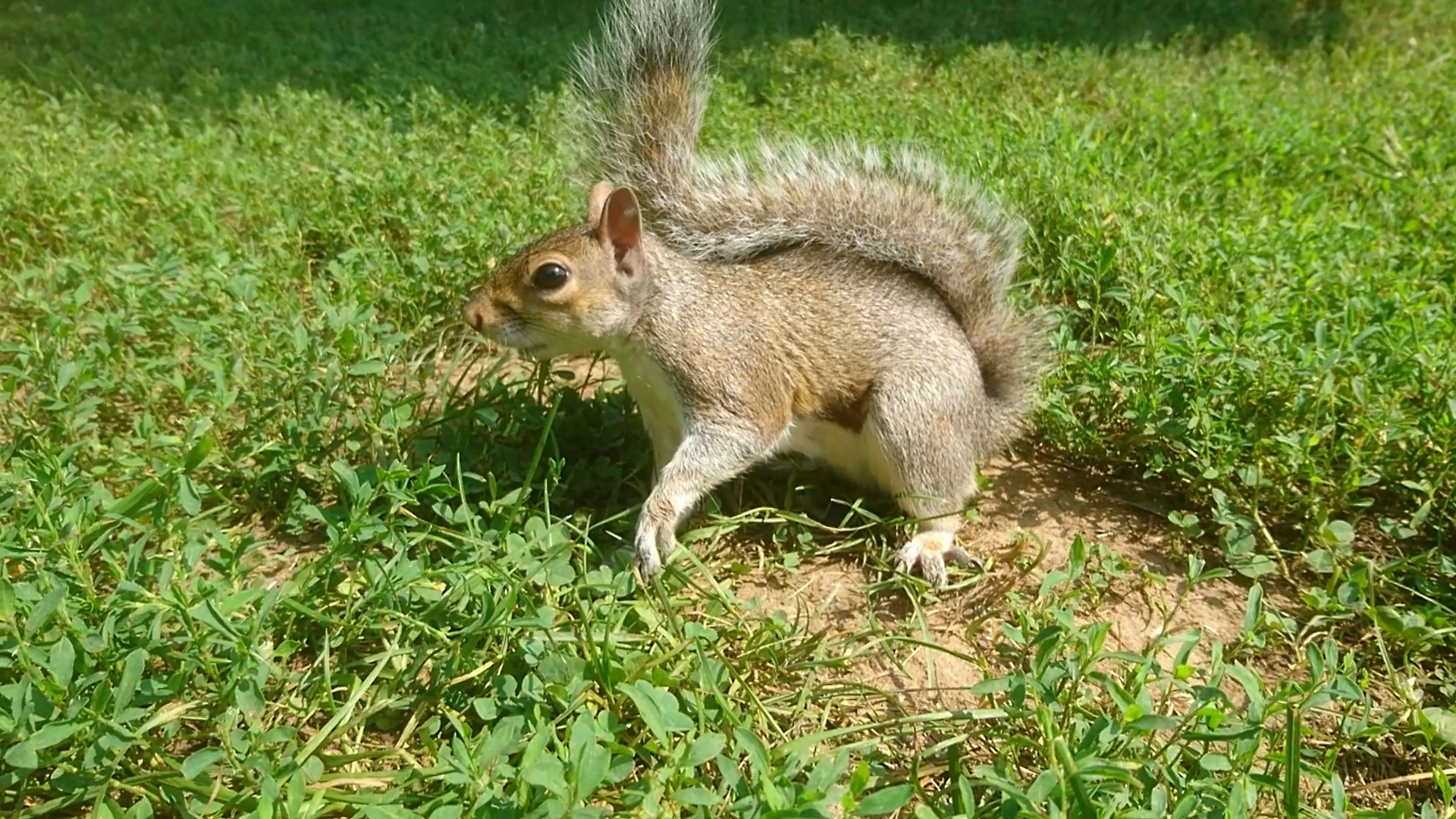
After export (loss of saturation)
 AdChoices