

Question
Slow Rendering in Premiere Pro 14.4 (Was Faster Before)
I'm running a 13-inch 2017 MacBook Pro (Catalina/10.15.7) with a 2.3 GHz Dual-Core Intel Core i5 processor and 16 GB 2133 MHz LPDDR3 for RAM. It has an Intel Iris Plus Graphics 640 1536 MB for its graphics card. And the OS is on a 1TB SSD drive.
I know this isn't the fastest machine on the planet but it used to do pretty good up until recently (after an update to Premiere) and now it can take literally 10+ hours to render a 10 minute 1080 clip to H.264 (no exageration, a 30-minute interview shot at 1080 took over 24 hours to render).
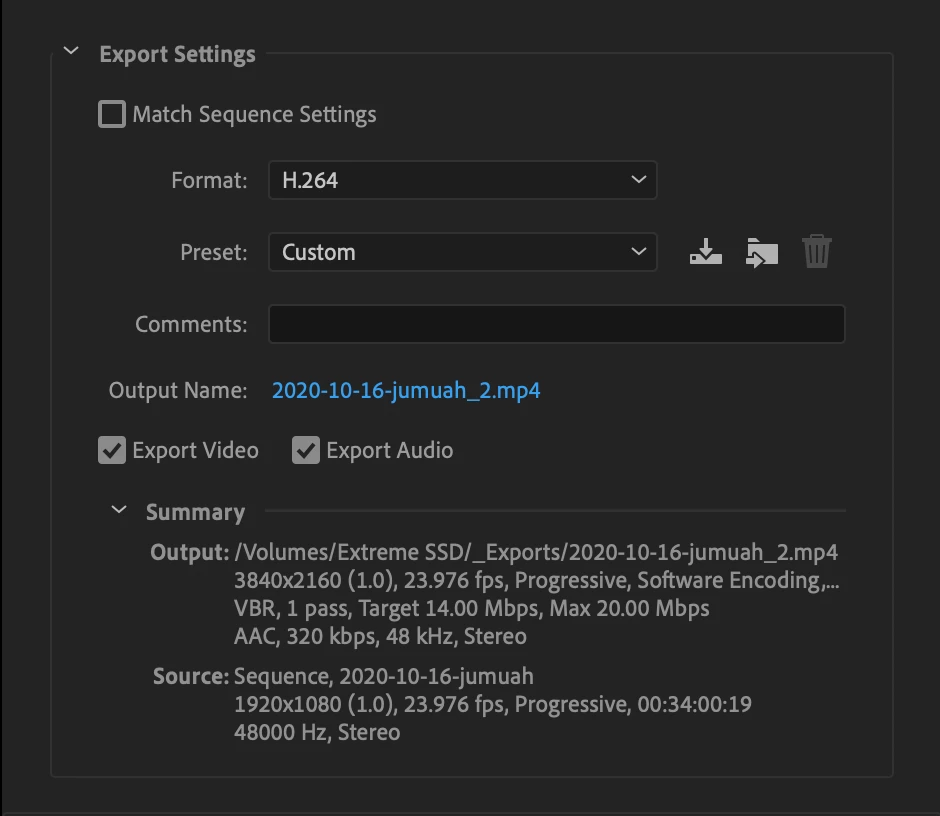
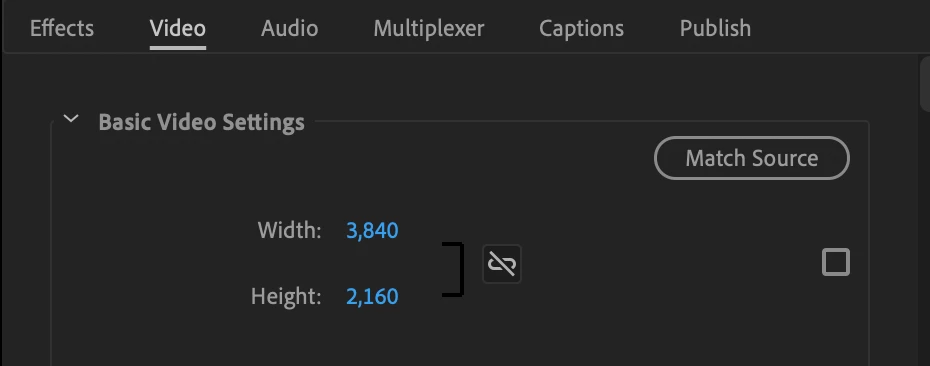
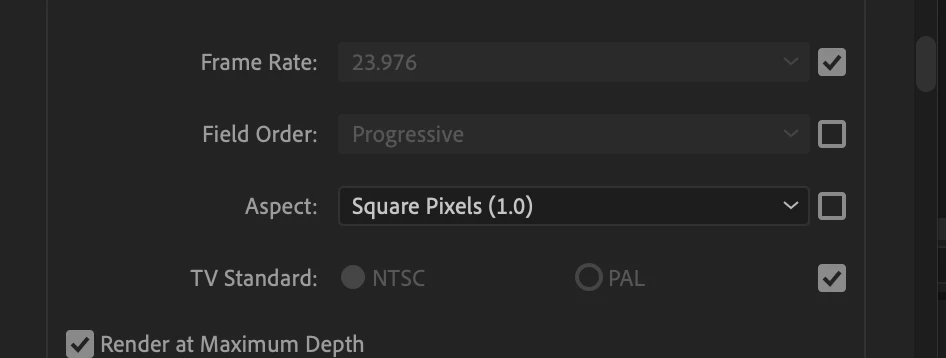
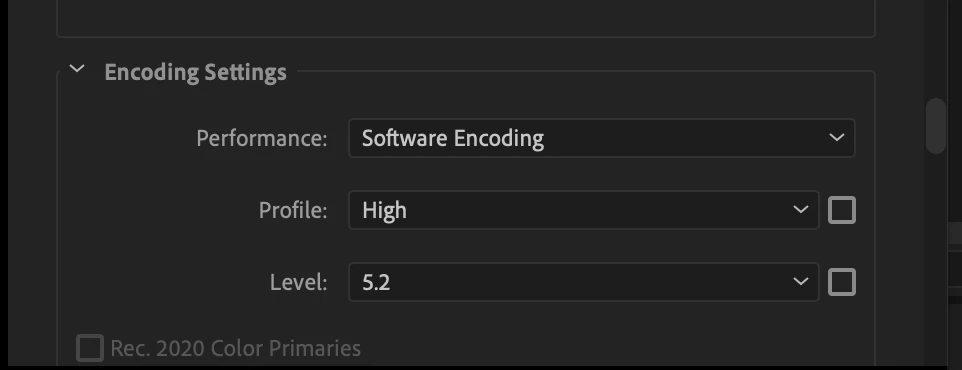
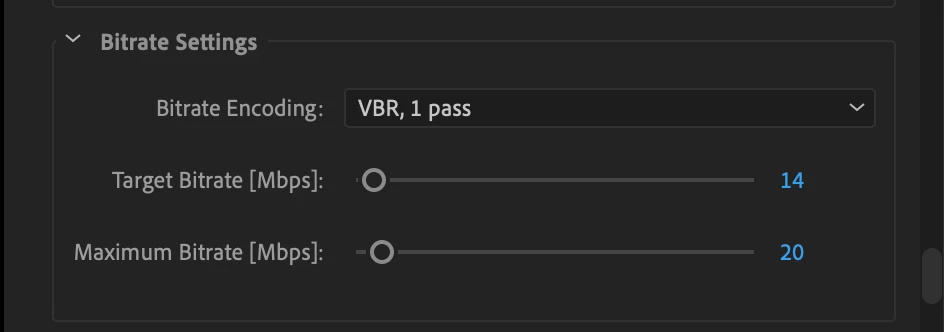
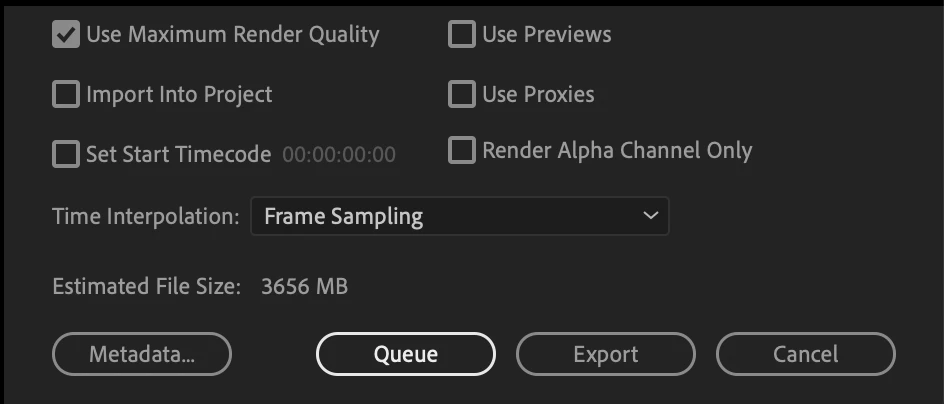
What did Adobe do? Are there some settings that need to get changed? I've attached some screenshots of my export settings:
This has killed my workflow...
 AdChoices