
Known Participant
July 29, 2024
Question

Solid color matting on text layer

  • July 29, 2024
  • 1 reply
  • 280 views

Hello everyone

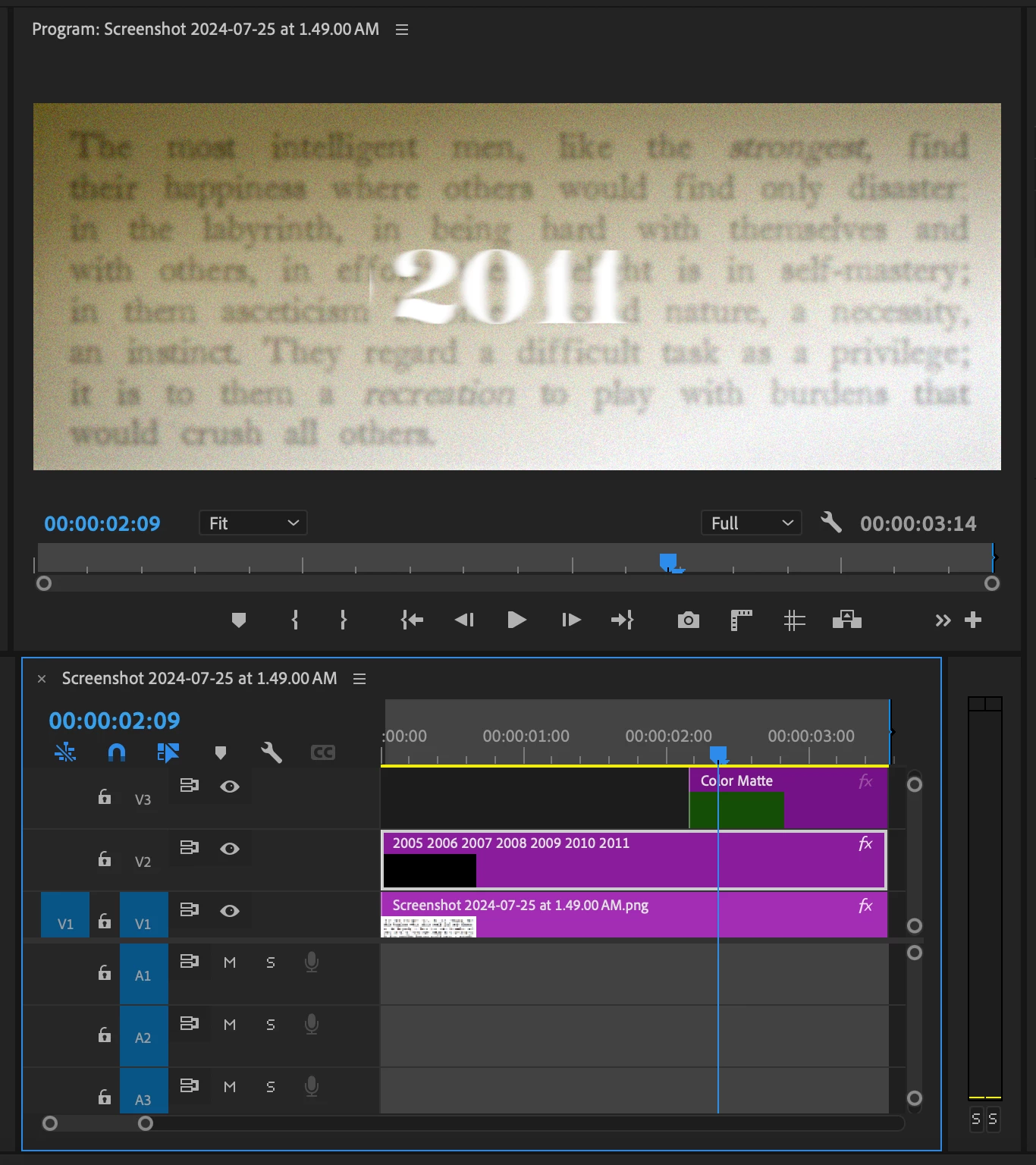
I am unable to use the track matte effect on a text layer. I have used a solid colour composition and want my text layer to track the matte solid colour. But I am not able to do. Please help.

Thanks
This topic has been closed for replies.

1 reply

Community Expert
July 30, 2024

I'm not entirely certain what kind of effect you're trying to achieve, but I'm going to guess that you have a list of years that are scrolling vertically, and you want to mask out the area around the year.

If this is what you're trying to achieve, there are a couple of different ways to do it that are much easier than the Track Matte effect.

1. Add a Mask:

  • Select your Years graphic layer and go to the Effect Controls panel.
  • Go to Opacity and click Create 4-point polygon mask (rectangle mask), then adjust the mask.


2. Mask with Shape:

  • Select your Years graphic layer and go to the Essential Graphics panel.
  • If you're scrolling the years using Responsive Design > Roll, uncheck this.
  • Select the Years layer, go to the Effect Controls panel and keyframe the scrolling effect with the Position controls layer name (not to be confused with the Position controls under Motion).
  • Go back to the Essential Graphics panel and add a new rectangle.
  • Select the new rectangle, and at the bottom of the panel, tick Mask with Shape.


Cheers,
Paul