
paulc50903144
Participating Frequently
January 18, 2019
Question

Sony MXF Issue

  • January 18, 2019
  • 2 replies
  • 1832 views

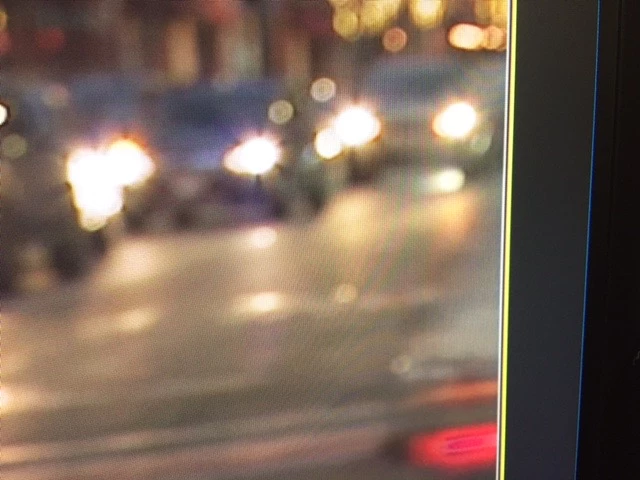
On all my Sony MXF imports, I'm getting these lines on the right side of the screen. I can eliminate them by changing the size of the frame to 101 from 100%, but its a pain and I'm wondering if there is a setting that's wrong. Has anyone experienced this?
    This topic has been closed for replies.

    2 replies

    Legend
    January 18, 2019

    What are the specs of the media, the sequence?

    paulc50903144
    Participating Frequently
    January 18, 2019

    Type: MXF

    File Size: 5.45 GB

    Image Size: 1280 x 720

    Frame Rate: 59.94

    Source Audio Format: 48000 Hz - 24 bit - 4 channels

    Project Audio Format: 48000 Hz - 32 bit floating point - 4 channels

    Total Duration: 00;15;11;46

    Pixel Aspect Ratio: 1.0

    MXF File details:

    Wrapper type: MXF OP1a (type: SingleItem SinglePackage MultiTrack Stream Internal)

    File generated by: Sony, Mem  (2.00)

    AVC Long GOP High 4:2:2 Profile 10-bit Unconstrained Coding

    Bitstream Format: Sony

    Class 50

    paulc50903144
    Participating Frequently
    January 18, 2019

    And the version of Premiere Pro?


    Vinay Dwivedi
    Adobe Employee
    Adobe Employee
    January 18, 2019

    Hi paul,

    Please post a complete UI screenshot as we can't see any settings.

    Also, mention the version of Premiere Pro and Operating system.

    //Vinay

    paulc50903144
    Participating Frequently
    January 18, 2019

    Thanks Vinay, Mac OS Mojave 10.14.2

    Vinay Dwivedi
    Adobe Employee
    Adobe Employee
    January 18, 2019

    Thanks, please post a screenshot of the program monitor andthe timeline too.