Participant
January 16, 2021
Question

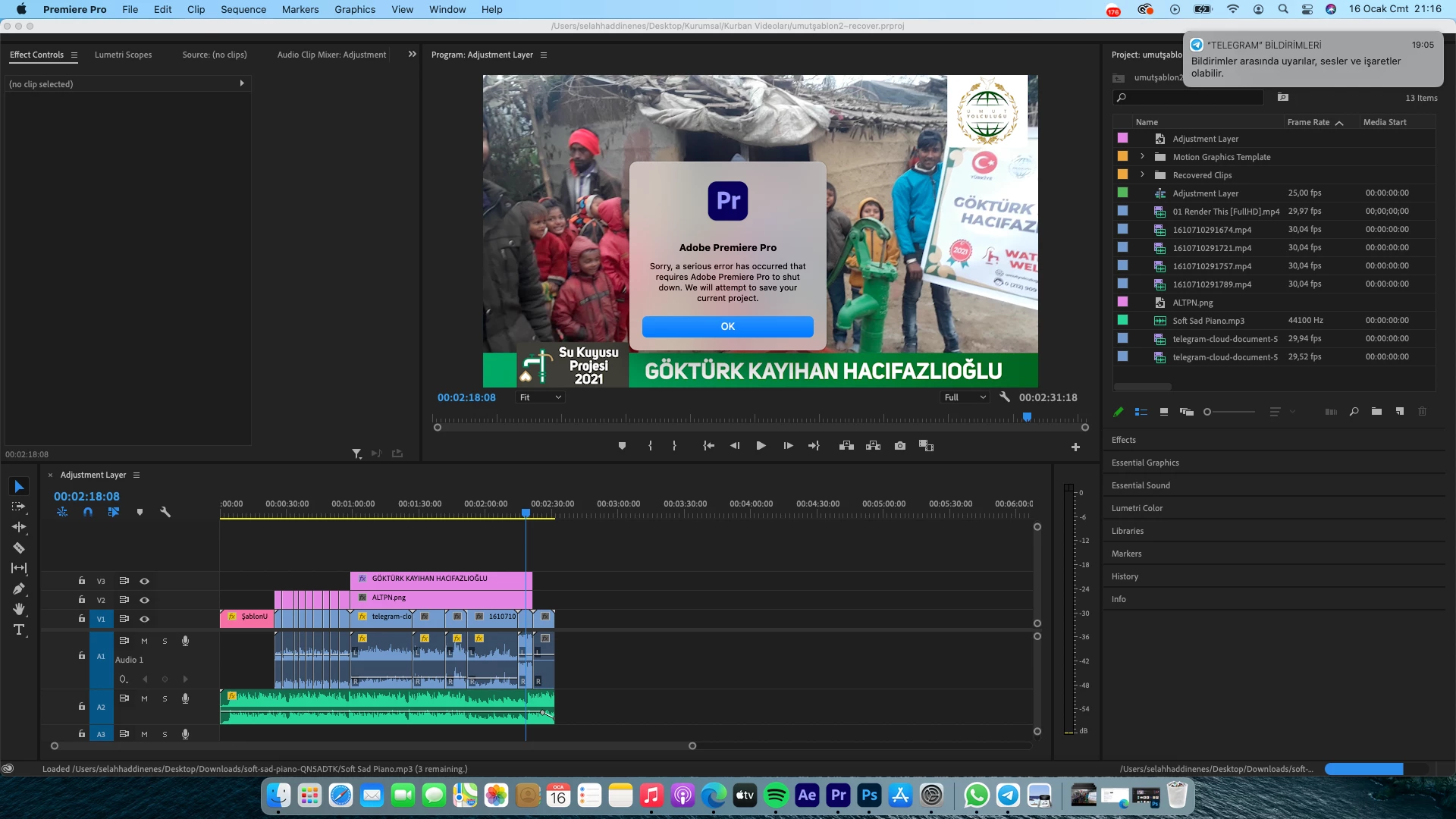
Sorry, a serious error has occurred....

  • January 16, 2021
  • 1 reply
  • 2280 views

While i opening the project i get this error everytimeeee please help me . 


im using Macbook Pro 16 2019
16 Gb Ram
Radeon 5300m 
i7 9750h 
This topic has been closed for replies.

1 reply

Peru Bob
Community Expert
Community Expert
January 16, 2021

Delete the Media Cache and Media Cache files:
https://community.adobe.com/t5/premiere-pro/faq-how-to-clear-your-media-cache-in-30-seconds-in-premiere-pro-2020/m-p/11017257/thread-id/260446?page=1

If that doesn't work,try resetting the preferences:
https://community.adobe.com/t5/premiere-pro/faq-how-to-reset-trash-preferences-in-premiere-pro/td-p/8236158?page=1

If that doesn't work, try resetting the Workspaces:
Reset a workspace
Reset the current workspace to return to its original, saved layout of panels.
1. Do one of the following:
• Click the Workspace menu icon and select Reset to Saved Layout.
• Choose Window > Workspace > Reset to Saved Layout.
from here:
https://helpx.adobe.com/premiere-pro/using/workspaces.html

If that doesn't work, try Preferences > Audio Hardware and set Input to None.


If that doesn't work, try creating a new project and import the old one into it.

Enes0D4CAuthor
Participant
January 16, 2021

i did yours all advice but doesnt work . i create a new project and i try to import but i get this error. i get this error many times when premire doing locate i get this error.

Enes0D4CAuthor
Participant
January 17, 2021

I solved the problem. I installed the old version 14.0. I hope adobe solves this problem. I want to use the updated version
