
Answered
Speed remapping--line not appearing on my clips?
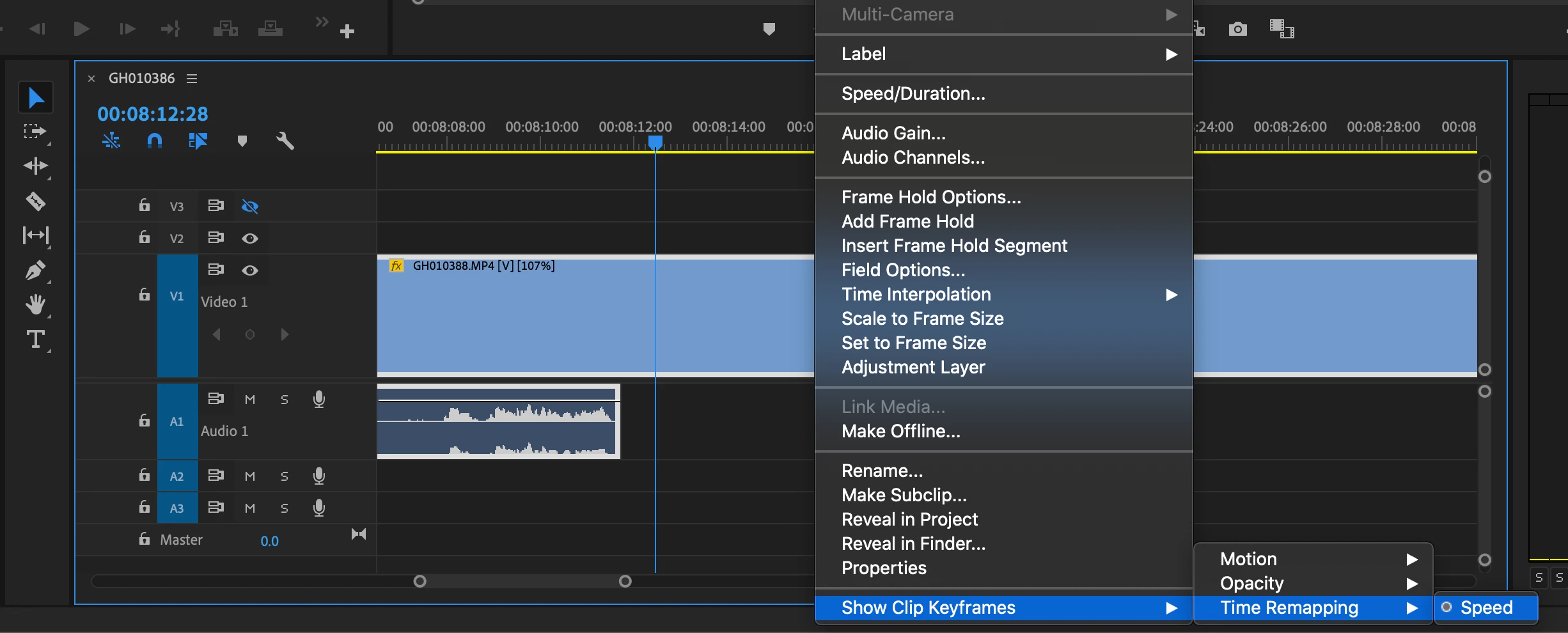
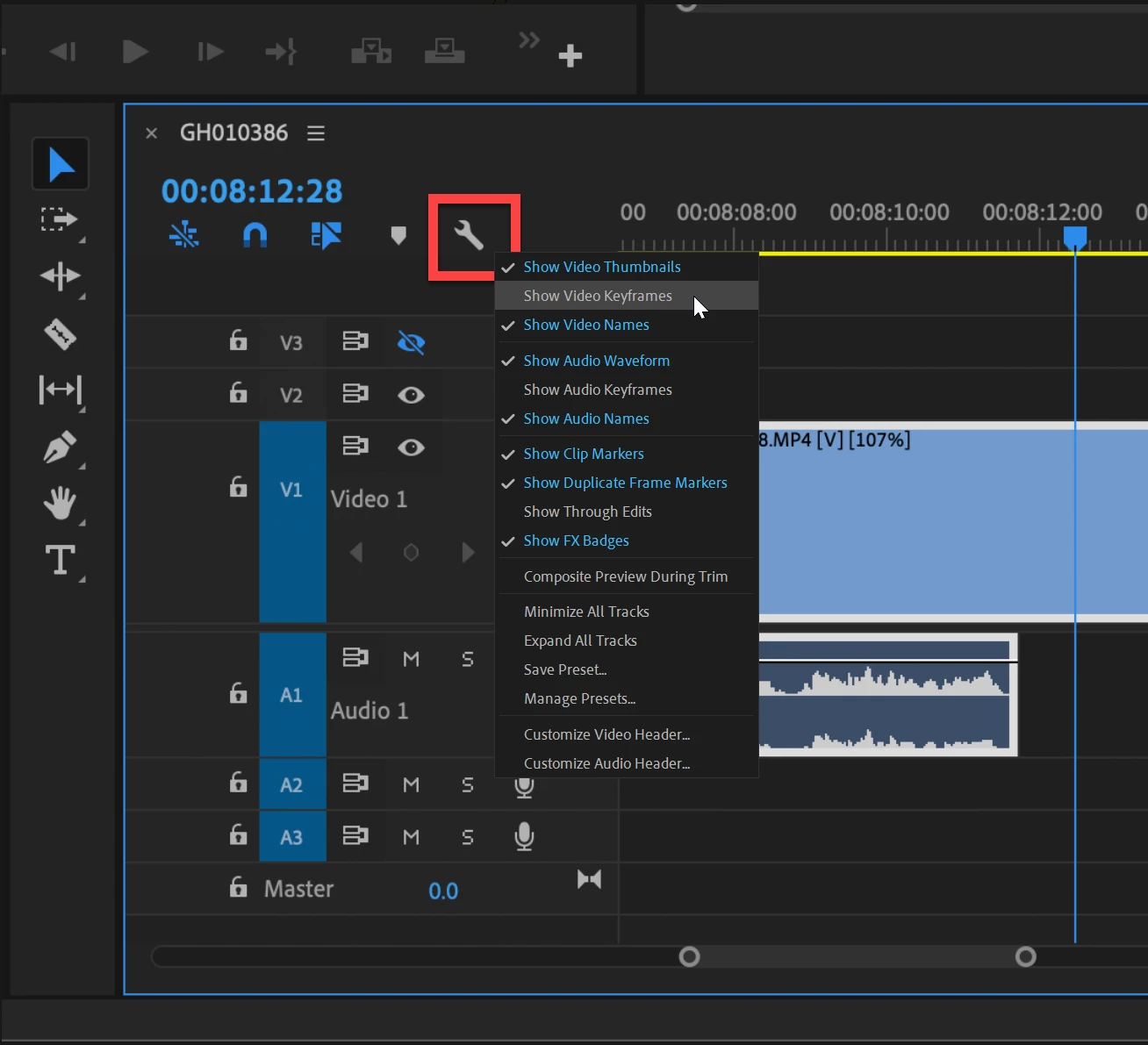
Very new to Premiere Pro and speed mapping but I've managed to make this work on other parts of my video from tutorials; however now when I go to turn on speed remapping and look for the line to adjust speeds on each clip it's just not there even though according to the menu it says it's on.
I've tried accessing from right click --> show clip keyframes --> time remapping --> speed and from right clicking on fx --> time remapping --> speed. Obviously in both places it shows that it's on (see attached screenshot); why can't I see a line to drag to adjust the speed??
Thanks in advance!
 AdChoices