ghosthunter3
Participant
March 10, 2021
Question

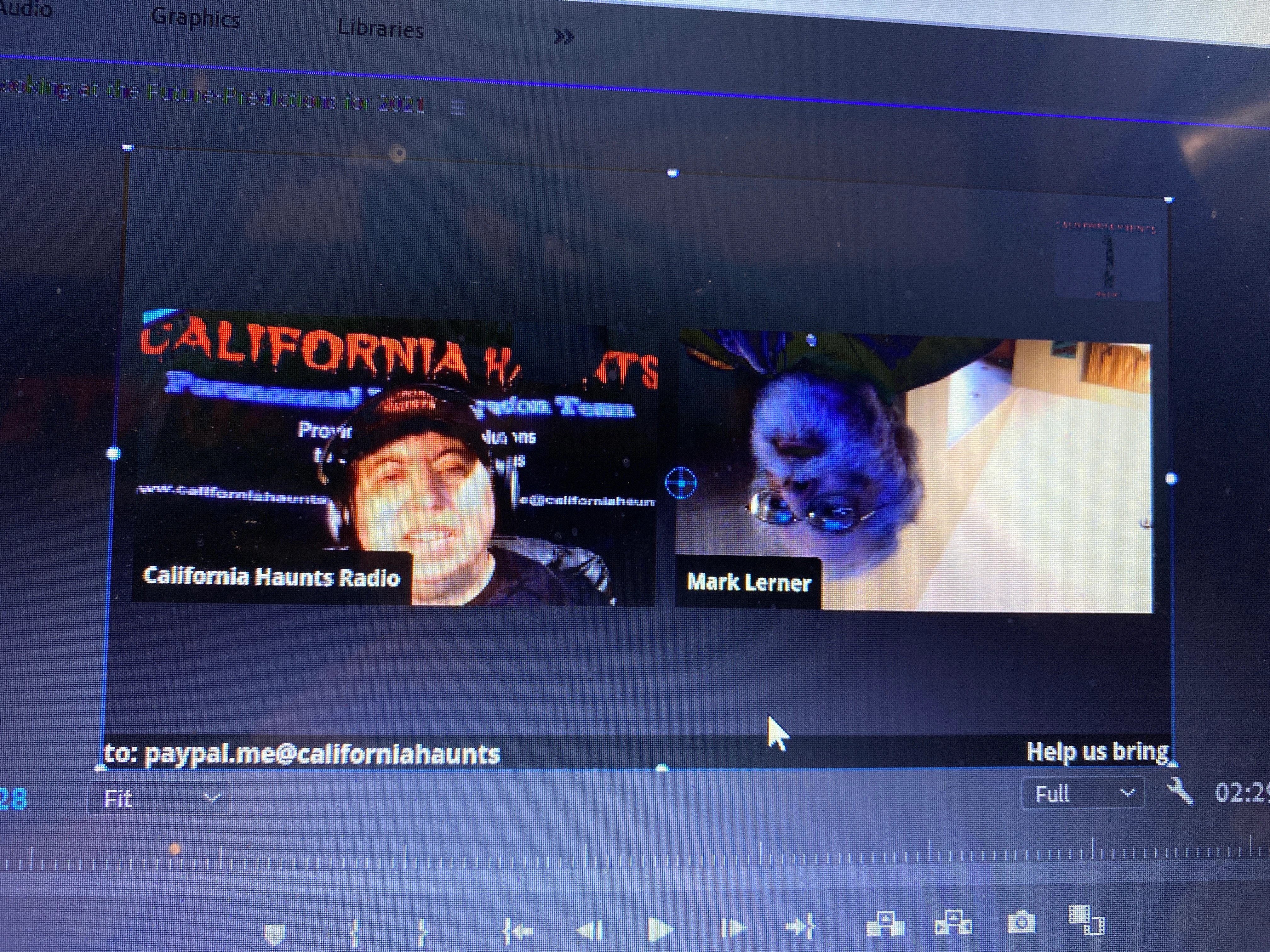
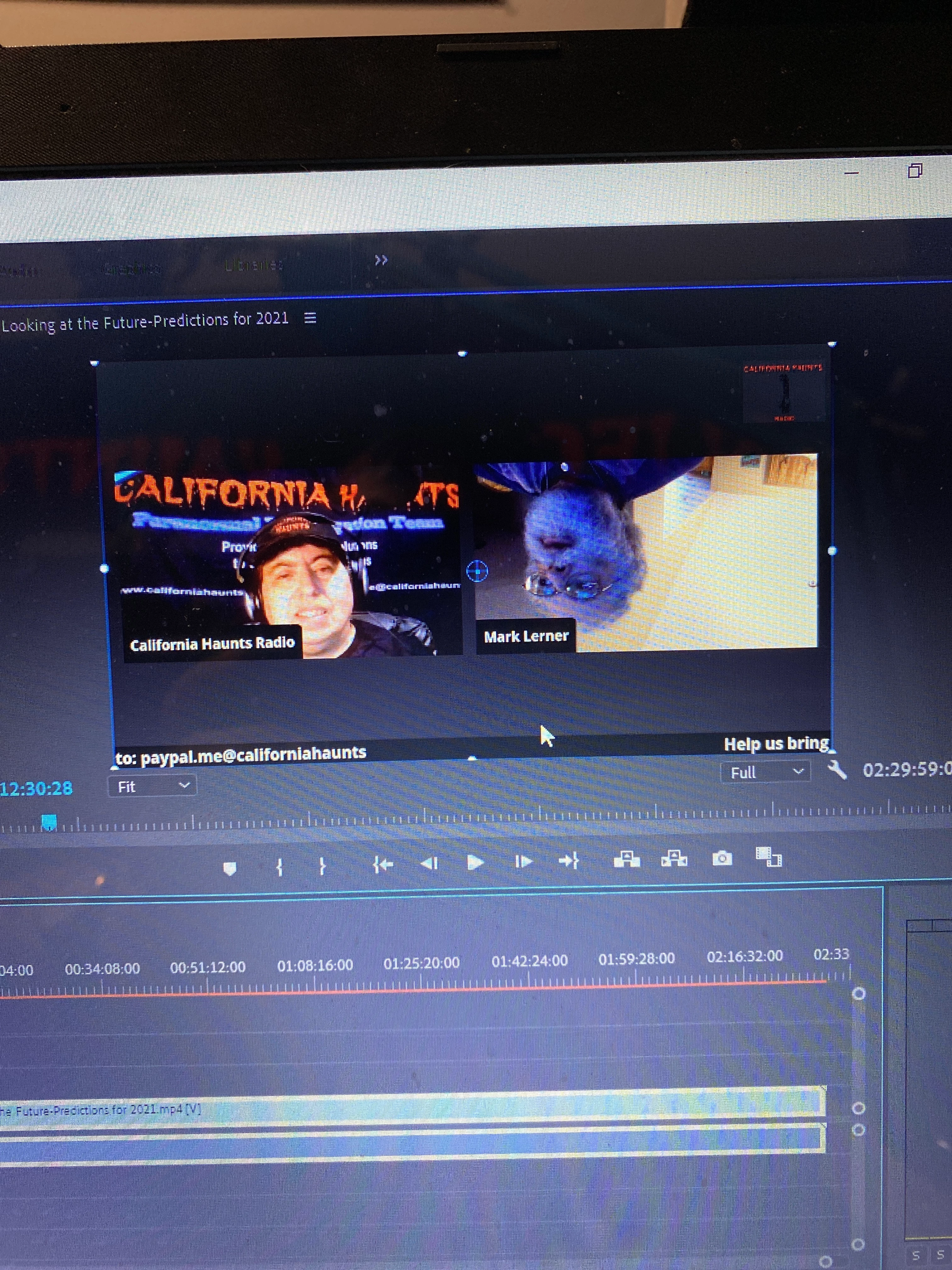
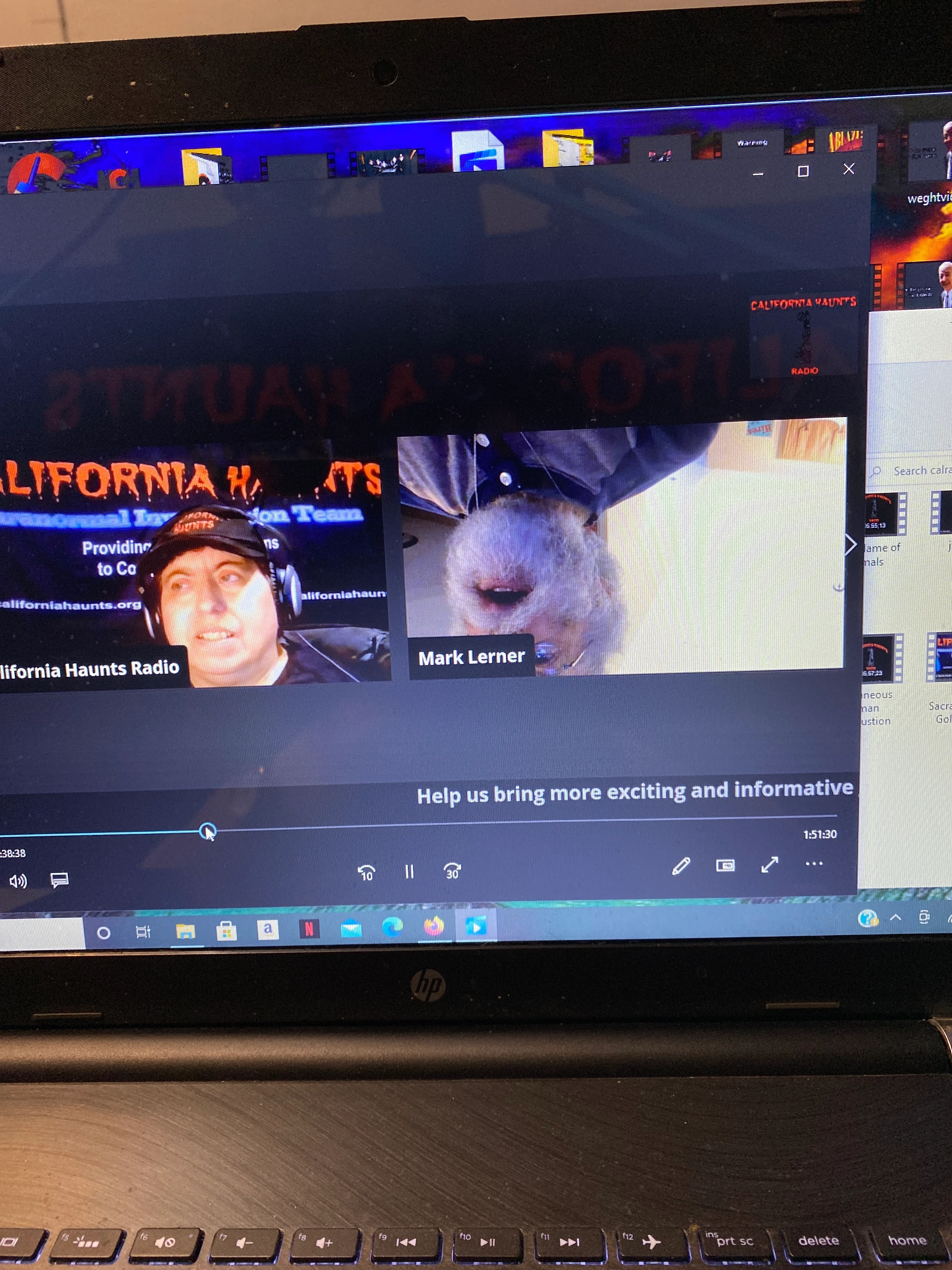
Spilt screen video. One is upside down need to flip right side up
  • March 10, 2021
  • 1 reply
  • 361 views

 is there a wAy to flip the other half of the split screen without affecting my half.

 I need to figure out how to get the video split of my guest flipped right side up. When I recorded the video on StreamYard both cameras appeared correct.


any suggestions?
This topic has been closed for replies.

1 reply

Inspiring
March 10, 2021

I'm guessing this must be something that went wrong with the Streamyard recording as, assuming this is a single clip you are importing, Premiere Pro could not be interpreting just part of the image as upside down.


Anyway - you can fix it in Premiere with some caveats.

Duplicate the video up onto track V2. Mask or crop the upside down part of the image, then apply the 'Vertical Flip' effect and re-position the clip back into the correct spot using the 'Position' controls in the 'Effects Controls' panel.

The only problem now is any text that appears in this frame will now be upside down. Most simple solution would be to duplicate the original layer again onto video track V3 and this time crop it to just the text box. Don't flip this layer - just use the position tools to move it to cover the upside down text. You'll have to live with this being at the top of frame rather than the bottom. Hope this helps.