Participant
April 19, 2021
Question

Static on exported video

  • April 19, 2021
  • 1 reply
  • 388 views

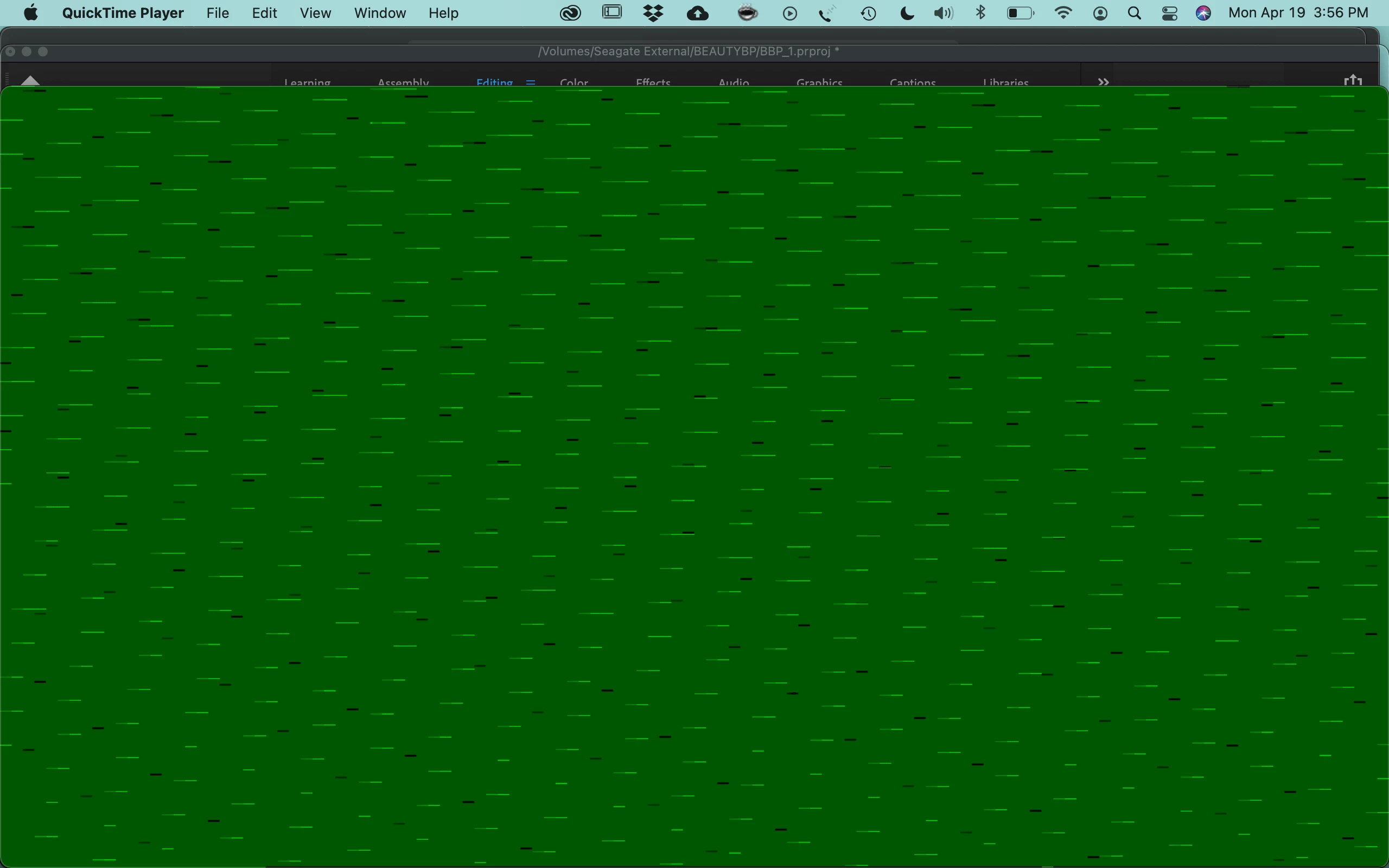
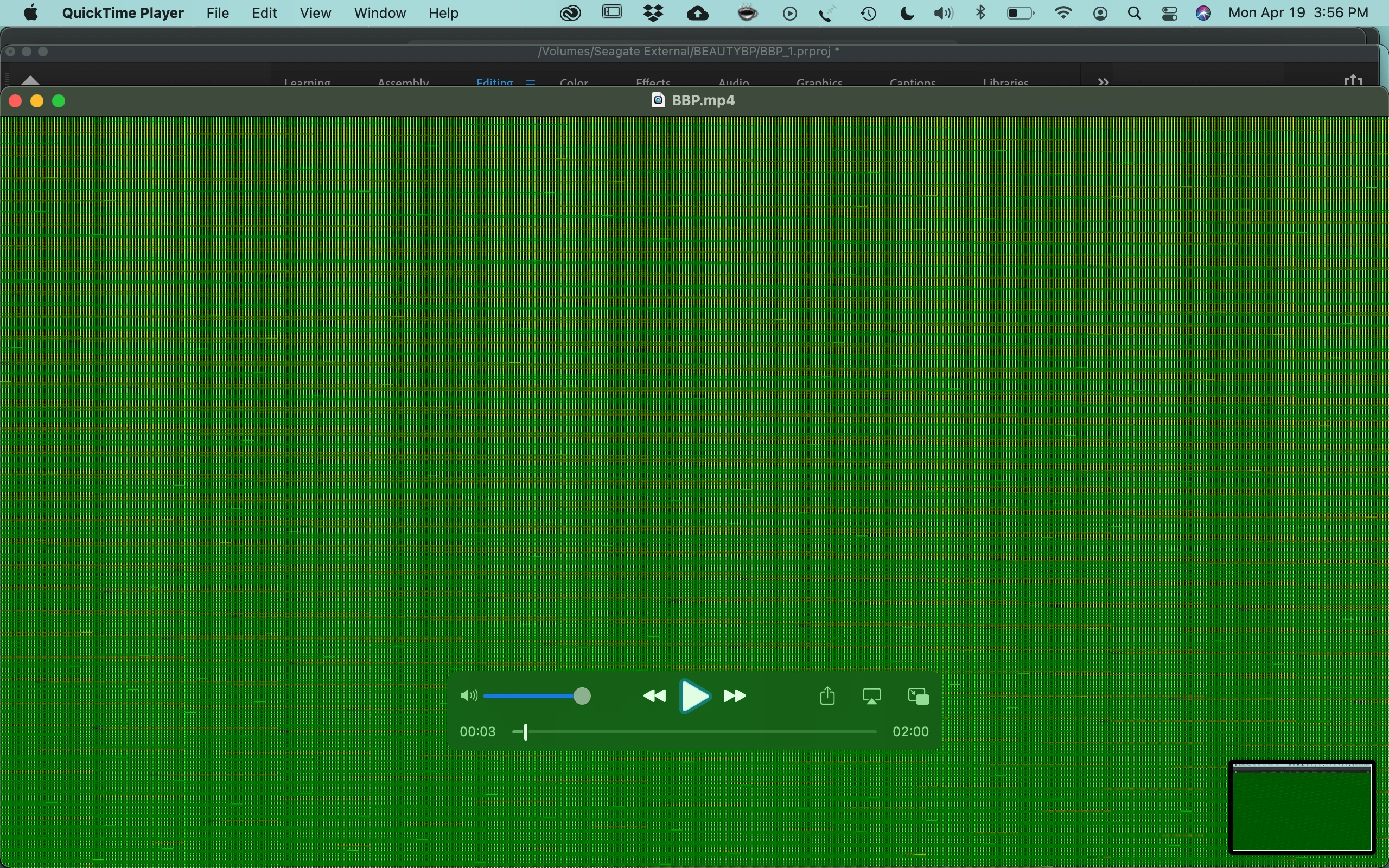
Hi! The 2 minute video I exported from Premiere Pro shows a lot of colorful static. It was fine on preview. I am using Premiere Pro CC (up to date) on a Macbook Pro 2014, running on Big Sur 11.2.2. I exported it on regular settings, H.264, 1080P HD, VBR 1 pass, 16 target bitrate. This is actually my first major project on Premiere Pro so I am a bit of a newbie. I really need some help. The audio is completely fine. But the video looks like that.
 

This topic has been closed for replies.

1 reply

Ann Bens
Community Expert
Community Expert
April 19, 2021

This looks like a gpu issue.

post screenshot of export settings with left tab to out with an image not black.

Participant
April 19, 2021

Hi and thank you for responding. I'm not sure if I am showing what you need here. But here it is.

Ann Bens
Community Expert
Community Expert
April 19, 2021

Okay so again I am a beginner at Premiere Pro so I'm not sure what I am doing.

I tried to follow your instructions. I turned off "Use Max Render Quality". I have Handbrake but I'm not sure how I am supposed to convert the video with it since I made everything in Premiere. So I selected CBR instead of VBR. I believe that means constant bitrate? 

The static did disappear but now I am getting some discoloration in some scenes where there are light changes.


Can you further explain how I convert with Handbrake before bringing into Premiere?


Converting videos with Handbrake - YouTube


(variable framerate is not the same as variable bitrate.)

Might want to get yourself a subscription at Linkin for tutorial on PrPro.

PrPro has a steep learning curve.