
Still images become pixelated and splotchy after exporting a long video
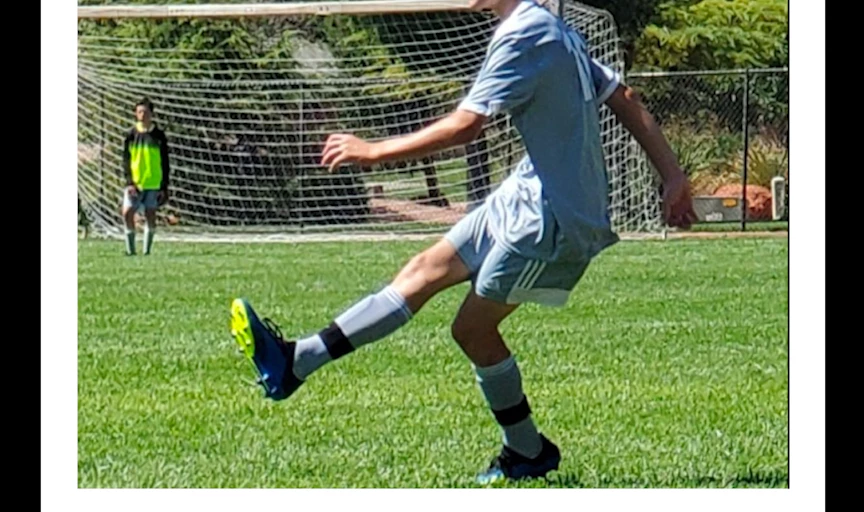
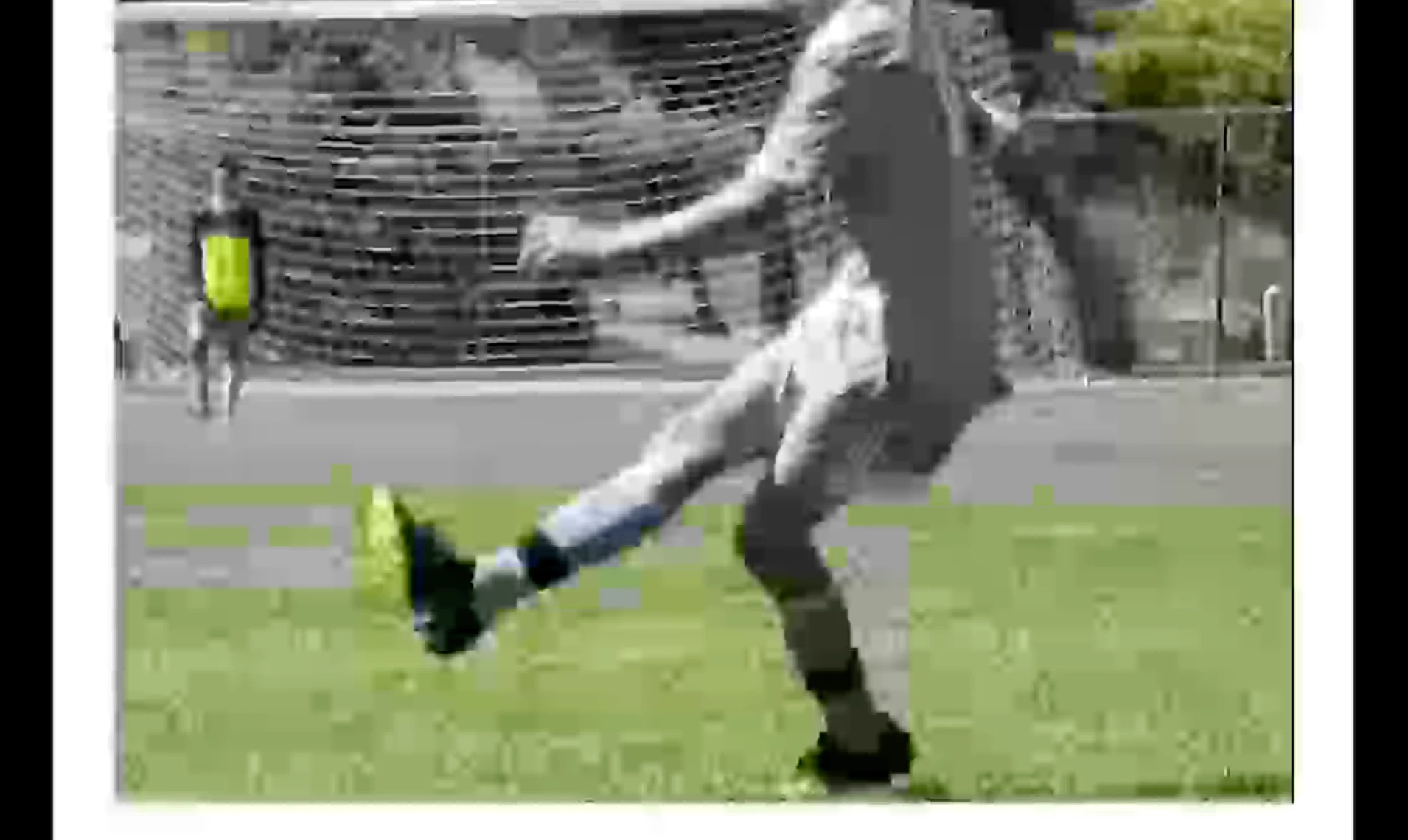
Hello! I am having issues with a few still images after exporting an hour and 20 minute video from Premiere Pro. The images become very pixelated/blurry and the colors turn to grey in splotches. When I export the same part of the video with the same settings in a shorter video, the issue is not there. Some of the images start out splotchy and then clear up after a few seconds, and vise versa. When editing in Premiere Pro, everything looks normal. It's not until I export the long video that the distortion appears.
Here are some screen shots of the issues.
Before export:
After export:
The pixels also fluctuate. Here is an example of an image that starts out distorted and then clears up seconds later.
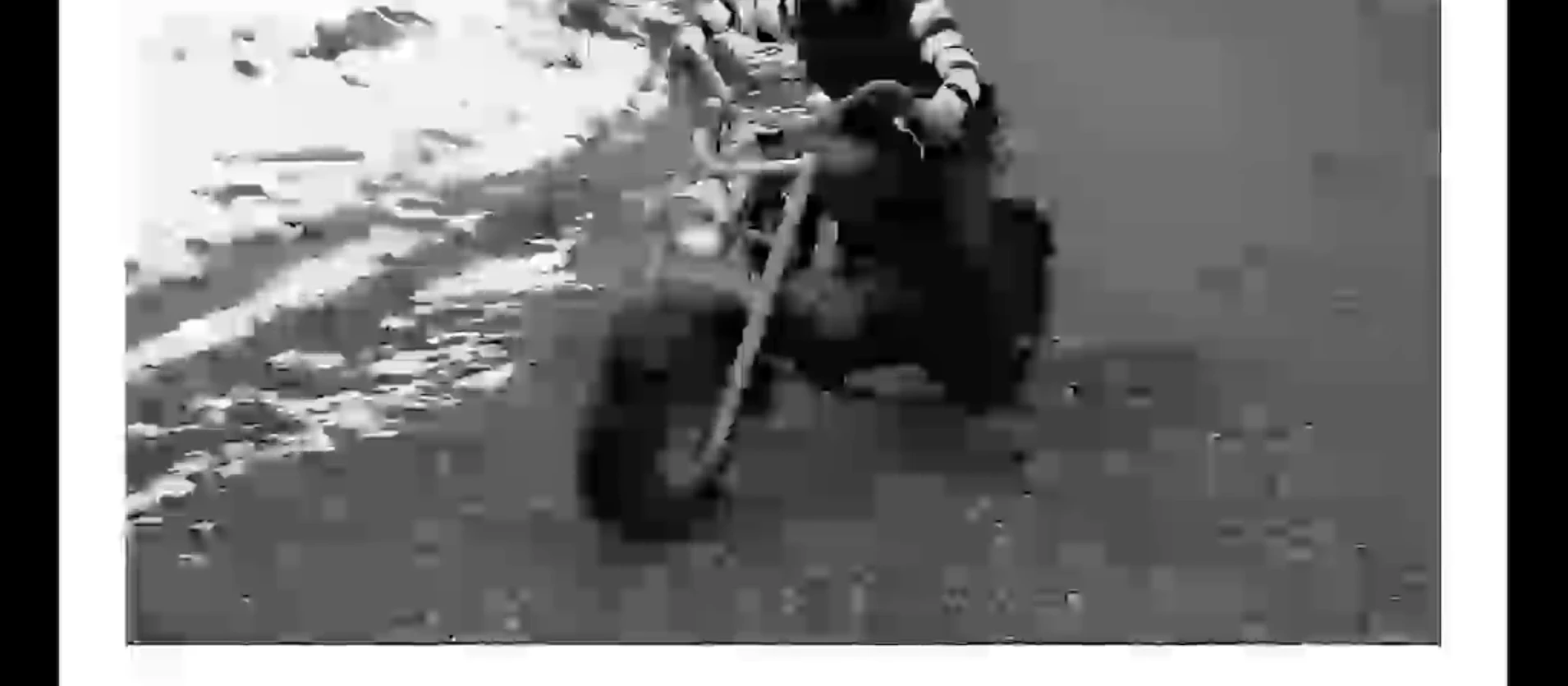
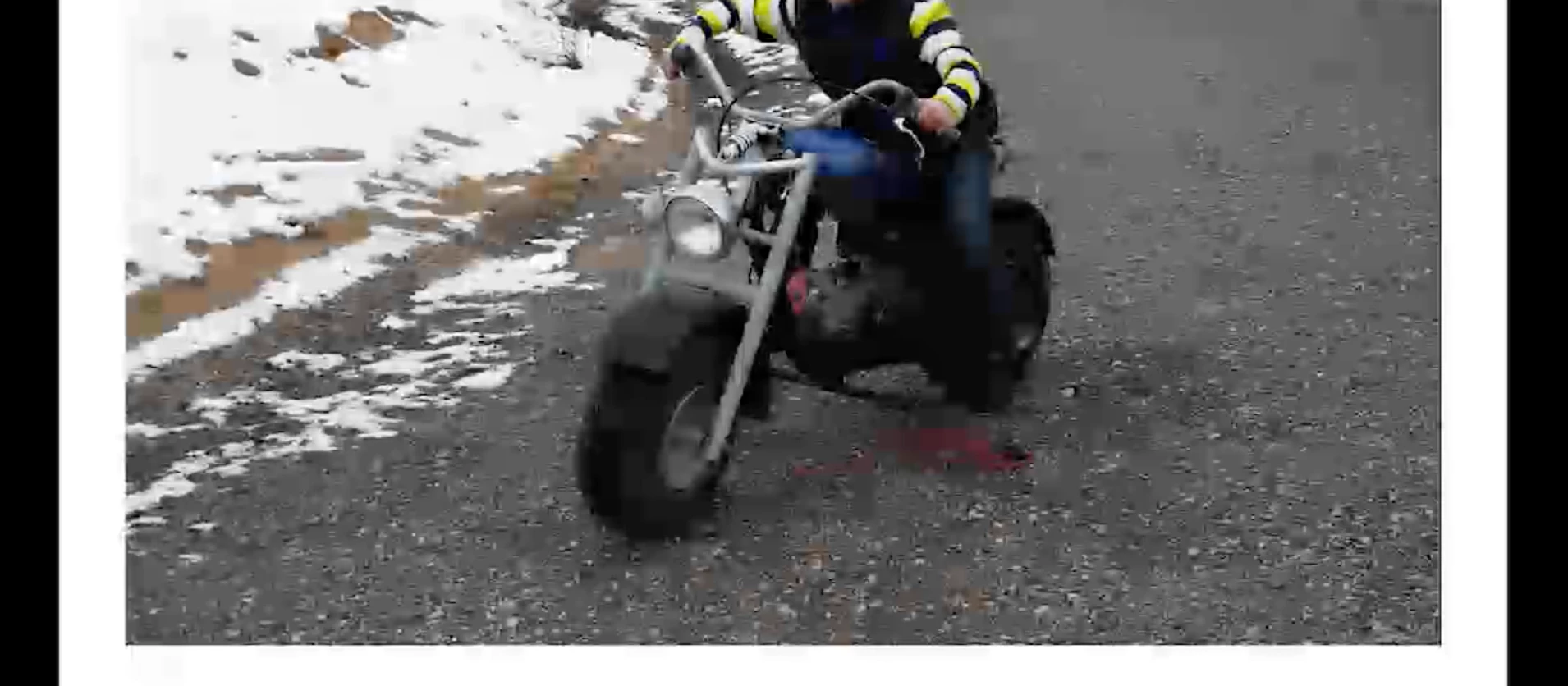
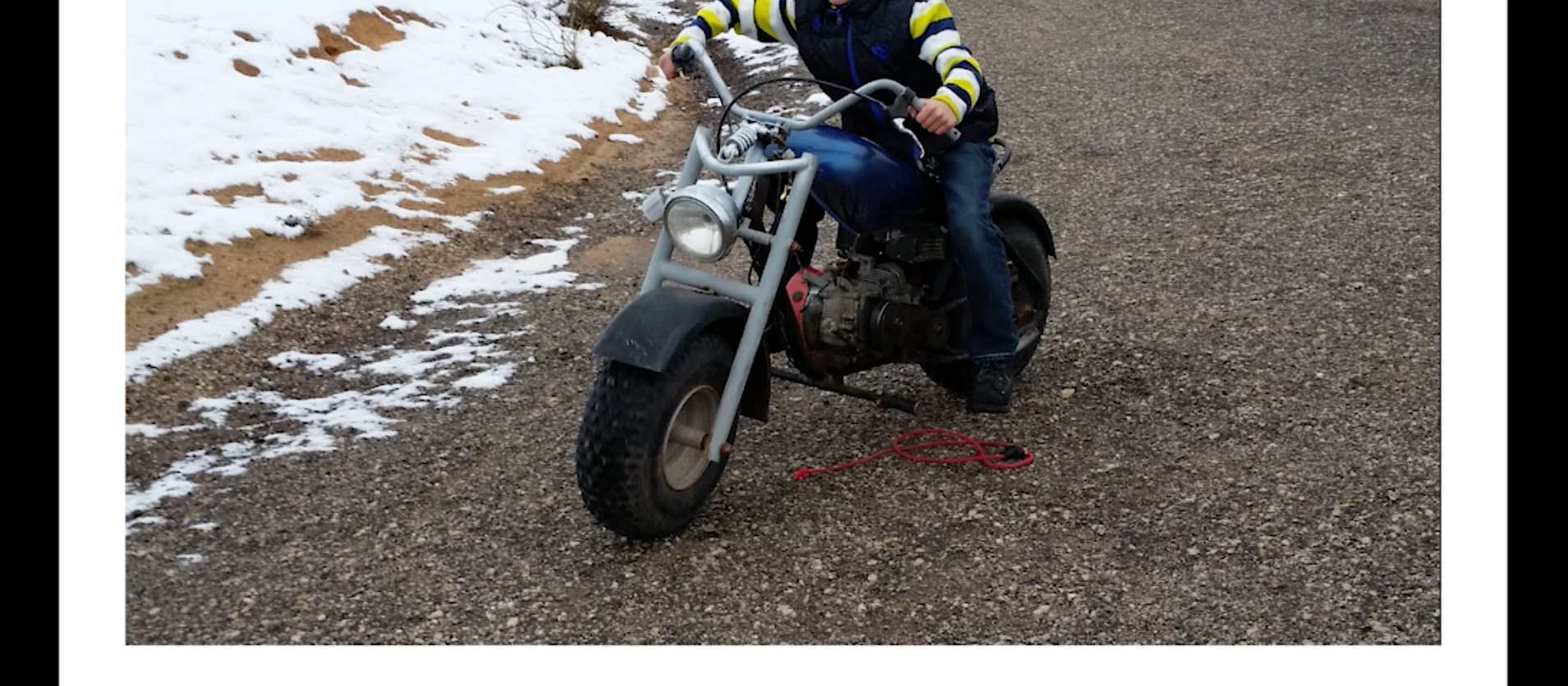
I tried switching from Renderer: Mercury Playback Engine GPU Acceleration (Metal) to Murcury Playback Engine Software Only, and that did not fix the issue.
Here are screenshots of my export settings.
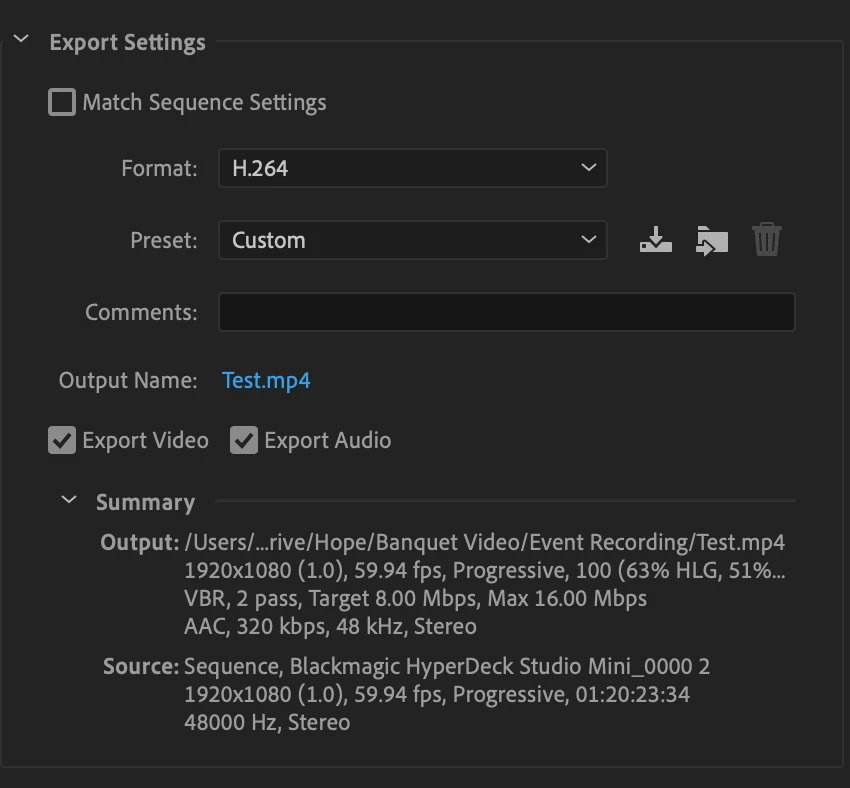
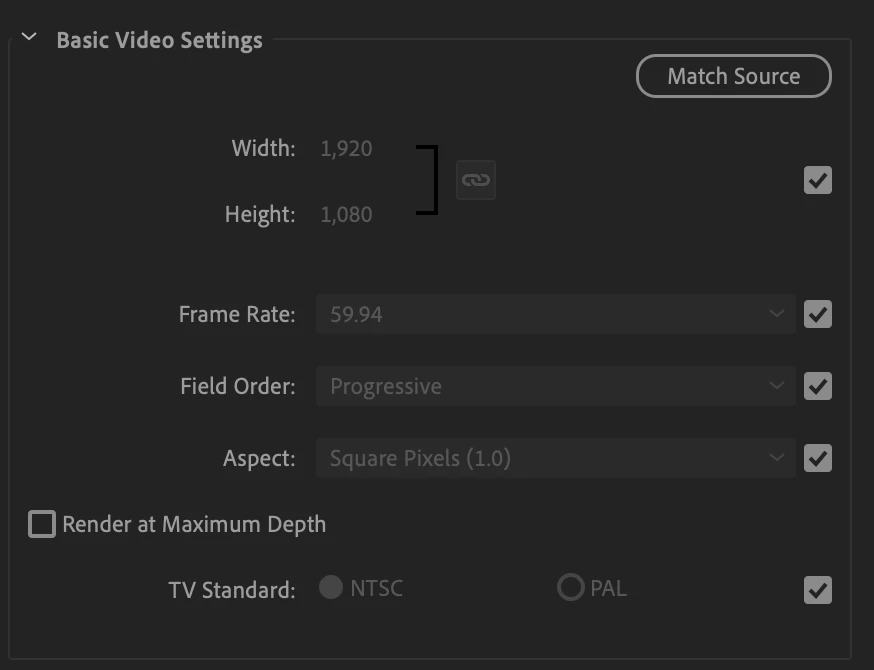
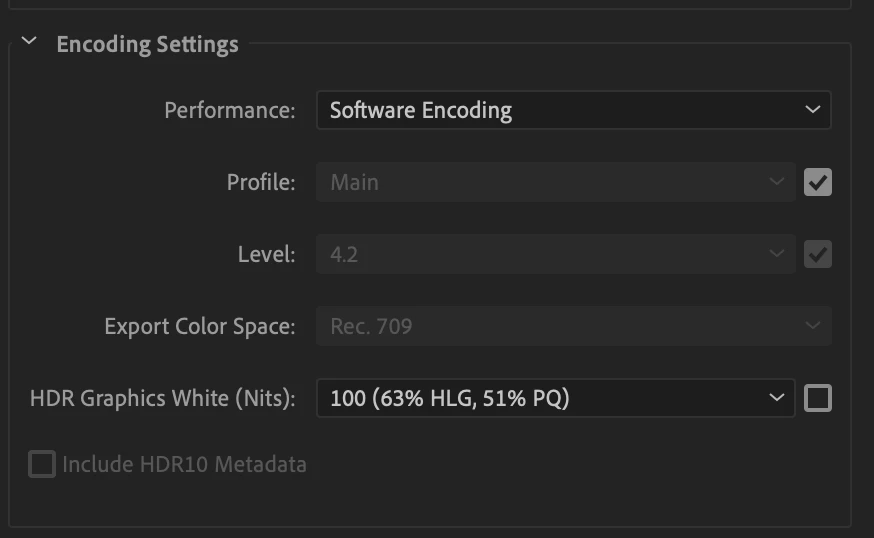
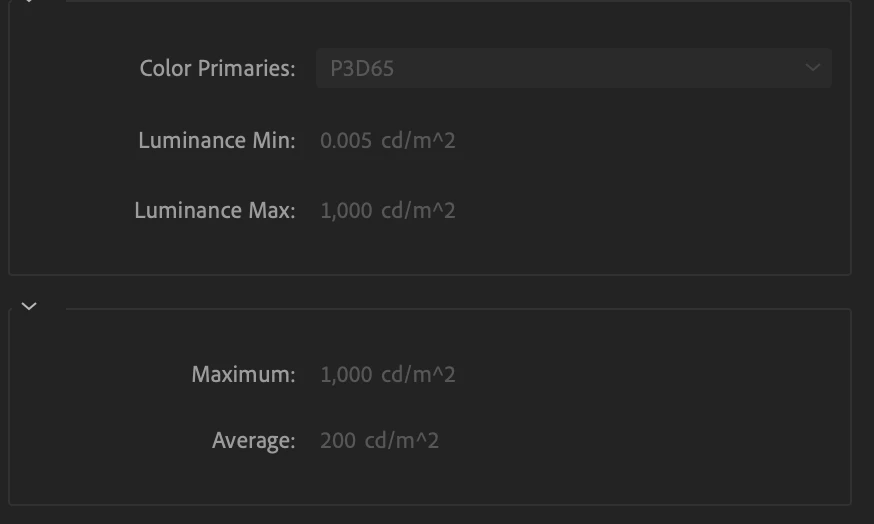
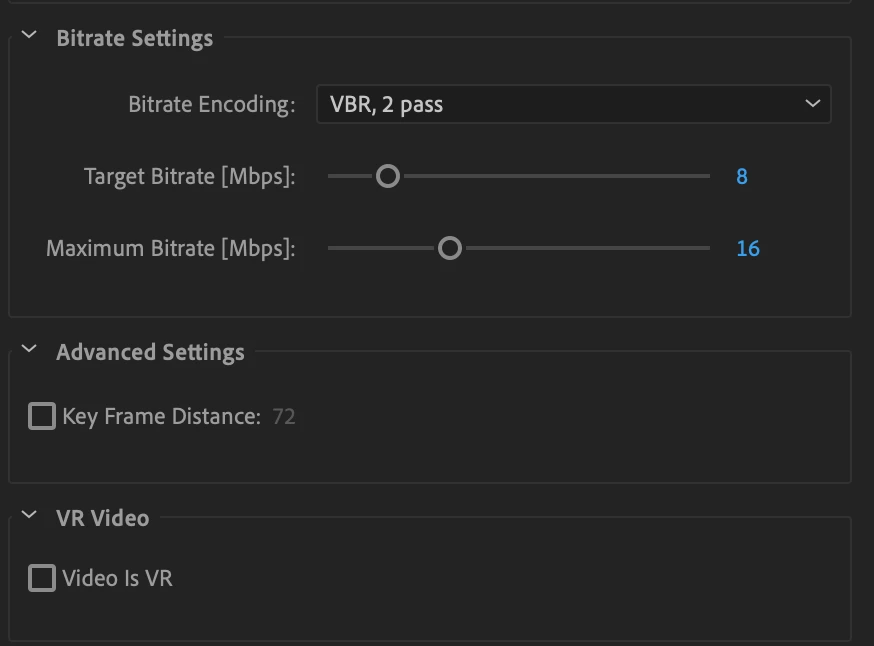
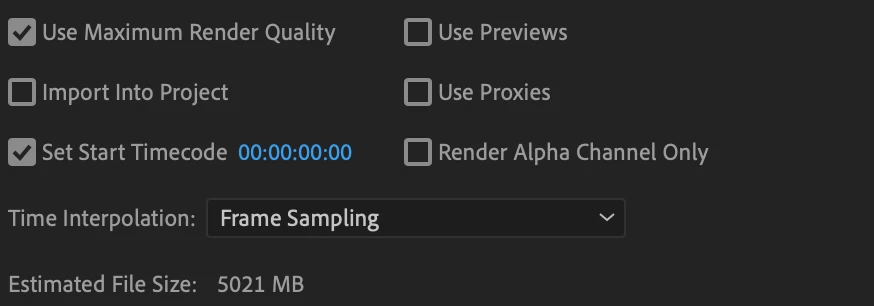
I have thought it may be the Variable Bitrate, but I'm not sure why that would be fine when the video is shorter and then cause pixelation when the video is long.
If anyone knows what the issue is, I will be so grateful! Thank you!
 AdChoices