samueld58857631
Participant
November 1, 2019
Question

Strange vertical and horizontal lines passing by the center of the clip

  • November 1, 2019
  • 2 replies
  • 516 views
Hi guys,
i'm havin a strange problem with premiere, let's see if anyone can help me.
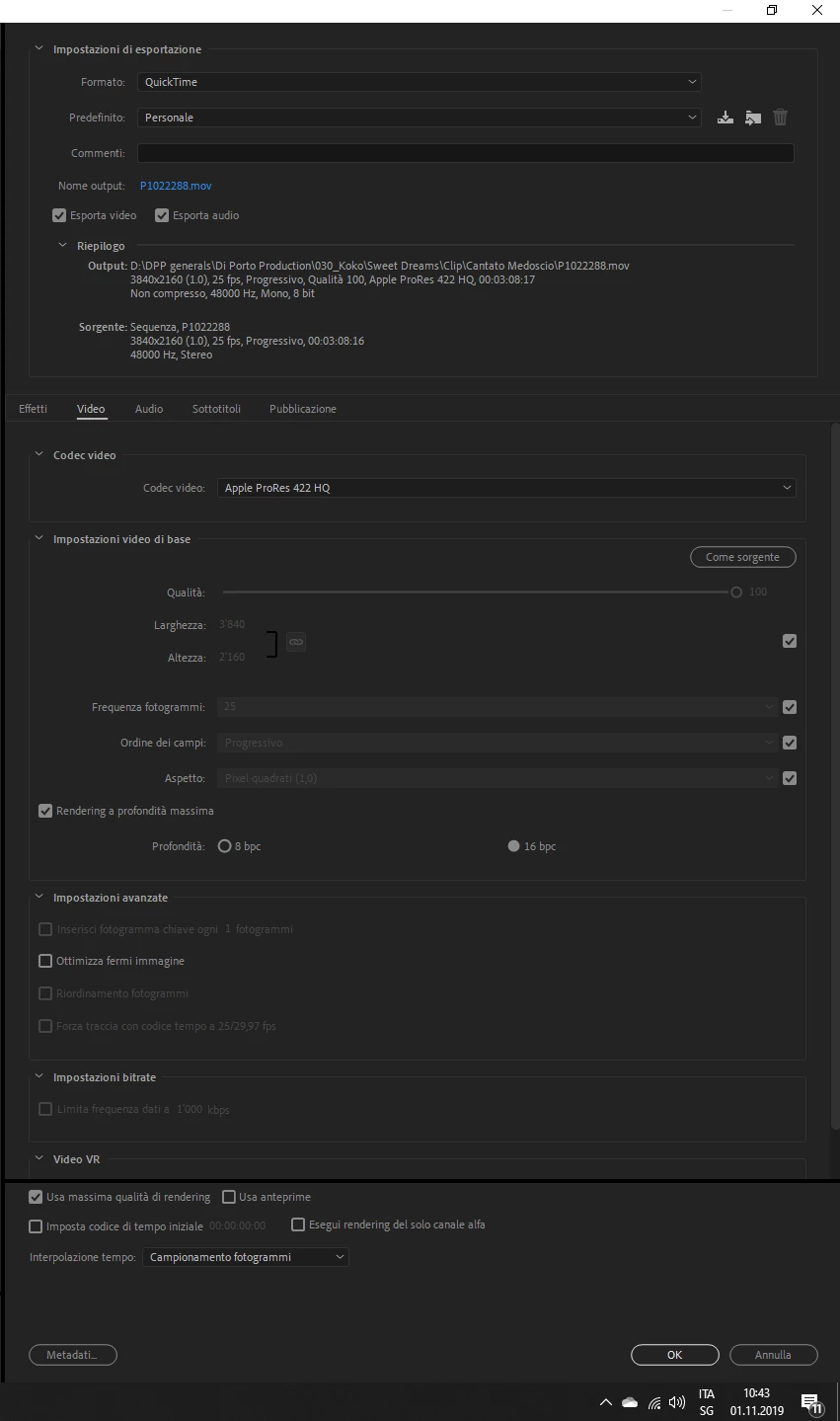
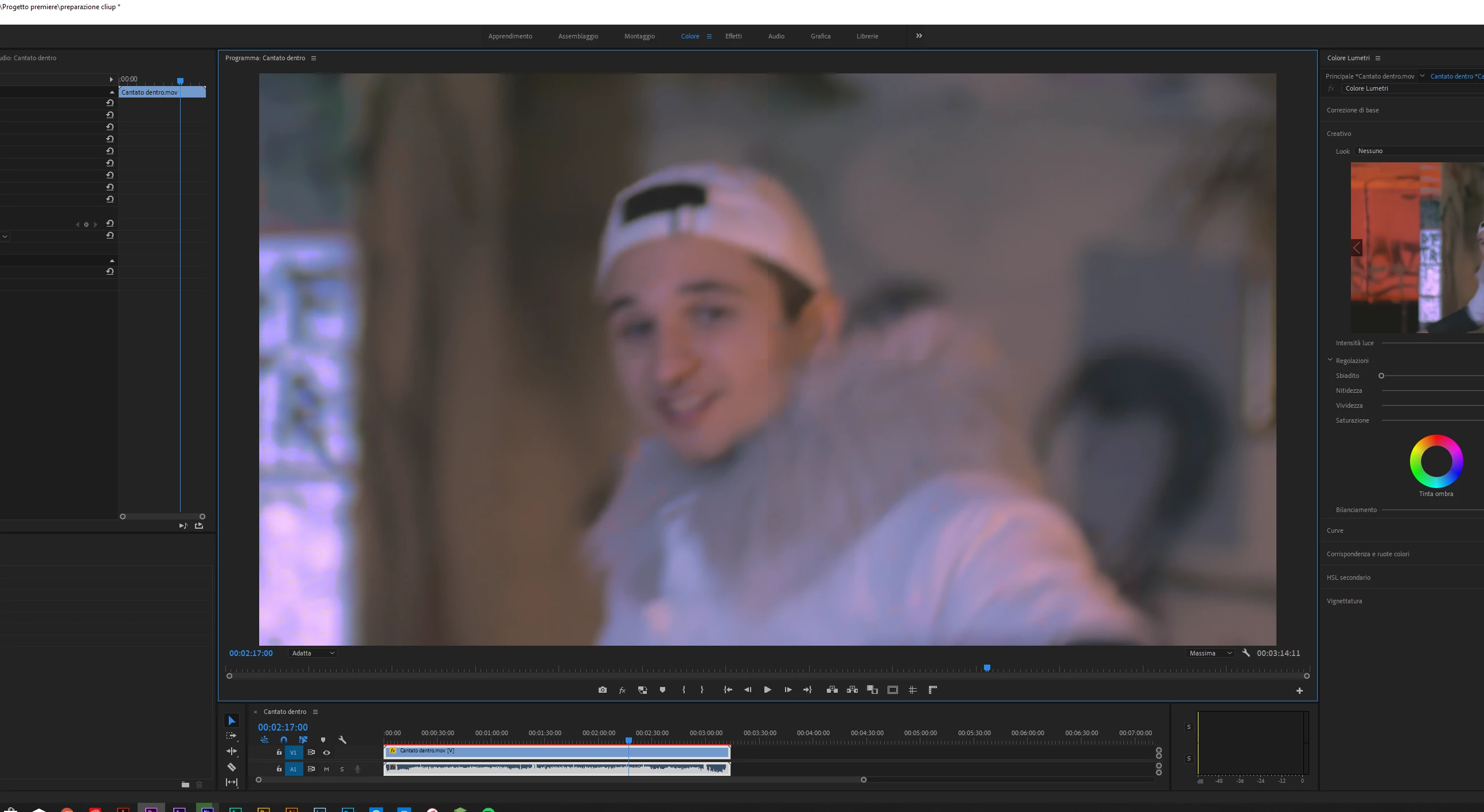
i've imported this clip to apply lumetri color, red giant denoiser 3 and some noise overall then i've exported it in proress 422 4k. Now i've iported the colored and denoised clip in pramiere again to start assembly my video but i found the clip totally ruined by a strange cross in the middle for the entire clip. Does somone have any knowledge of what the heck is happenig here?
 
This topic has been closed for replies.

2 replies

Averdahl
Community Expert
Community Expert
November 1, 2019

Where is the "strange cross in the middle for the entire clip"?


On the uploaded image i cannot see a cross? Do note that some plug-ins that are not licensed, iow trial versions, often leave some kind of watermark such as a cross when one export the footage. However, that should be visible the first time you apply the plug-in to the clip on the timeline.

nishu_kush
Community Manager
Community Manager
November 1, 2019

Hi samueld58857631,


Thanks for reaching out. I understand this is not an ideal outcome. You can try a few things:
Clean media cache files.
Switch the Renderer to Mercury Playback Engine Software Only (you can skip this step if "Mercury Playback Engine Software Only" is already in use).
• Render the Timeline and check the preview.
If these doesn't work, Try exporting the video without any effects and check if you are having the issue.

Also, share a screenshot of Sequence Settings.


Let us know how it goes.


Thanks,
NKush