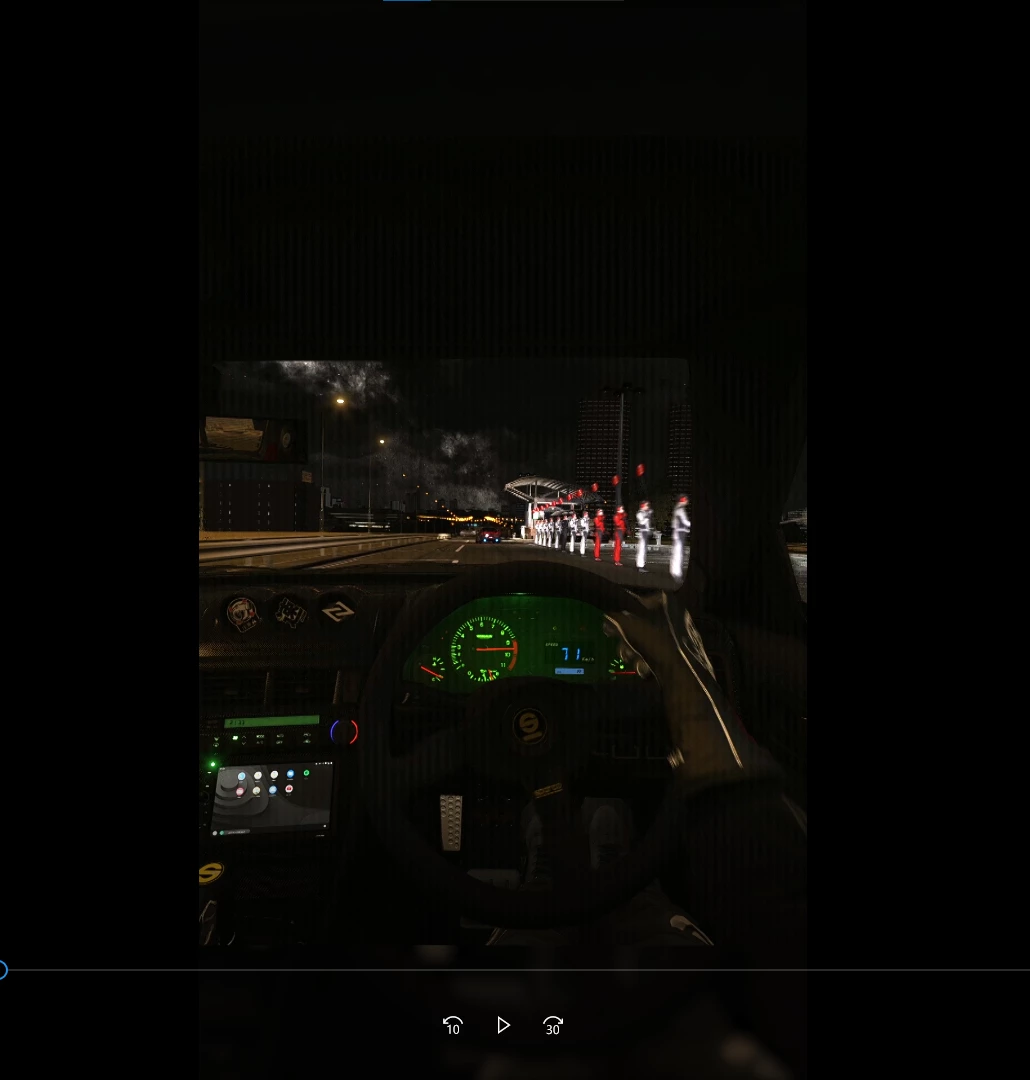
Vertical lines appear while playing the video in premiere and when I export the video the lines increase. But when it is paused you don't see those lines. The recording is fine.
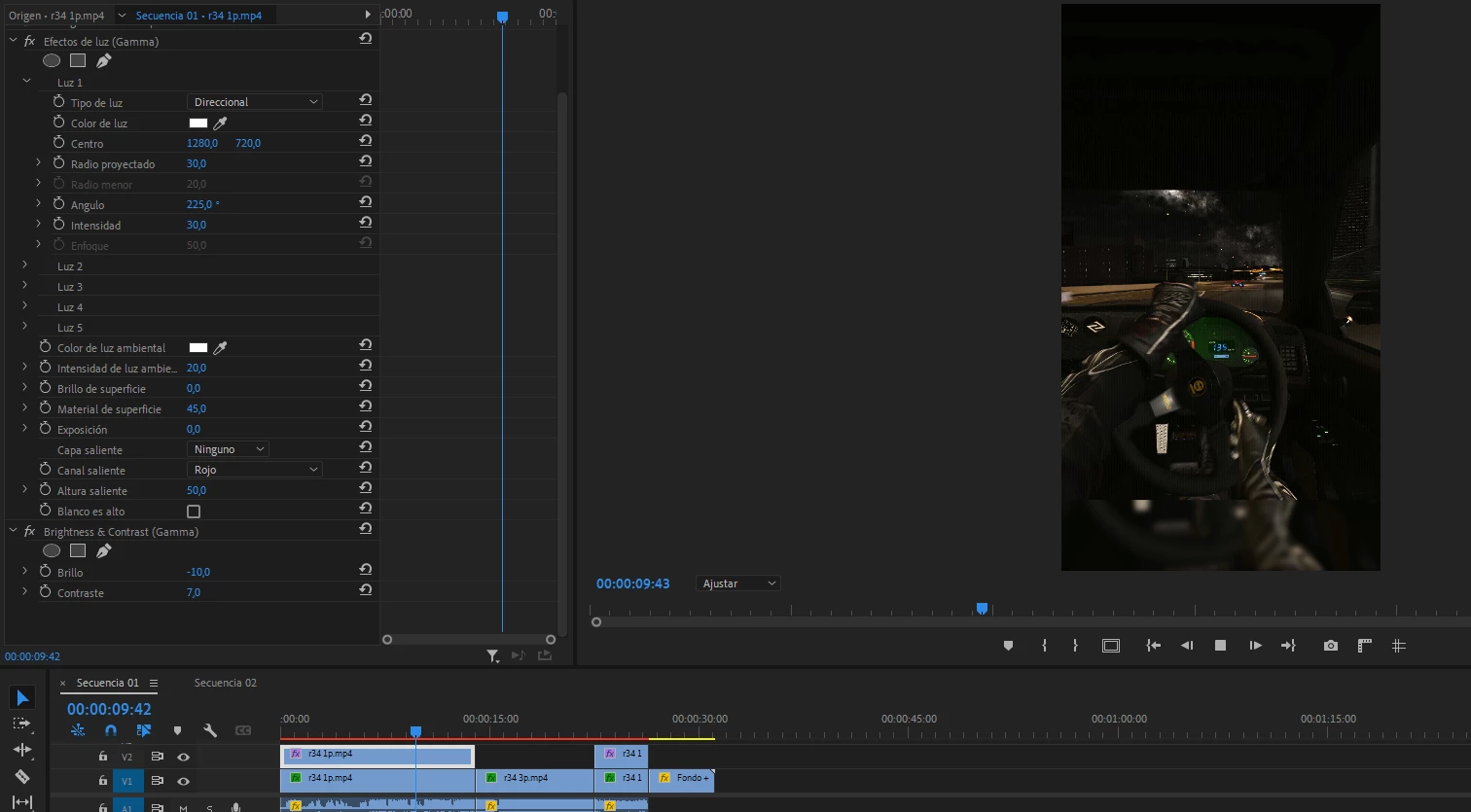
Encountered this issue today as well. Vertical lines appearing randomly across all footage in the preview window, which never were there before. Running latest version of Premiere Pro 2023 and the latest video card drivers (RTX 4090 video card). The lines go away if I switch from CUDA to OpenCL... but then the performance abysmal by comparison. I would also like a fix for this issue...
I hope you're well. I didn't hear back from you about whether you are still experiencing this issue. I'll move this post to the discussions forum while I await your response.
Thanks, Kevin
Kevin Monahan - Sr. Community and Engagement Strategist – Adobe Pro Video and Audio
This is what saved me. Just means playback is super slow but hey ho. Was on a job where the edit had to be submitted 2 hrs after shooting and this happened, thanks for that Adobe, nearly seriously did me there.
I had the same problem - after months of editing without any problems my Proxies are suddenly plagued by being grayed out with distinct vertical lines -- The original footage is fine. I 've redone the proxies several times, even tried a lower setting ( changed from the Quicktime / Prores Mid 1280x720 size choice ). Went through all my NVIDIA driver settings and followed suggestions for best Premiere Pro settings in NVIDIA Control Panel. Nothing changed. I see quite a few people developed this problem the same time I did. I am on the last version of 2023, as 2024 completely crashed on me and the Adobe tech told me to go back to 2023. I have powerful new windows 11 PC and a RTX 4070 with lots of RAM memory. Help if you can please.
Hi Kevin, I've faced this issue with multiple projects with multiple camera footage types, and have found commonalities to help you guys locate the issue:
Only happens with Premiere 2023, I also have 2024 installed and not getting the issue there if I version-up (can't do this due to CC 2023 compatibility required by client)
Only happens with proxies for me, not the full-res media. Used the ProRes proxy presets, so nothing custom.
Lines are vertical, not horizontal, so it's not a interlaced/progressive issue.
When paused, regardless of full/half/quarter paused resolution the lines appear, lower res just blurs them together but getting half the luma... but during playback, regardless of playback resolution, the lines aren't appearing for me. They also don't show up in the render in my case, just a proxy issue.
Also getting inconsistent issues where sometimes the lines show when paused in the Program monitor but not the Source monitor, and sometimes it's vice versa and lines show during playback and go away when paused in the Source monitor. Same footage source format, same proxy format, just sometimes closing the project/re-opening moves the bug from one monitor to the other, or on both. And sometimes in the Source monitor I get the lines both during playback and paused, wheras the Program montitor for the same clip on a timeline might only show lines when paused instead of playback.
I tried Cineform proxy preset, which removes the lines issue when paused, but then during playback everything is tinted red, as though a tint effect was applied and the blacks were tinted red and the whites were left as white.
The ONLY workaround I've found so far is setting the Renderer to Software Only in Project Settings, but this is not a fix, as I'm bypassing my GPU.
So my conclusion is something is bugged with Adobe 2023 that was fixed for 2024 (I can't use 2024 with this client since I need to match their version) regarding GPU Acceleration/CUDA displaying proxies when paused. It's not a system issue as I saw others using Macs, and I'm on a brand new custom-built PC with 192GB RAM, a new GeForce RTX 3090 GPU, new i9 processor, etc., and working off an M2 SSD so there's no hardware issues. Had the same problem on my last rig with lower specs.
Hope this info helps find the bug to patch the 2023 version, as I'm sure others also have to use last year's version for clients that require projects to be CC 2023 compatible.
Had the same problem pop up after an update. In my case, it was a CUDA issue. I changed from CUDA to OpenCL in Project Settings and it cleared right up.