Participating Frequently
May 14, 2023
Question

Stretched Footage with Green Bottom on M1 MacBook Pro MXF Files

  • May 14, 2023
  • 1 reply
  • 1452 views

Hello,

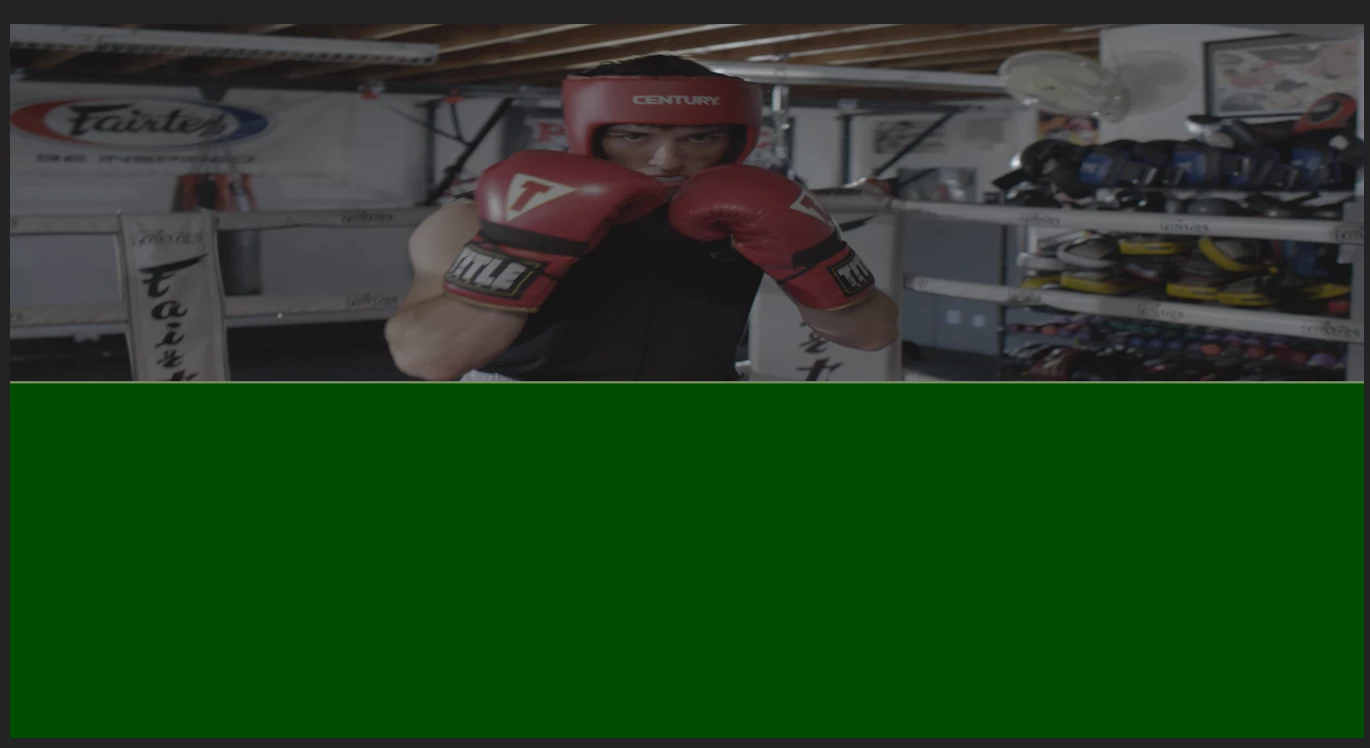
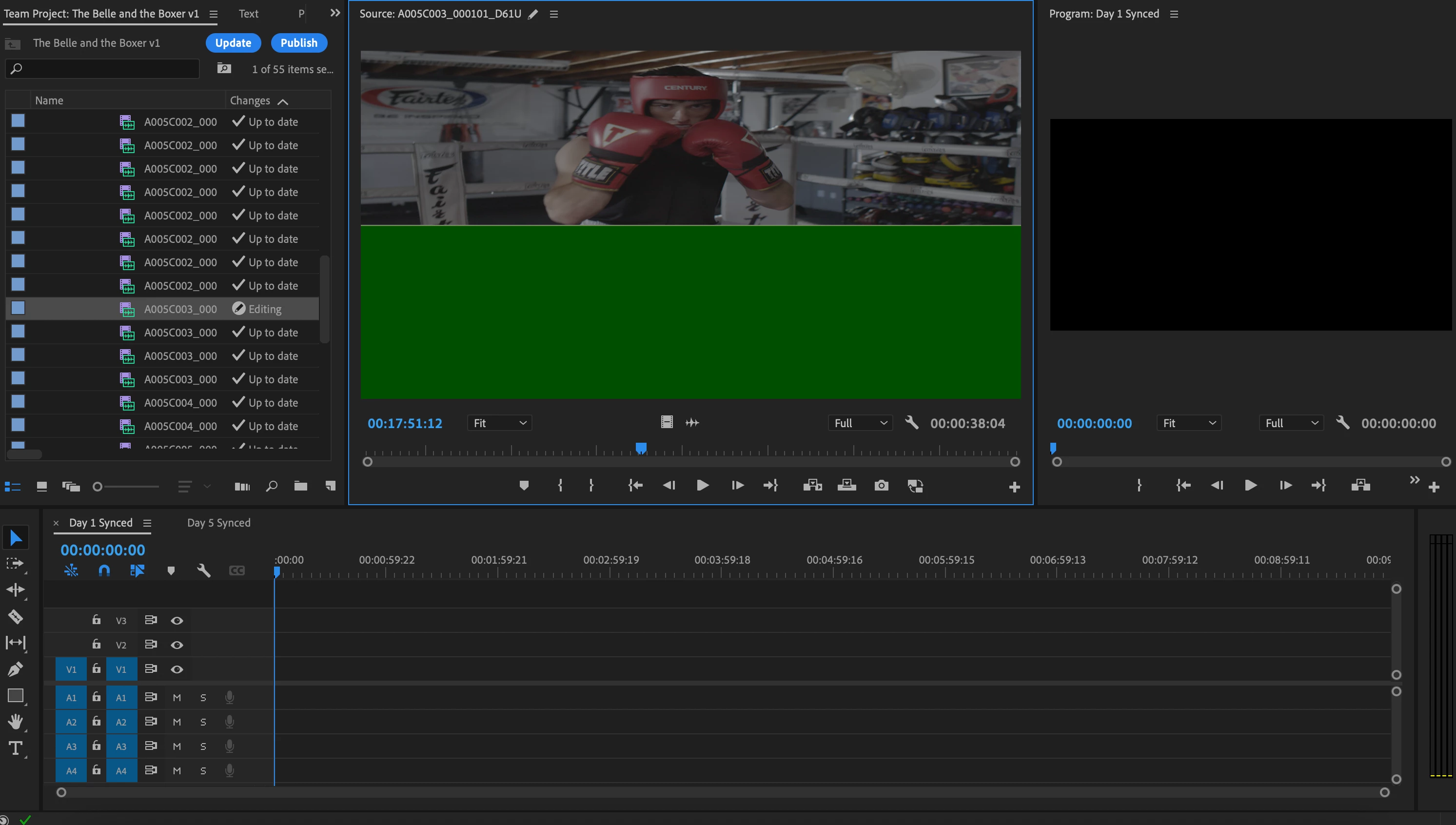
I tried importing my MXF files into Premiere and when i did they all looked stretched and had a green bottom half (image attached to this post). I dont know whats wrong with the footage. I tried on two different peoples computers and the footage on Premiere for them was fine. They had the latest update and so do I. I tried reinstalling Premiere, I still have the problem. I put the footage into Davinchi on my computer and it looked fine. I tried making it into Apple Pro Res, it was still glitched.

Please Help
 

This topic has been closed for replies.

1 reply

Legend
May 14, 2023

can you tell us what kind of camera it was shot on?  There have been issues with material shot on various sony cameras that you needed to override the color space to rec709, but that's not how the problem manifested...  How did you "make it"into prores?  And Please tell us your system specs: OS version, Premiere version, amount of RAM, Hardware specs including graphics card.  

Participating Frequently
May 15, 2023

It was shot on a Panasonic Vericam. I used media encoder to make it pro res, but i did that with one clip just to test if that was the problem and it wasnt. I am using a 2021 MacBook Pro 16gb ram, 8 Core Processor M1 Chip, For Graphics: 14 Core GPU 15 W Rosetta 2, It is on Mac OS Ventura 13.3.1 (I am running Premiere Pro 23.4)