
Participant
June 7, 2022
Question

Stretching video?

  • June 7, 2022
  • 3 replies
  • 755 views

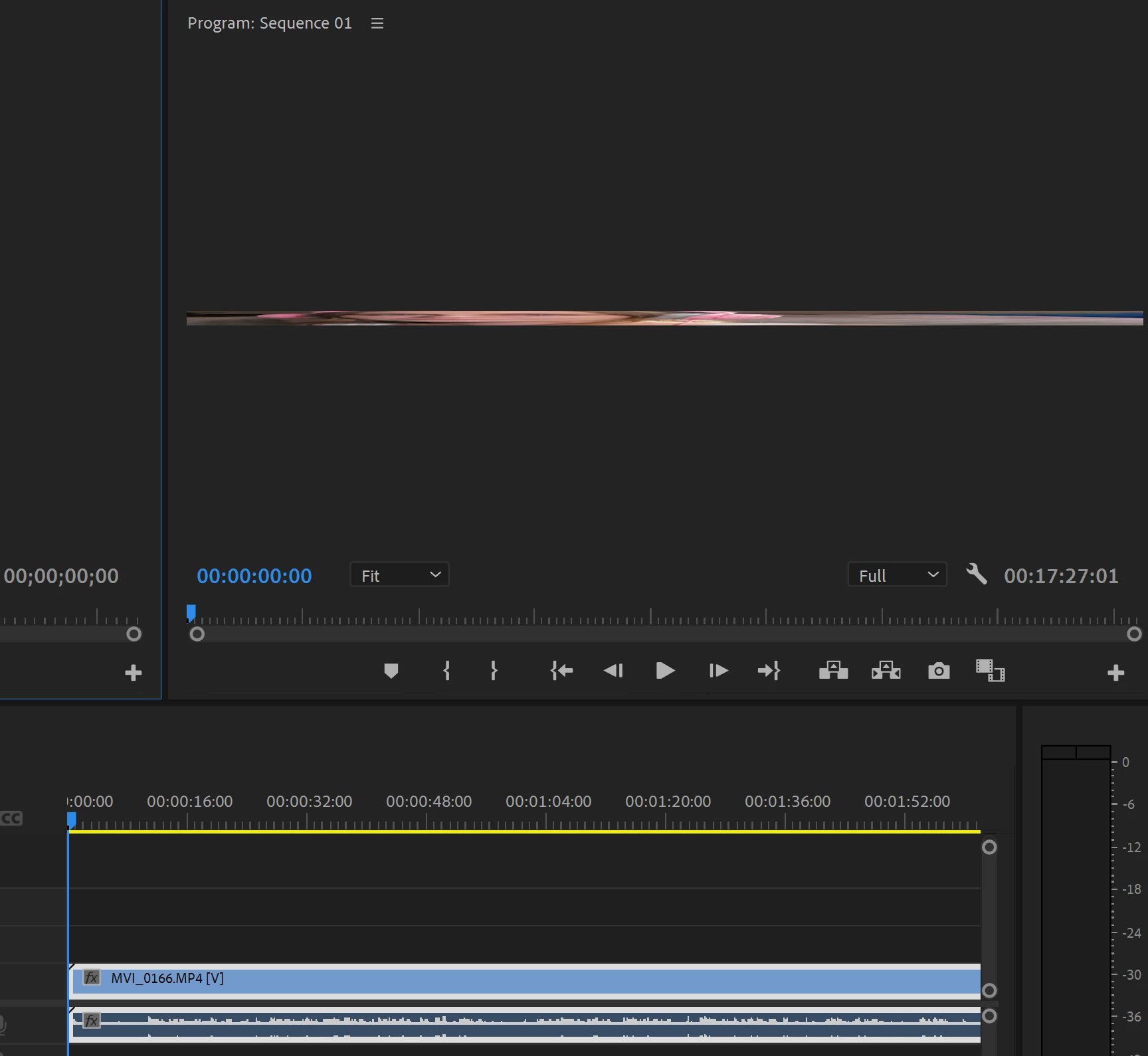
I am very new to premiere pro, like today. I imported a video into a sequence and its super stretched out. I have been searching for hours on how to fix this but i have no idea. i know for a fact my video is good, because i was editing on davinci resolve but i switched today due to lag. added a picture to show what i'm talkin about. if anyone has any good advice please let me know. im so lost. 
 

This topic has been closed for replies.

3 replies

Peru Bob
Community Expert
Community Expert
June 8, 2022

This may be the issue:

Participant
June 8, 2022

thank you. i downloaded it on my laptop and it is working just fine. if i redownload if back on my pc i will definately check that out. 

Peru Bob
Community Expert
Community Expert
June 8, 2022

What are the sequence settings?

What are the media properties?

Participant
June 8, 2022

I have attached the here. 

Community Expert
June 7, 2022

Very odd. I'd start by resetting preferences:

  1. Hold down: Alt/Options on Mac or Alt on (Windows).
  2. Keep holding down the Alt key, and click on the Premiere Pro app icon to open it.
  3. In a few seconds, it asks you “Are you sure you want to reset your preferences?”. Click OK.
Participant
June 7, 2022

that didn't work. when i go to import my video it shows the preview as it being like that.

Community Expert
June 8, 2022

it shows the video like that in the Project panel (where it gets imported)? What happens if you double click it? It should then open up in the source panel... does it look okay in the source panel? If so, drag the video into an EMPTY sequence. The sequence settings will then be set to the same settings as the video you drag in.

Hope that helps.

mark

headTrix, Inc. | Adobe Certified Training & Consulting