
Participating Frequently
May 27, 2022
Answered

Suddenly can't import video clips to premiere pro

  • May 27, 2022
  • 3 replies
  • 22379 views

Hi Everybody.

I'm a fairly experienced Premiere Pro user and have made dozens of videos, no problem. Since the upgrade to the new exporter in premiere a week ago, I'm having trouble dragging and dropping video clips into the timeline. The audio imports, but the video does not. Has anyone else had this problem? What is going on?

- I've toggled on the video tracks, so that's not the problem

- Vids I'm importing play fine outside the timeline

- an initial vid will import, but subsequent ones won't.

Thank you anyone who can offer some help!

Kate
    Correct answer Ann Bens

    Reset your workspace.


    3 replies

    Participant
    April 24, 2024

    @R Neil Haugen saved the day yet again. Thank you

    R Neil Haugen
    Legend
    May 27, 2022

    Simple ... you don't have the Source target set for video ... note the far-left blue block that says A1?


    You need a video track above it set in blue also. So click on the gray block for V1 there.


    as at the current time, Pr thinks you're telling it you only want audio, no video.


    Neil

    Everyone's mileage always varies ...
    Participating Frequently
    May 27, 2022

    Hi Neil

    Thank you so much for this!

    Somehow I never had to do that before but clearly pp was making it happen. I think the upgrade has changed the basic settings somewhere.

    Really appreciate your help with this!

    Kate

    Ann Bens
    Community Expert
    Community Expert
    May 27, 2022

    The most common user error is not source patching the track.
    Solved by first opening clip in Source Monitor. Then drag/insert into timeline.


    Ann Bens
    Community Expert
    Ann BensCommunity ExpertCorrect answer
    Community Expert
    May 27, 2022

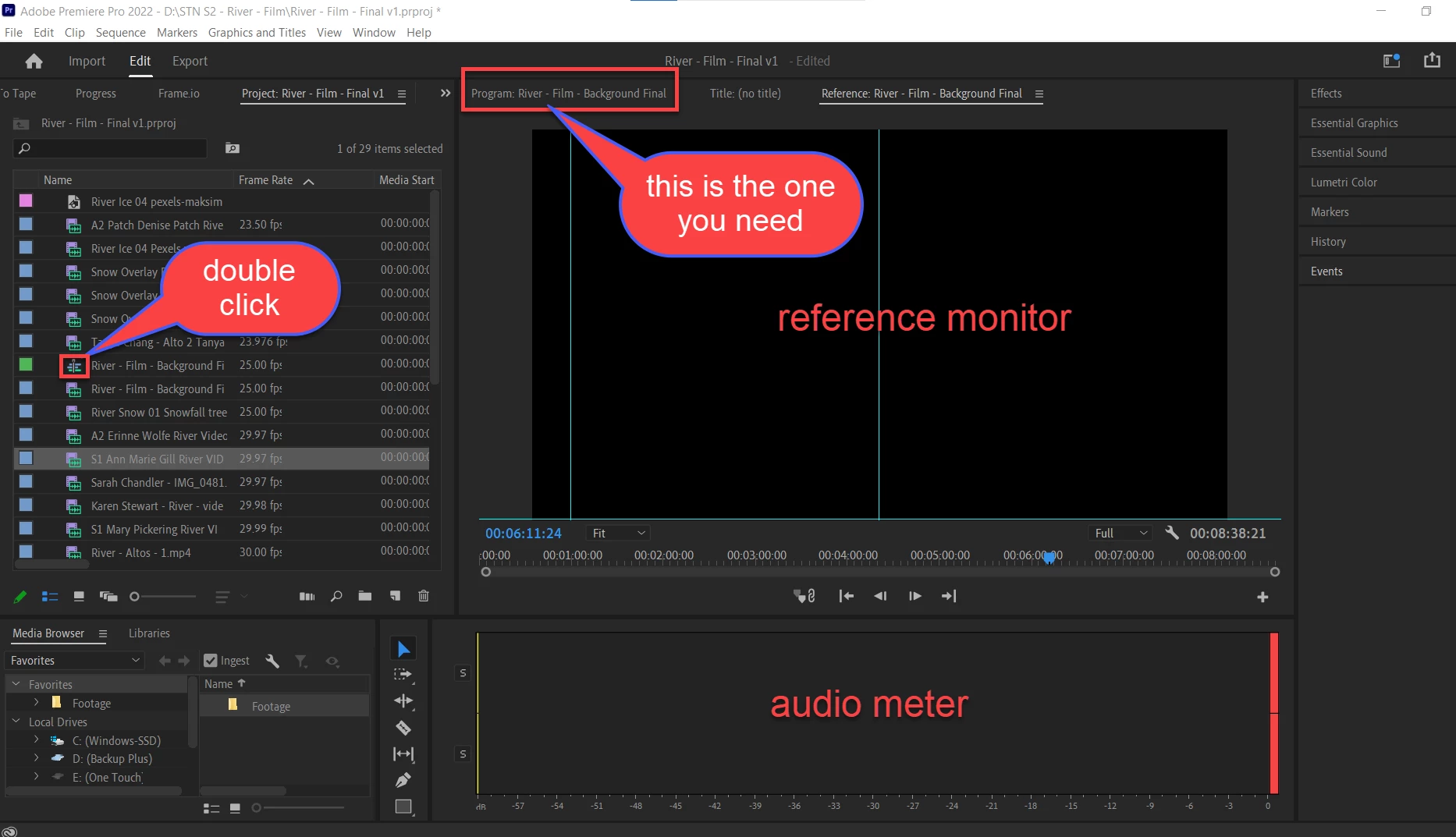
    Reset your workspace.


    Participating Frequently
    May 27, 2022

    AH! Thank you so much, Ann. I have never had to do that before and always just drag and drop to the timeline without opening in source monitor.

    I think the upgrade changed the basic settings somewhere and I didn't know that pp was previously helping me with this without my knowledge.

    Really appreciate your reply!

    Kate