
Participating Frequently
November 7, 2022
Question

Suddenly text layers not working/appearing PP2023

  • November 7, 2022
  • 2 replies
  • 1315 views

So I've opened a project this morning and suddenly I can't get any text layers to add. I drag the text tool the red box appears but when I type into it nothing works/appears. The text is in the panel but not on the screen. Have tried restrating and on new project but it's still there. Was working fine last week. 
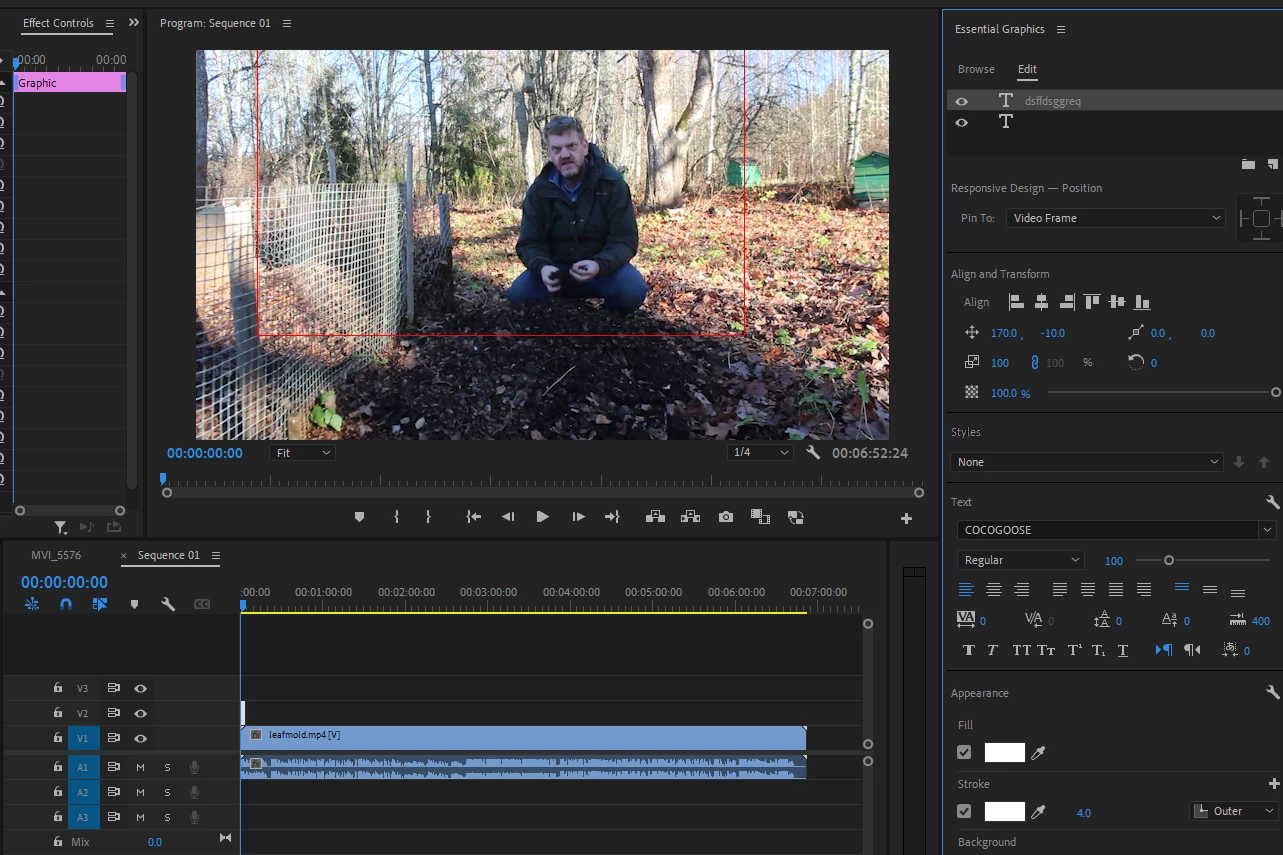
also i notice this and this doesn't look right either 
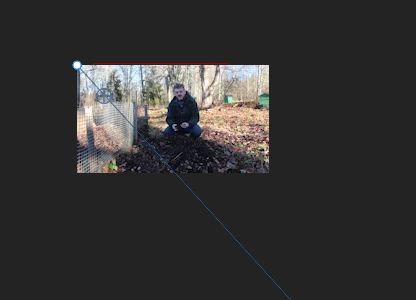
Help appreciated, thanks.


This topic has been closed for replies.

2 replies

Community Expert
November 7, 2022

What happens if, when you use the type tool, you just click and start typing, instead of drawing a rectangle and start typing (this way you make paragraph text)?

Participating Frequently
November 7, 2022

Same thng/outcome.

Ann Bens
Community Expert
Community Expert
November 7, 2022

Might be offscreen (1700, -10) ?

Post screen Effect Controls.

Participating Frequently
November 7, 2022


Kevin-Monahan
Community Manager
Community Manager
November 8, 2022

Well I've switched on this morning and the problem has gone. That was really weird and frustrating. Thank you so much for your help, hopefully it won't return!


Weird Baltic Homesteaders. A similar case happened yesterday. It looked like opacity was faded down due to responsive design, where you can make text that auto fades from zero opacity. You may want to look into that area of title creation for a potential glitch. Info here: https://helpx.adobe.com/premiere-pro/using/responsive-design-features.html


Thanks,
Kevin

Kevin Monahan - Sr. Community and Engagement Strategist – Adobe Pro Video and Audio