
Question
Text-based editing always leaves pauses behind
Every time I use text-based editing to delete all pauses, it leaves pauses behind.
I have a simple audio clip.
Here it is in the Text panel after transcribing.
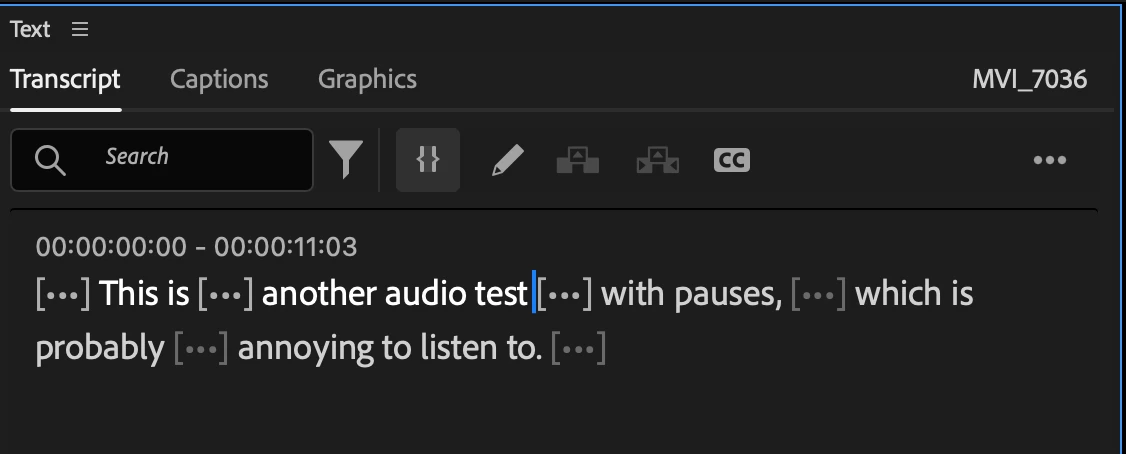
Nice. It's identified some pauses. Let's delete those!
Filter by pauses...
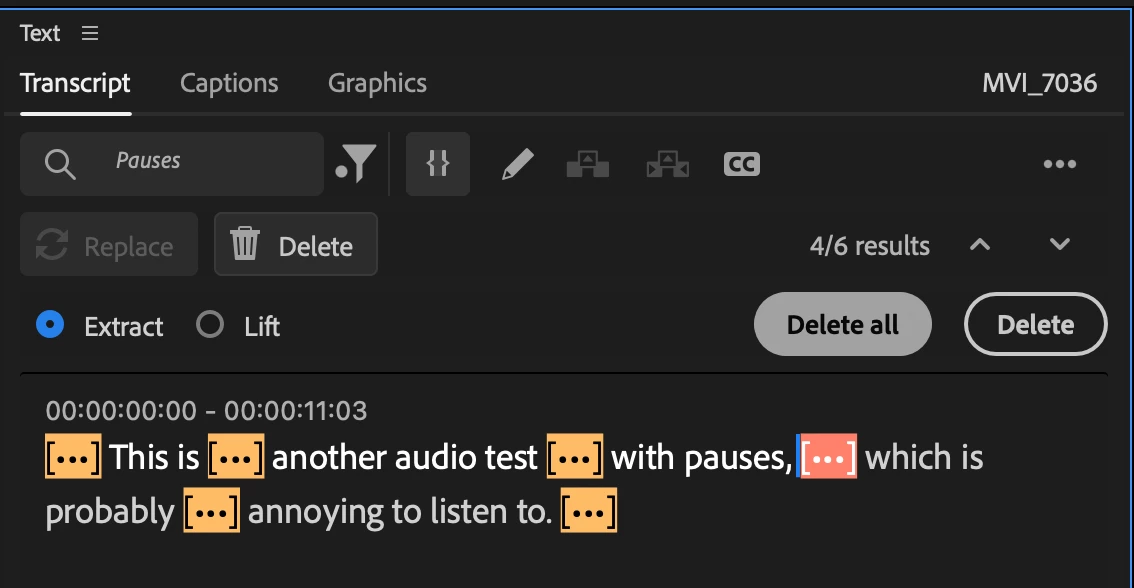
Hit delete all...
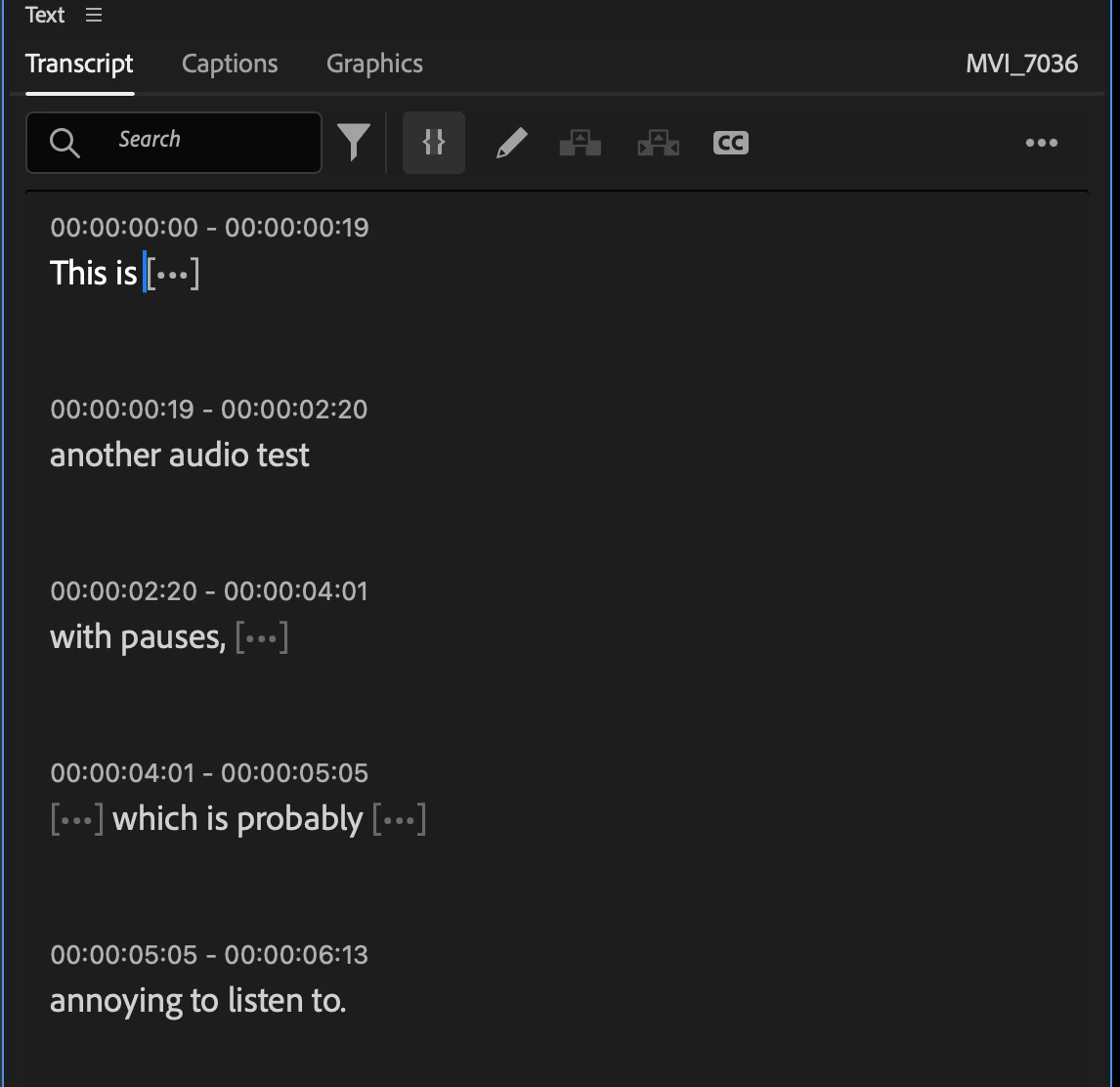
OK cool. My 11 second clip is now 6 seconds.
But wait...are there still pauses there?
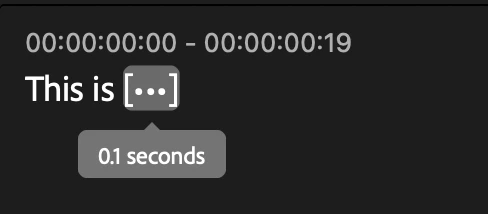
Oh...still a 0.1 second pause.
Click it and see it to see the pause in the timeline.
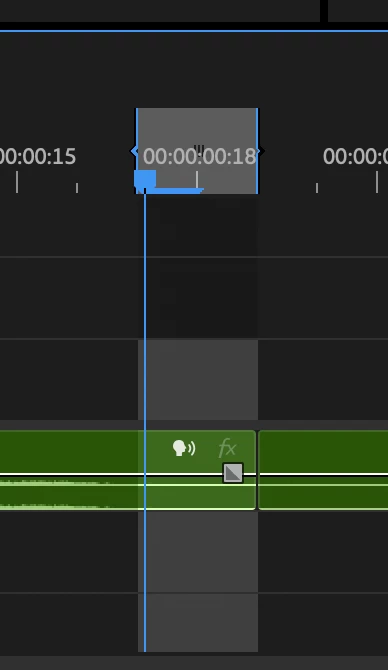
Oh that sucks!
For a long video that's a lot of manual clicking and deleting!
What am I missing?
Premiere Pro v25.1.0 (Build 73) on Mac OS 15.2
 AdChoices