Exit
  • Global community
    • Language:
      • Deutsch
      • English
      • Español
      • Français
      • Português
  • 日本語コミュニティ
  • 한국 커뮤니티
0

Text errors

New Here ,
Mar 23, 2022 Mar 23, 2022

Hey everyone,

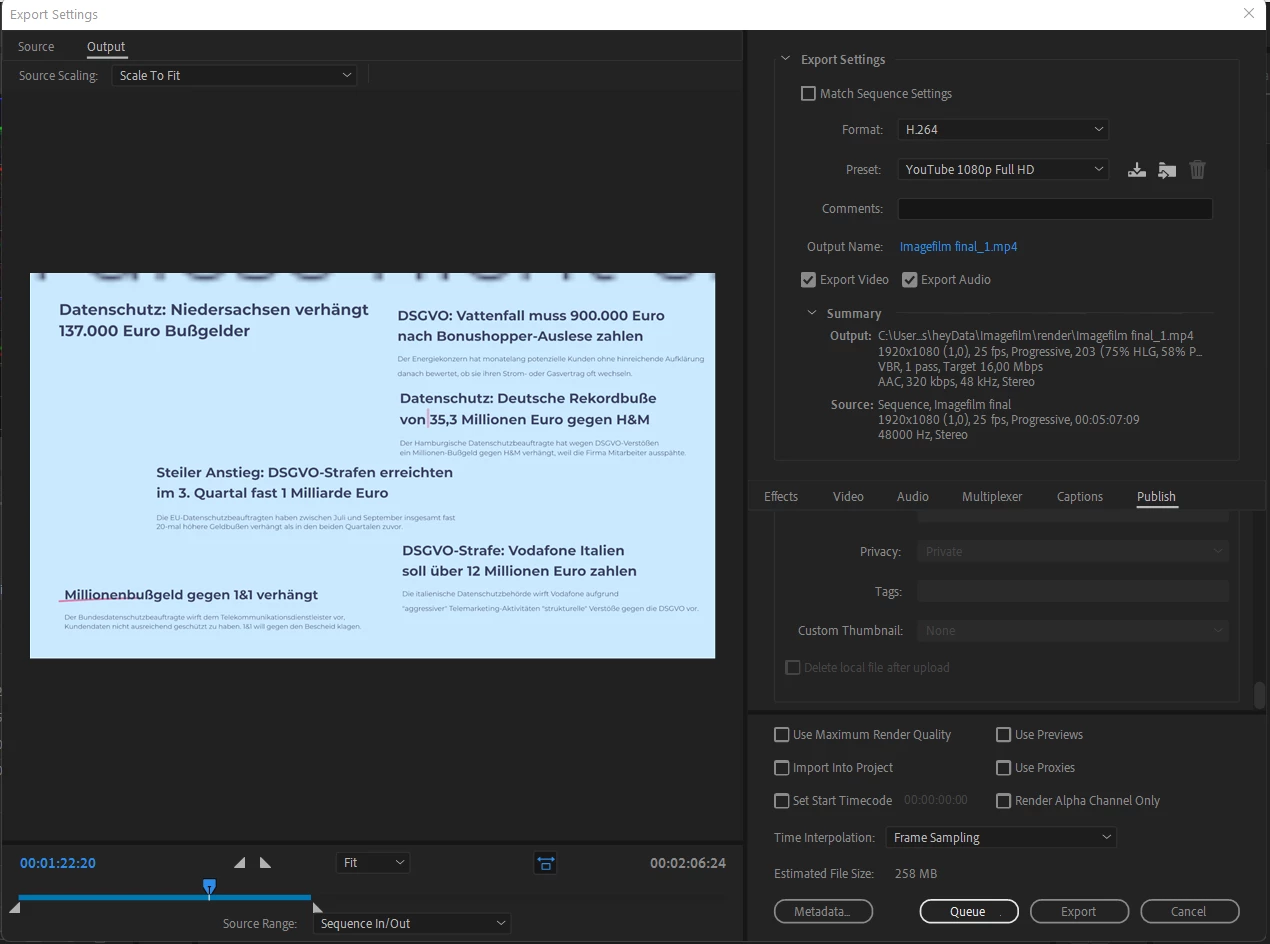
I experienced some problems with my latest Premiere Pro Project. I have this after effects composition in it which consists only of text. When I was editing, everything was still fine. After exporting, the typeface has been replaced in some instances and in others the characters have been replaced with some sort of gibberish. The gibberish replacement (for lack of a better term) now has also appeared before exporting in the next project when I changed the text in a Motion Graphic Template I created in After Effects. I've attached a screenshot of the export settings I have used - can't really make any sense out of it myself and would appreciate any help. Thank You! 🙂
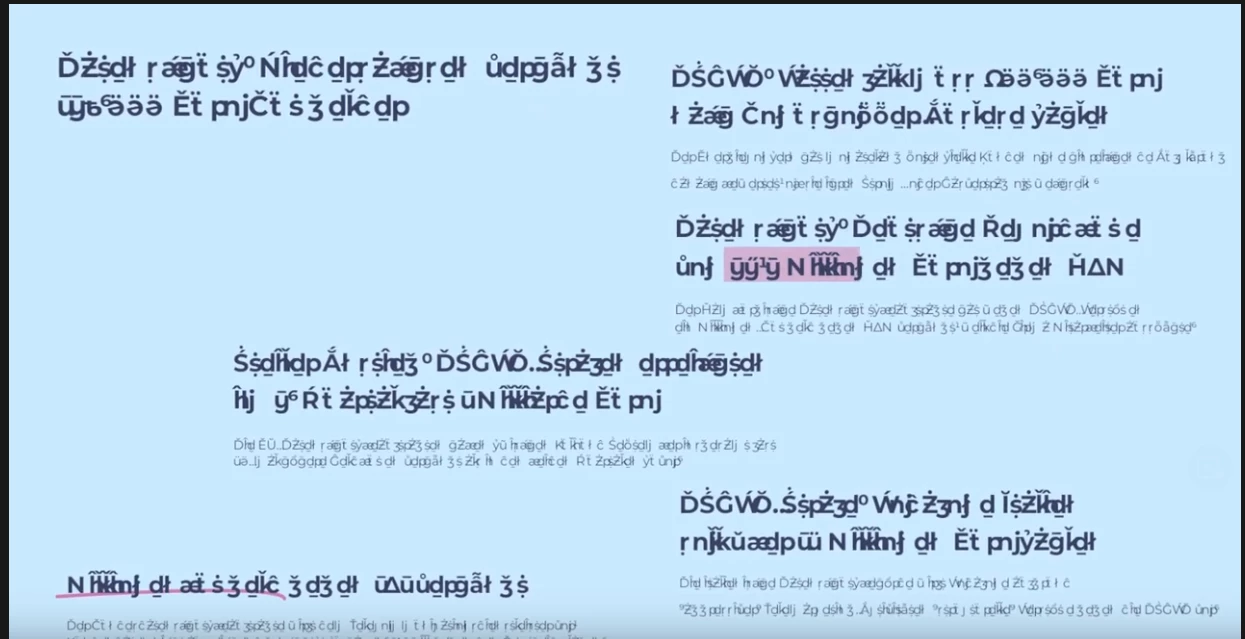
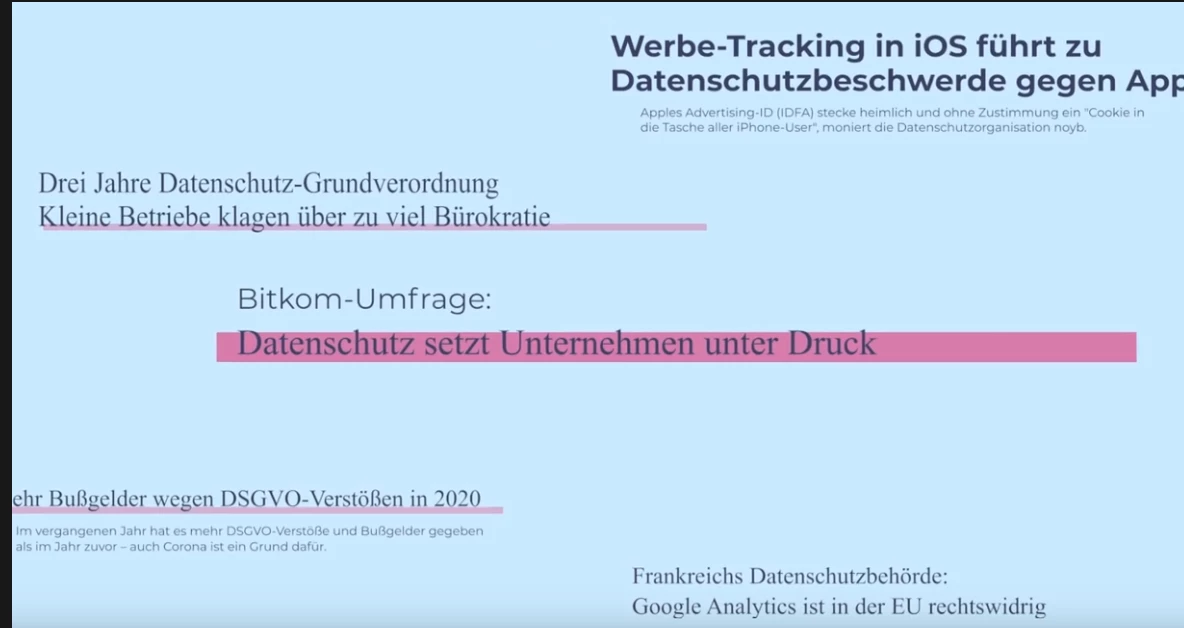
 

characters scrambled.pngFont replaced on export.png

Export Settings.png

TOPICS
Error or problem
168
Translate
Report
Community guidelines
Be kind and respectful, give credit to the original source of content, and search for duplicates before posting. Learn more
community guidelines
Adobe Employee ,
Mar 23, 2022 Mar 23, 2022
LATEST

Hello!
Hope your day is going well. Sorry for your weird fonts issue. Have you tried the replace fonts function? Choose Graphics and Titles > Replace Fonts in Projects. See how that goes and report back.


Thanks,
Kevin

Kevin Monahan - Sr. Community & Engagement Strategist – Pro Video and Audio
Translate
Report
Community guidelines
Be kind and respectful, give credit to the original source of content, and search for duplicates before posting. Learn more
community guidelines