


The Mysterious Case of the 'Scale Motion Effects Proportionally' Setting
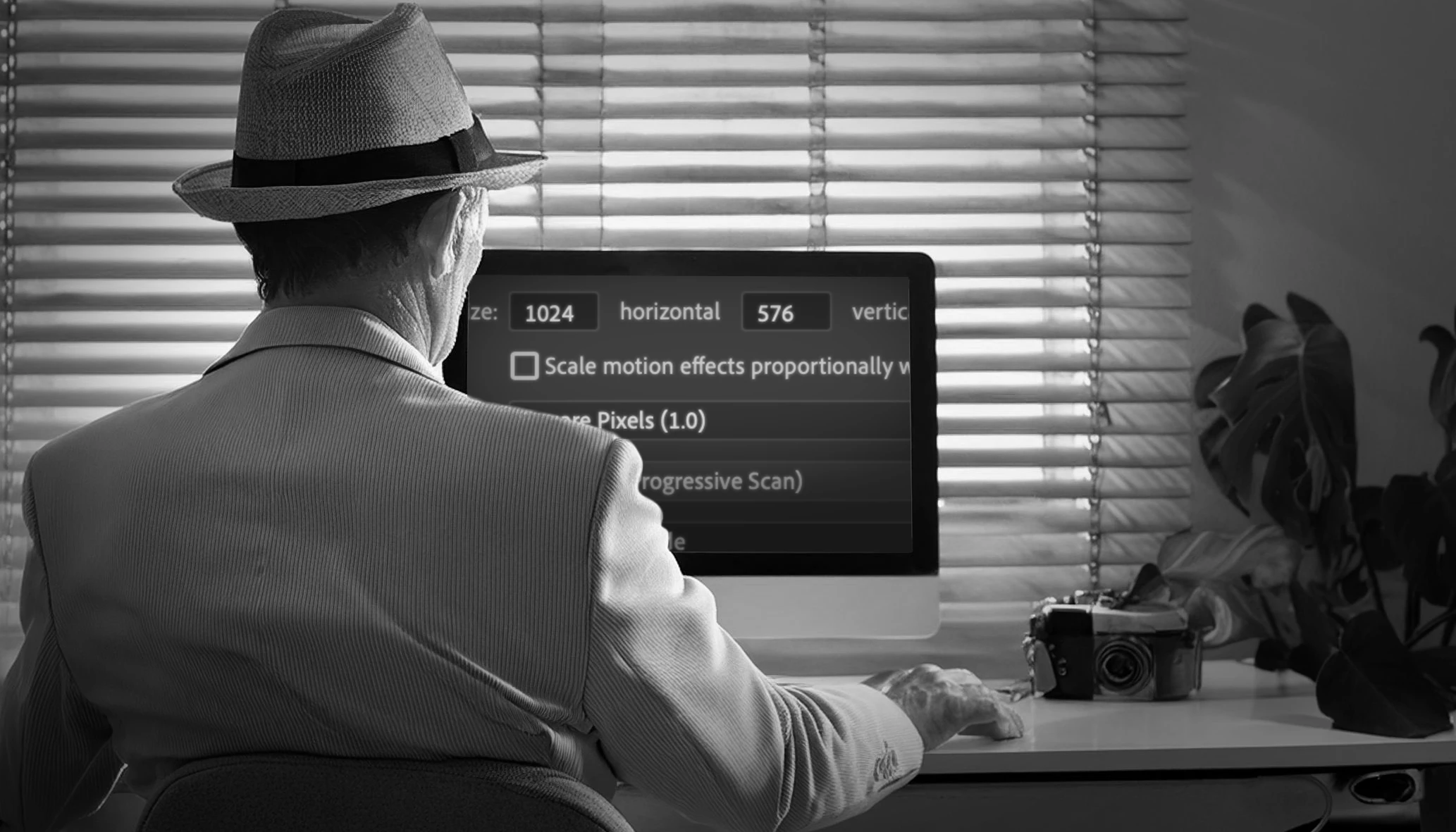
Listen up, folks.
I've been prowling the dark alleyways of Premiere Pro for decades, dodging bugs and navigating the labyrinth of settings like a grizzled gumshoe. But today, I stumbled upon a real head-scratcher: 'Scale motion effects proportionally when changing frame size.' Never needed it in the past, but today, curiosity got the better of me.
Here's the skinny. I figured if I change the frame size of a sequence—let’s say from 1080p down to 720p—and this box is ticked, the Motion settings of each clip should adjust proportionally. Simple, right? But when I put it to the test, nada. No change in the Motion settings, whether this setting was on or off. That’s when I knew I had a real mystery on my hands.
I went snooping around Adobe’s Premiere Pro User Guide, and the Change Sequence Settings page seemed to throw some light on the matter, but not much:
"Allows the user to scale the motion effect while changing sequences. A standard film workflow involves black bars on the top and bottom sequences. These black bars display the project data like timecode or clip name. You can alter the sequence without damaging the clip when this information isn't required."
The first sentence seemed to back up my hunch. But then they start talking about black bars and project data. What's that got to do with Motion effects? And this bit about "damaging the clip"? Makes about as much sense as a screen door on a submarine.
I knew I'd have to dig deeper, so I traced this setting all the way back to its oh-so-glorious debut in version 13.1, April 2019. According to the new features announcement:
"Premiere Pro now scales sequences proportionally by default. This supports workflows where the sequence is resized but the format is not changed. If you need absolute frame positioning, you can select that option in Sequence Settings. Absolute scaling is useful for projects where sequences need to be reframed while maintaining image positioning."
So, sequences should scale proportionally when the frame size changes, right? And if you uncheck this option, it should revert to absolute scaling. But here’s the kicker: Premiere sticks to absolute scaling no matter what you do.
But then, the truth hit me like a freight train: this checkbox is not a sequence setting at all. After I poked around the XML code in the project file, I saw zero difference between sequences with this setting on or off. And if you have two sequences, tick one on, one off, next time you check, they’re both off. It's been hiding in the Sequence Settings all this time, masquerading as something unique to the selected sequence, but the truth is, this checkbox is really a system setting.
Yet, even after unmasking its true nature, I'm still left in the dark.
So, here I am, scratching my head and wondering:
1. What does this setting actually do?
2. Is anyone out there using it?
I’m all ears for any leads you can throw my way.
Stay sharp,
Paul
 AdChoices