Inspiring
January 26, 2021
Answered

timeline moves; rather the playhead moves

  • January 26, 2021
  • 1 reply
  • 2406 views

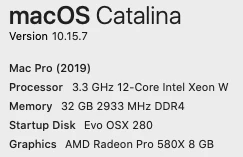
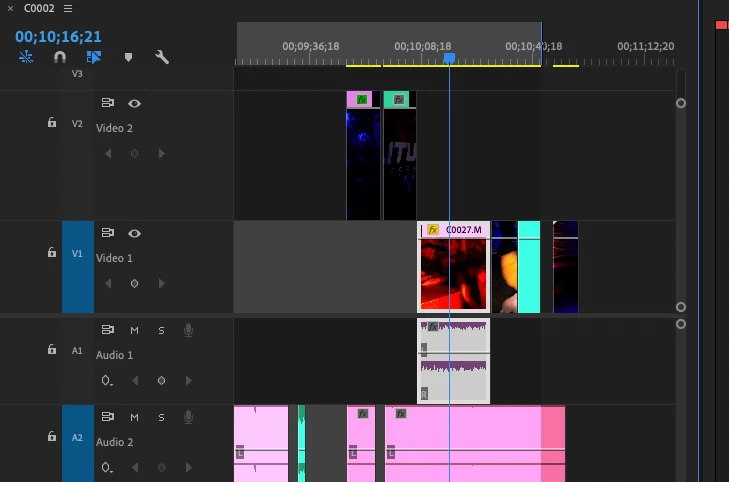
During playback, the timeline moves while the play head stays in the middle.

I'd like the play head to move and I control where the timeline is.   How please?

Thanks anyone


This topic has been closed for replies.
Correct answer Kevin-Monahan

Hi Steve,

Sorry about that. That's a preference you can change in Preferences > Timeline. Set Timeline Playback Auto-Scrolling to Page Scroll. Sounds like you're set to Smooth Scroll, currently. Let us know if that worked for you. 


Thank You,
Kevin

1 reply

Kevin-Monahan
Community Manager
Kevin-MonahanCommunity ManagerCorrect answer
Community Manager
January 26, 2021

Hi Steve,

Sorry about that. That's a preference you can change in Preferences > Timeline. Set Timeline Playback Auto-Scrolling to Page Scroll. Sounds like you're set to Smooth Scroll, currently. Let us know if that worked for you. 


Thank You,
Kevin

Kevin Monahan - Sr. Community and Engagement Strategist – Adobe Pro Video and Audio
Inspiring
January 27, 2021

how do these things get mis set?  I've never touched that.


Kevin-Monahan
Community Manager
Community Manager
January 27, 2021

Hi Steve,

I'm going to guess it's either something you actually did touch or you have corrupt preferences. There's not really any other explanation. You may want to reset preferences when you're between projects as a troubleshooting step. 

By the way, as a reference, Smooth Scroll is the way Avid Media Composer scrolls the Timeline by default, so I think that's why it's included in Preferences. I usually don't use it either since my Avid chops are long gone. 


Glad it helped, though.

Thanks,
Kevin

Kevin Monahan - Sr. Community and Engagement Strategist – Adobe Pro Video and Audio