
Timeline Name different than Project Panel
Hey Adobe peeps. So, I started an editing project and started cutting first before labeling all my clips, and now have a full timeline of unlabeled clips. Later on, I decided to rename the clips in the project panel based on the slate of the shot (Scene 1 take 1, for example).
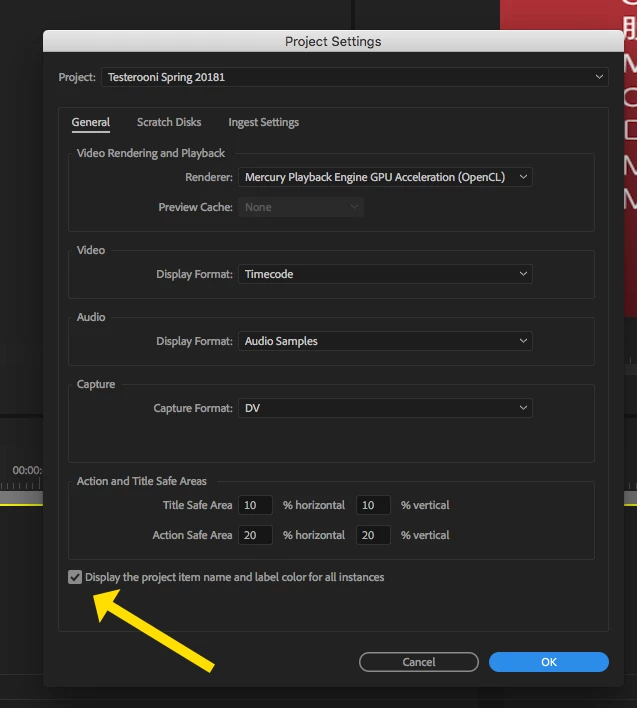
Well, in the timeline their names don't update. They are still the original source file name as they appear on my hard drive. I realize this is a feature, and not a bug. But how do I update the clips in the timeline to their new respective names in the Project Panel without having to do it manually, individually, so that I can see which Scene number and take number I am using without having to "right click > Reveal in Project"?
I tried offlining the media and relinking it, but that didn't do anything for me. I don't even know what to search for to find a solution. Thanks in advance!
 AdChoices