Copy link to clipboard
Copied
Copy link to clipboard
Copied
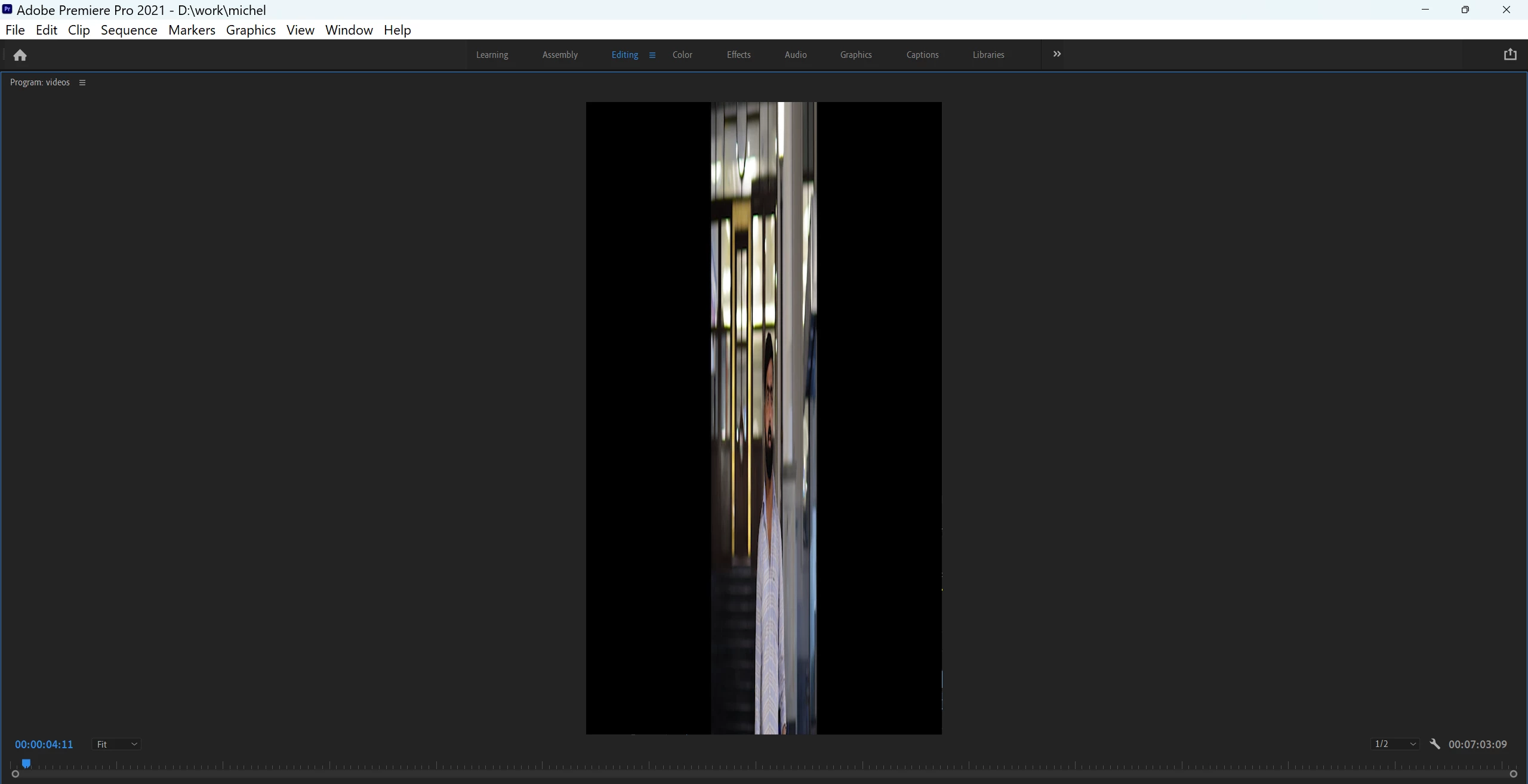
To correct the aspect ratio of your video:
1. Select the clip in the Project panel.
2. Go to Clip > Modify > Interpret Footage.
3. Under Pixel Aspect Ratio, choose Conform to and select the correct aspect ratio for your clip.
For more detailed information, you can refer to this guide: Correct Aspect Ratios in Premiere Pro.
Cheers,
Paul
Copy link to clipboard
Copied
Check the settings of the Preview codec in the sequence settings.
Get ready! An upgraded Adobe Community experience is coming in January.
Learn more