edit58989569
Inspiring
July 6, 2023
Question

Track, Matte, Key - Changing Graphic/Shape Position

  • July 6, 2023
  • 3 replies
  • 1356 views

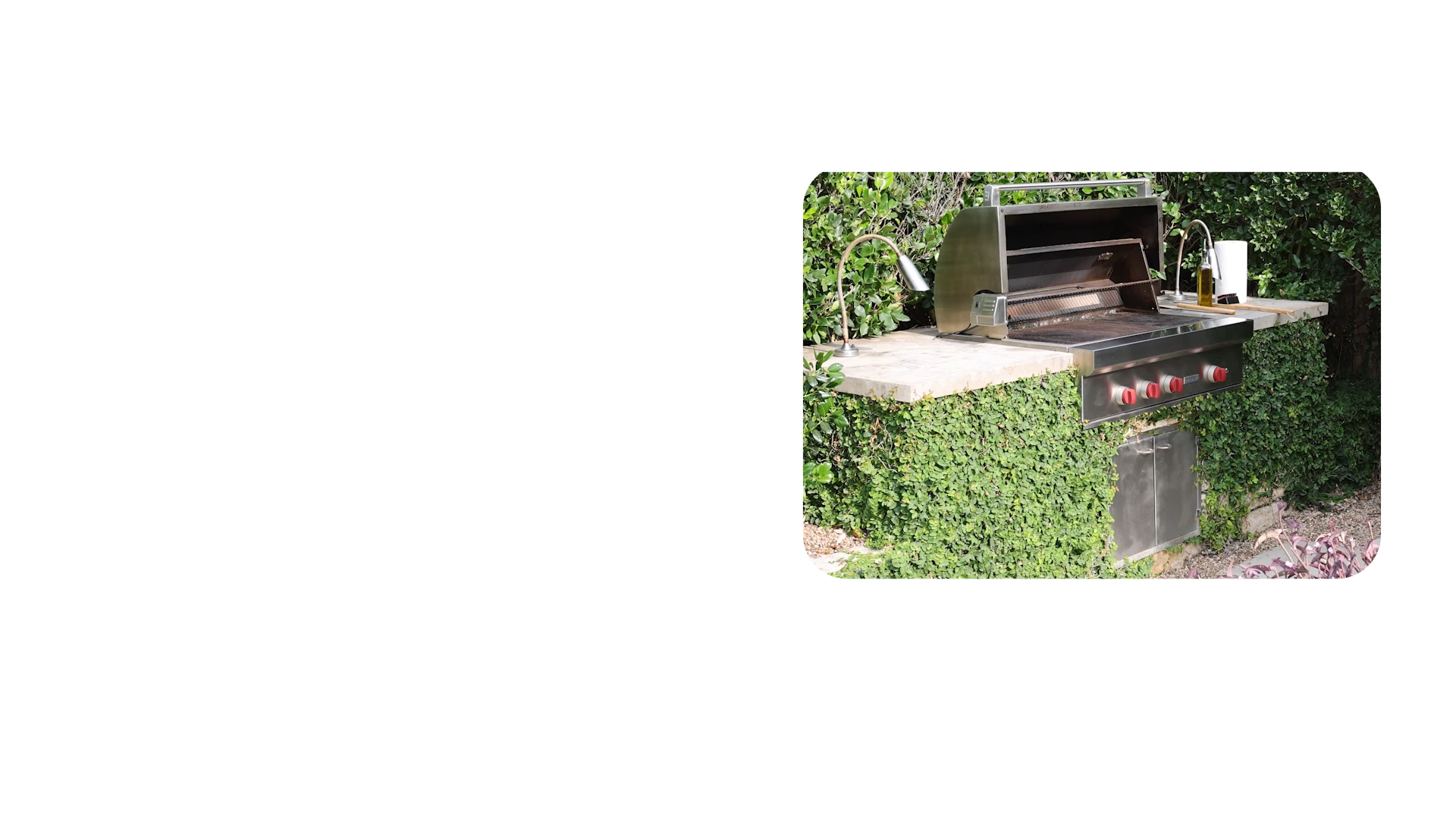
I created a shape/graphic and centered it. I nested my clip, then applied the track matte key to my clip with the shape/graphic layer as the matte. When the matte is applied, the image moves up and is no longer centered. How do I keep matte centered? 
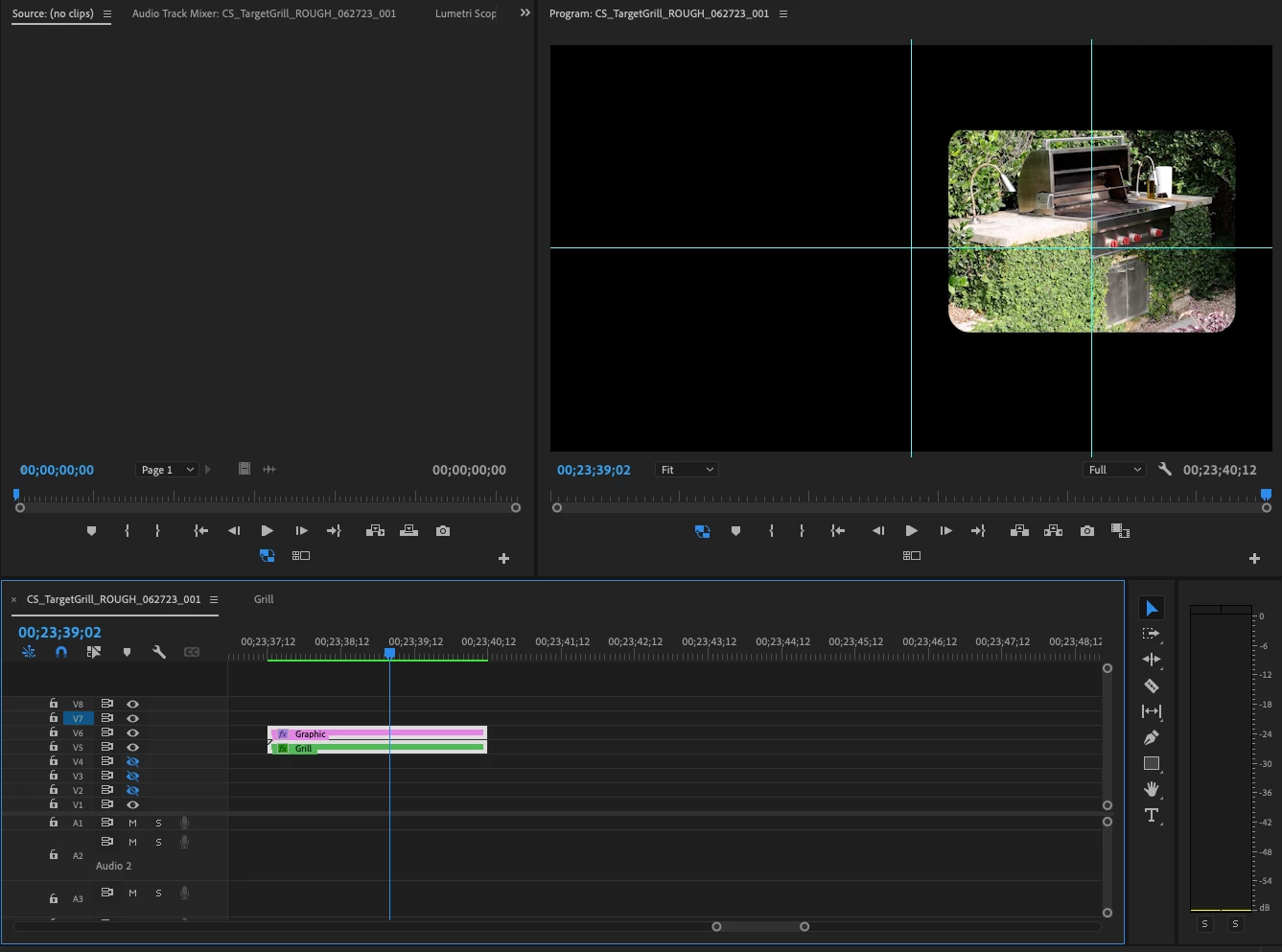


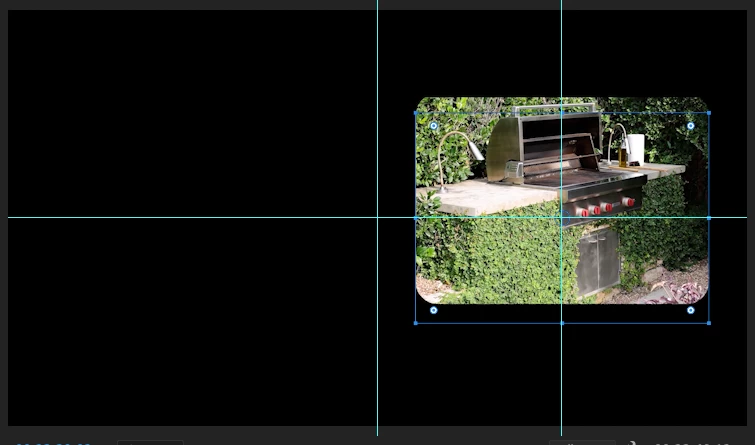
You can see the shape/graphic layer outline and the video above it here: 
 

This topic has been closed for replies.

3 replies

R Neil Haugen
Legend
July 9, 2023

As Ann's pic shows, and I mis-wrote ... sorry! ... you can use the clip in the graphic then mask with shape above the clip in the EGP layer stack.


Exactly as Ann's pic shows.


Neil

Everyone's mileage always varies ...
edit58989569
Inspiring
July 9, 2023

Ahhh I see. How do you get the clip in the essential graphics panel?

R Neil Haugen
Legend
July 9, 2023

At the lower right of the Layers part of the EGP is the "new item" icon.


From that you select text, shape, or importing images which can also be video clips.

Everyone's mileage always varies ...
Ann Bens
Community Expert
Community Expert
July 7, 2023

There is no information on sequence settings graphics settings!!

Your images are off centre to begin with (even the screenshots in the forum are off centre)

Open image in Ps and center.

make the bbq image without any background.

I hardly use track matte anymore instead I use the EGP.

Draw shape in EGP.

Add image.

Check mask with shape.

Both shape and image are independently keyframeable.


edit58989569
Inspiring
July 8, 2023

What did you mean by "There is no information on sequence settings graphics settings!!" @Ann Bens 


The image is meant to be centered on the right 50% of the screen. My issue was the shape/graphic was the postion upward even with the clip nested and then track/matte/key applied. 


How do you mask a video clip with a essential graphic/Shape layer? 

Ann Bens
Community Expert
Community Expert
July 9, 2023

@R Neil Haugen That didn't work with a video clip. I'm on 23.5 


I can do that with text layers and shape layers in the essential graphics panels. 


Of course it will work with a video clip too.

edit58989569
Inspiring
July 6, 2023